



Can I use this site for free?
The currently published tools are available free of charge.
Mr. Tools
Use browser-based tools for image conversion, text formatting, developer support, and more right away.
A set of image tools for everyday work, including conversion, compression, and cropping.
Remove image backgrounds in the browser and save the result as a PNG / WebP.
Open tool page
Convert PNG, JPEG, WebP, BMP, GIF, AVIF, HEIC, and SVG directly in the browser.
Open tool page
Compress JPEG, PNG, WebP, AVIF, SVG, and GIF while keeping the original format.
Open tool page
Crop images, adjust dimensions, and save the result directly.
Open tool page
Apply mosaic, blur, or solid-color fill to specific areas of an image and download the result.
Open tool page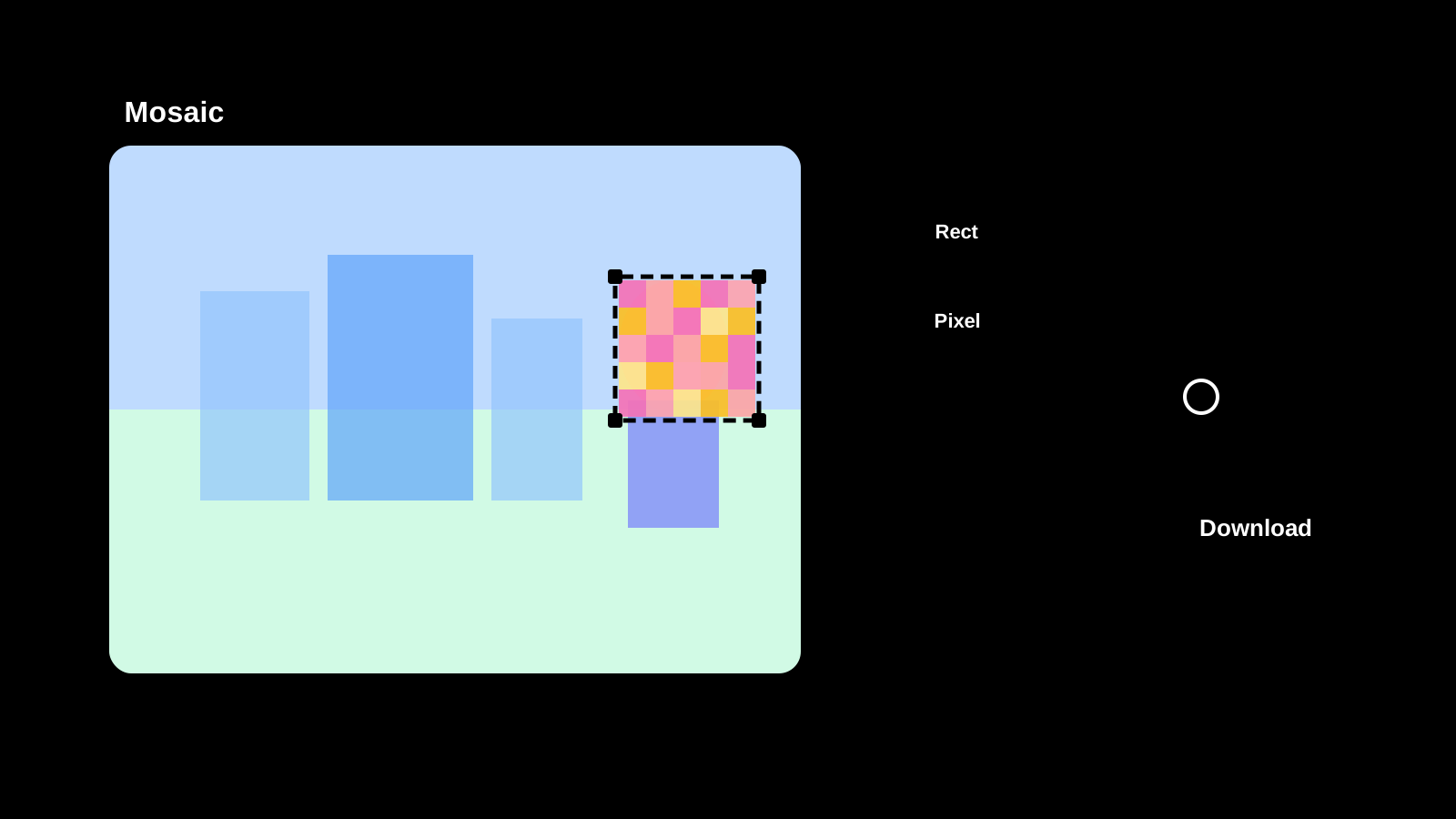
A set of video tools for browser-friendly tasks such as format conversion and lightweight adjustments.
Browser-based tools for notes, Markdown, and common encoding or text transformations.
Utilities for frequent developer workflows such as JSON, Mermaid, and Base64 handling.
Convert text to Base64 or restore Base64 text back to readable text.
Open tool page
URL-encode or decode text and query parameter values directly in the browser.
Open tool page
Format broken JSON and check syntax errors immediately.
Open tool page
Format, minify, and copy HTML in the browser.
Open tool page
Format, minify, and copy CSS in the browser.
Open tool page
Check global IP, connection status, browser, screen size, and device information in one place.
Open tool page
Utilities for design work such as color picking, color conversion, and quick palette checks.
Create deliverables such as QR codes and favicons directly in the browser.
Create favicon.ico, PNG icons, SVG favicon, and a manifest from an image or a simple logo.
Open tool page
Create QR codes from URLs or text and save them as PNG or SVG.
Open tool page
Generate strong passwords with configurable length and character types, then copy them individually or all at once.
Open tool page
FAQ
This section briefly covers what people often check before using the site.
The currently published tools are available free of charge.
Major tasks such as image conversion and cropping run in the browser. If a feature requires external communication, the screen will tell you.
Yes. The interface is designed around a mobile-friendly vertical layout.
There are tools for image conversion, text formatting, developer support, network checks, and more. You can choose from the one that matches what you want to do.