
All tools
All tools
Browse all published tools. You can filter by keyword and choose the function that fits your task.
Search tools
Search by keyword
Search published tools for images, video, text, developer support, design work, and generator tasks.
Image Background Removal
Remove image backgrounds in the browser and save the result as a PNG / WebP.
Open tool page
Image Format Conversion
Convert PNG, JPEG, WebP, BMP, GIF, AVIF, HEIC, and SVG directly in the browser.
Open tool page
Image Compression
Compress JPEG, PNG, WebP, AVIF, SVG, GIF, and HEIC. Keep the format, or save as JPEG or WebP.
Open tool page
Image crop
Choose a crop visually, fine-tune coordinates and ratio, then save.
Open tool page
Batch image crop and resize
Crop up to 20 images to the same area and resize them to a set size in one go.
Open tool page
Image Mosaic
Apply mosaic, blur, or solid-color fill to specific areas of an image and download the result.
Open tool page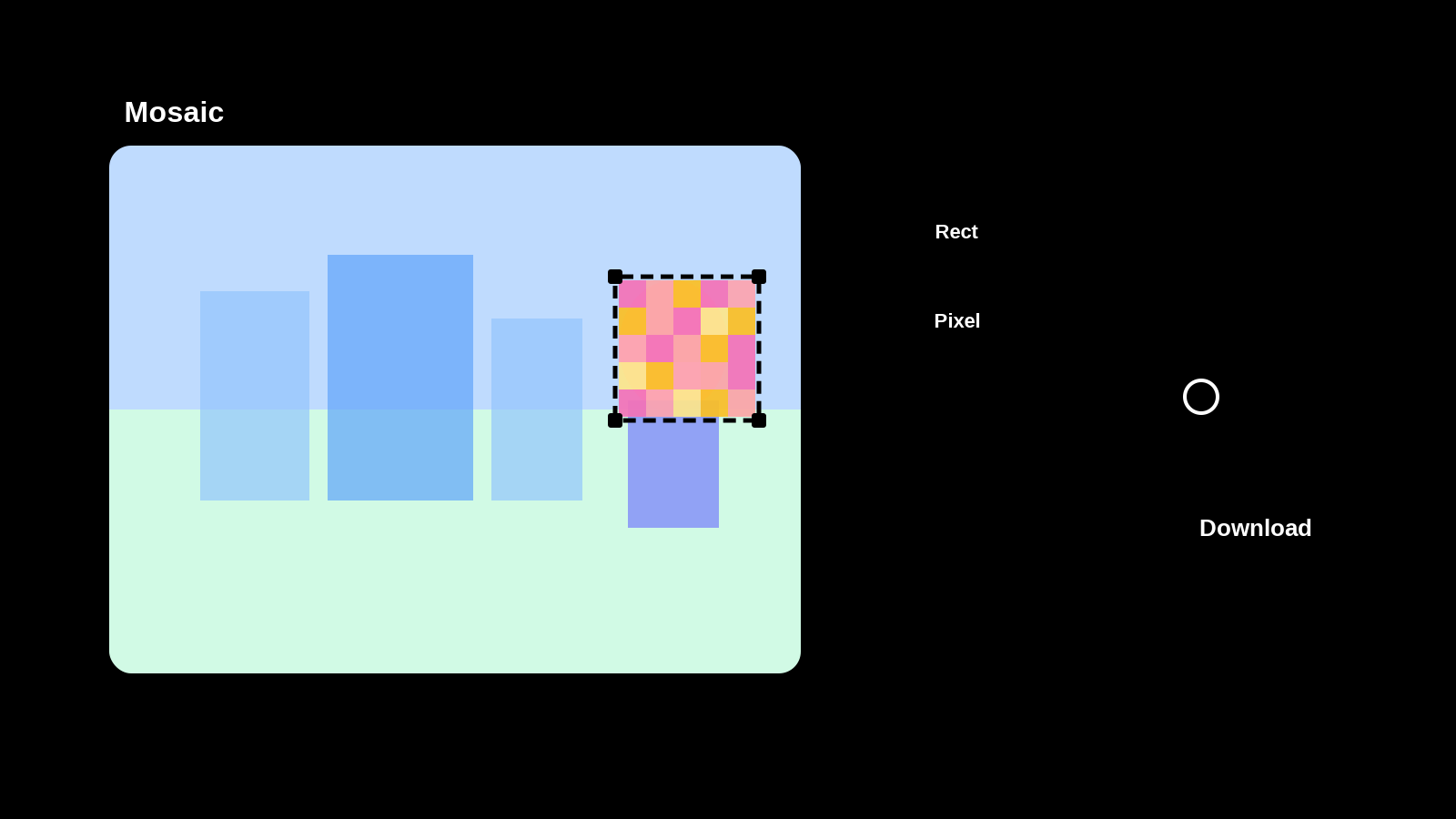
Image Editor
Edit images on a canvas and save the result for the intended use.
Open tool page
Video Format Conversion
Convert videos to MP4, WebM, MOV, or GIF and save them directly.
Open tool page
Video Compressor
Make a video file smaller. Enter a maximum size and the quality that fits is chosen from the video length.
Open tool page
Base64 Encode / Decode
Turn text or files such as images into Base64, and turn Base64 back into the original text.
Open tool page
URL Encode / Decode
Make URLs and text with spaces or non-English characters URL-safe, and turn them back.
Open tool page
JSON Formatter
Paste JSON to format or minify it, and see where and why any error is right away.
Open tool page
HTML / CSS / JS Formatter
Format and minify HTML, CSS, and JavaScript, then copy the result directly.
Open tool page
HTML Formatter
Paste HTML to format or minify it, and see where and why any part cannot be read.
Open tool page
CSS Formatter
Paste CSS to format or minify it, and see where and why any part cannot be read.
Open tool page
IP & Network Information Checker
Just open it to see your IP address, connection, browser, screen size, and other setup details.
Open tool page
Text Diff Checker
Paste two texts to see the differences in color and how much was removed and added.
Open tool page
Markdown Notepad
Write notes in Markdown while checking how they look, and save them as .md or HTML.
Open tool page
Mermaid Preview
Type Mermaid syntax and see flowcharts and sequence diagrams take shape in your browser.
Open tool page
PlantUML Preview
Type PlantUML code and check the structure of your UML diagram in the browser.
Open tool page
Color Picker, Image, and Transparency Support
Pick a color, convert HEX, RGB, and HSL values, and copy them directly.
Open tool page
Favicon Generator
Create favicon.ico, PNG icons, SVG favicon, and a manifest from an image or a simple logo.
Open tool page
QR Code Generator
Create QR codes from URLs or text and save them as PNG or SVG.
Open tool page
Password Generator
Generate strong passwords with configurable length and character types, then copy them individually or all at once.
Open tool page
PDF Merge
Arrange several PDFs in the order you want and combine them into one PDF.
Open tool page
Split and Organize PDF
Reorder, rotate, and remove PDF pages, then save one PDF, one PDF per page, or 2 pages per sheet.
Open tool page
PDF Compression
Make a PDF smaller. Enter a maximum size and the highest quality that fits is chosen for you.
Open tool page
PDF to Image
Turn each PDF page into a PNG, JPEG, or WebP image.
Open tool page
Image to PDF
Turn photos and screenshots into one PDF, one image per page.
Open tool page
PDF Password
Add a password to a PDF, or remove a password you know.
Open tool page
Categories
Browse by category
If you do not have a keyword yet, start from a category.
Image Tools
A set of image tools for everyday work, including conversion, compression, and cropping.
View categoryPDF Tools
Merge PDFs and turn images into a PDF in your browser, without sending files anywhere.
View categoryVideo Tools
A set of video tools for browser-friendly tasks such as format conversion and lightweight adjustments.
View categoryText Tools
Browser-based tools for notes, Markdown, and common encoding or text transformations.
View categoryDeveloper Tools
Utilities for frequent developer workflows such as JSON, Mermaid, and Base64 handling.
View categoryDesign Tools
Utilities for design work such as color picking, color conversion, and quick palette checks.
View categoryGenerator Tools
Create deliverables such as QR codes and favicons directly in the browser.
View category