

Which page should I start with?
Start from the home page or the tool list to find a tool close to what you need. If you already know the category, the category list is also a clear starting point.
How to use
Find how-to guides by what you want to do, or browse all tools by category.
Use cases
Go directly to the guide that matches your goal.
Use this when you want to convert images to PNG, JPEG, WebP, AVIF, or similar formats.
View guide
Use this when you want to cut out a person or object and make the background transparent.
View guide
Use this when you want to trim a specific area or change the image dimensions.
View guide
Use this when you want to convert a video to MP4, WebM, GIF, or another format.
View guide
Use this when you want to make API responses or config values easier to read.
View guide
Use this when you want to write documents or notes in Markdown and see them rendered in real time.
View guide
Use this when you want to generate a QR code from a URL or text.
View guide
Use this when you want to create a random password with specific character types and length.
View guide
Categories
A set of image tools for everyday work, including conversion, compression, and cropping.
Compress multiple images in their original format, compare size changes, and save the results.
View guide
Learn where to load multiple images, choose format and quality, review conversion results, download individually, download as ZIP, and convert again.
View guideLearn where to load an image, crop, resize, keep aspect ratio, choose format and quality, preview, copy, and download.
View guideLearn where to load multiple images, choose output format, select targets, remove backgrounds, review result cards, download individually, download as ZIP, and retry.
View guideSteps for placing mosaic, blur, or fill areas over parts of an image and saving the result.
View guide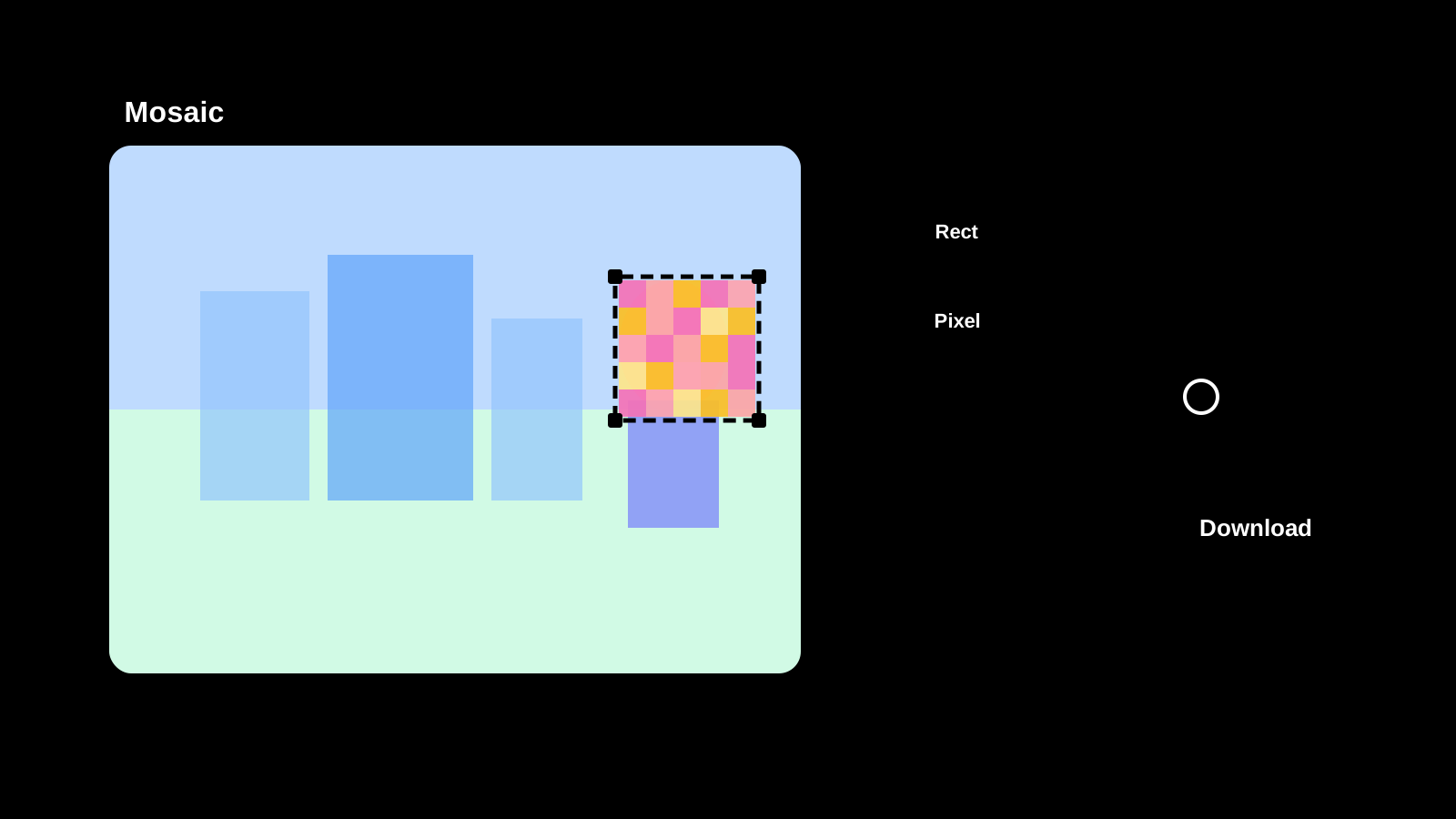
A set of video tools for browser-friendly tasks such as format conversion and lightweight adjustments.
Browser-based tools for notes, Markdown, and common encoding or text transformations.
A current screen-area reference for Markdown input, the formatting toolbar, preview, themes, layout switching, HTML output, code block helpers, copy, and download actions.
View guideA screen-area guide for entering before and after text, choosing language and diff unit, ignoring whitespace, syncing scroll, reviewing highlights, copying, and clearing.
View guide
Utilities for frequent developer workflows such as JSON, Mermaid, and Base64 handling.
Detailed reference for JSON input, formatting, minifying, validation, result review, and copying by screen area.
View guideDetailed reference for Mermaid syntax input, editor actions, preview, themes, output, and error review by screen area.
View guide
Detailed reference for PlantUML syntax input, editor actions, preview, themes, output, and error review by screen area.
View guide
A screen-area guide for IP, connection, server-observed data, browser, device, permissions, and shareable JSON.
View guide
Detailed reference for HTML input, formatting, minifying, result review, copy, and retry by screen area.
View guide
Detailed reference for CSS input, formatting, minifying, result review, copy, and retry by screen area.
View guide
Detailed reference for character encoding, source input, Base64 conversion, restore, copy, and swap by screen area.
View guide
Detailed reference for URL prefix options, separators, source input, encode/decode actions, copy, and reuse by screen area.
View guide
Utilities for design work such as color picking, color conversion, and quick palette checks.
Create deliverables such as QR codes and favicons directly in the browser.
Detailed reference by screen area for choosing favicon source material, adjusting a text logo, reviewing square and size previews, and saving ICO, PNG, SVG, manifest, and HTML examples.
View guide
Detailed reference by screen area for QR content input, size, margin, error correction, color, transparency, output information, and PNG/SVG saving.
View guideDetailed reference by screen area for presets, length, count, character rules, minimum counts, excluded characters, strength, compliance checks, and copying.
View guideFAQ
Short answers for the points that are easy to miss on first use.
Start from the home page or the tool list to find a tool close to what you need. If you already know the category, the category list is also a clear starting point.
Each tool has its own how-to page with steps and screenshots. Select the tool you need from the full list at the bottom of this page.
Check the input format and the guidance shown on the screen first. If it still does not work, trying another format or browser may help.