
Mr. Tools

How to

How to use URL Encode / Decode

A browser-based utility for URL encoding and decoding text or query parameter values. It is useful when preparing search terms, sharing links, or reading encoded values quickly. Convert text or parameter values for URLs, restore them when needed, and copy the result in one place.

URL Encode / Decode thumbnailURL Encode / Decode thumbnail
Steps
2 steps
Guide
With screenshots
Content
Notes and FAQ

Use Cases

When to use it

  • Convert query parameter values safely
  • Read encoded text from a shared URL
  • Prepare search terms with spaces or non-ASCII characters
  • Pass a parameter value safely to a third-party API
  • Read an encoded value found in a request or response log
  • Convert text to put in a hidden form field

Capabilities

What this tool can do

  • URL-encode text
  • URL-decode text
  • Copy the result or swap input and output
  • Encode spaces as %20
  • Decode percent-encoded strings immediately
  • Copy the result to the clipboard

Steps

Steps

The order of operations and checkpoints are listed so you can proceed while looking at the screen.

STEP 1

Confirm the prefix and separator, then enter the text

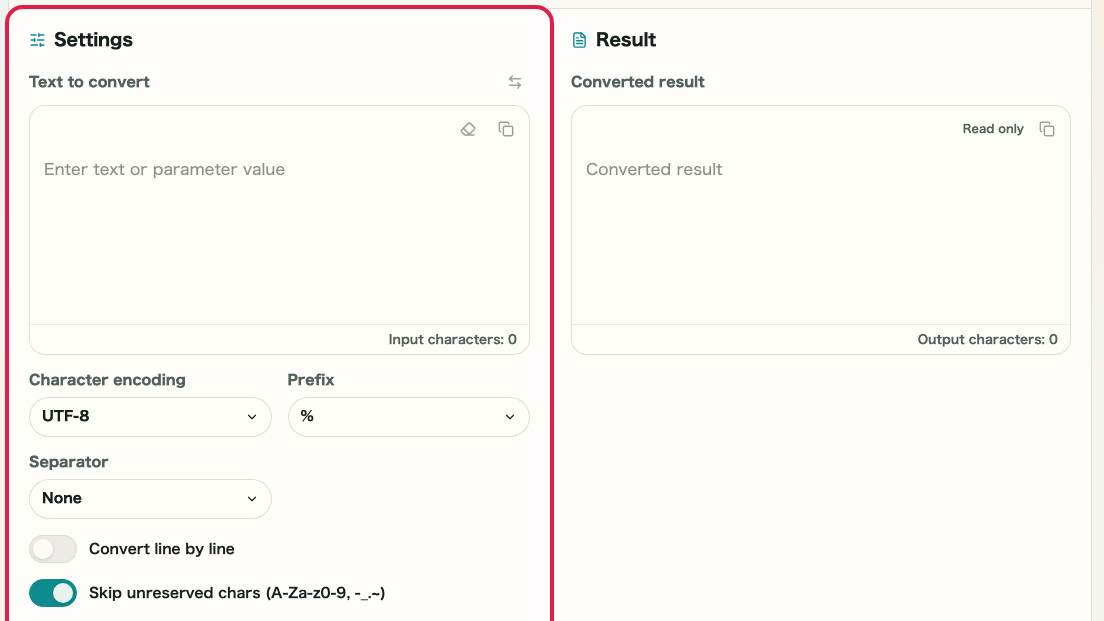
Check the prefix and separator options in the top bar, then enter the text or parameter value you want to convert in the left pane. For normal URL use, % with no separator is usually correct.

A cropped image of URL Encode / Decode showing the prefix selector, separator selector, and input areaA cropped mobile image of URL Encode / Decode showing the prefix selector, separator selector, and input area

Checkpoints

  • The prefix and separator match the format you need
  • The text or URL value you want to convert appears in the left pane

Actions on this screen

01
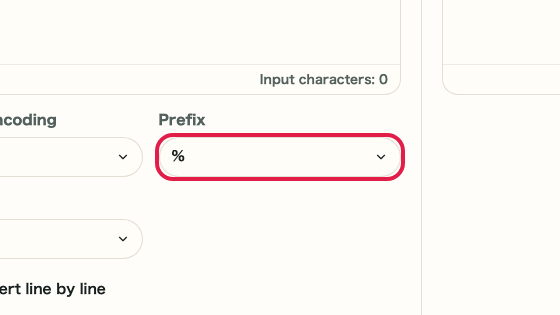
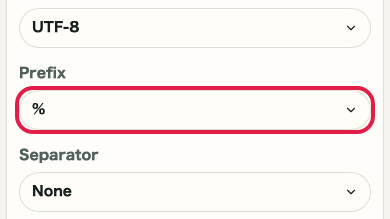
Choose the prefix

Use % for standard URL output. Switch to \x or 0x only when you need an alternate display format.

A cropped view of the prefix selector in URL Encode / DecodeA cropped mobile view of the prefix selector in URL Encode / Decode
02
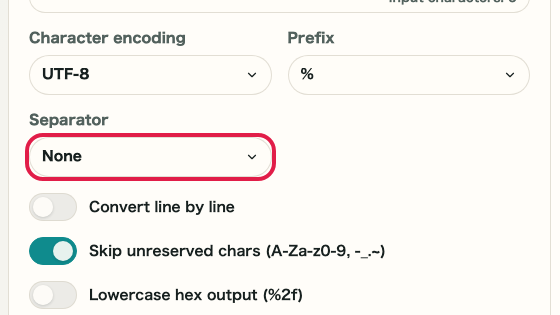
Choose the separator

Keep the separator set to none for regular URL use, and switch to spaces or commas only when readability matters.

A cropped view of the separator selector in URL Encode / DecodeA cropped mobile view of the separator selector in URL Encode / Decode
03
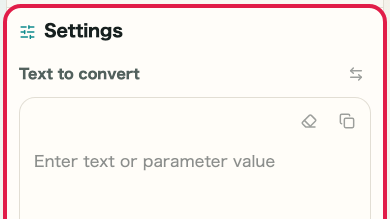
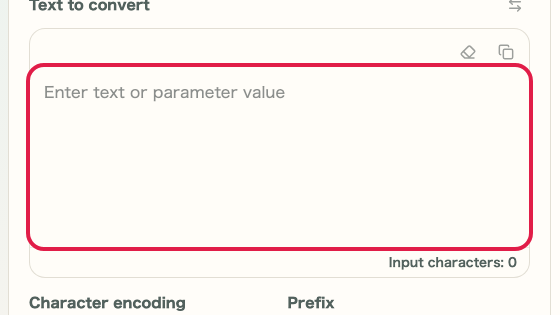
Enter text or a URL value

Enter the search term, parameter value, or part of the URL that you want to convert in the left pane.

A cropped view of the input area in URL Encode / DecodeA cropped mobile view of the input area in URL Encode / Decode

STEP 2

Encode or decode and copy the result

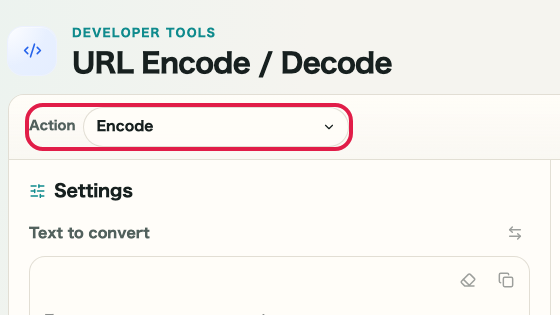
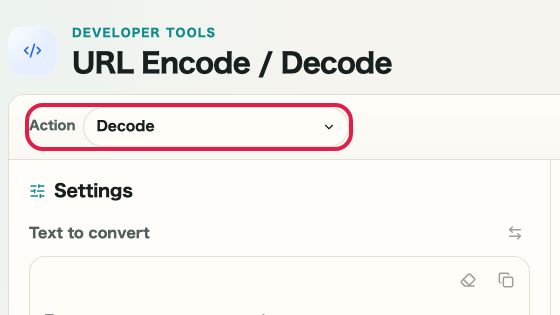
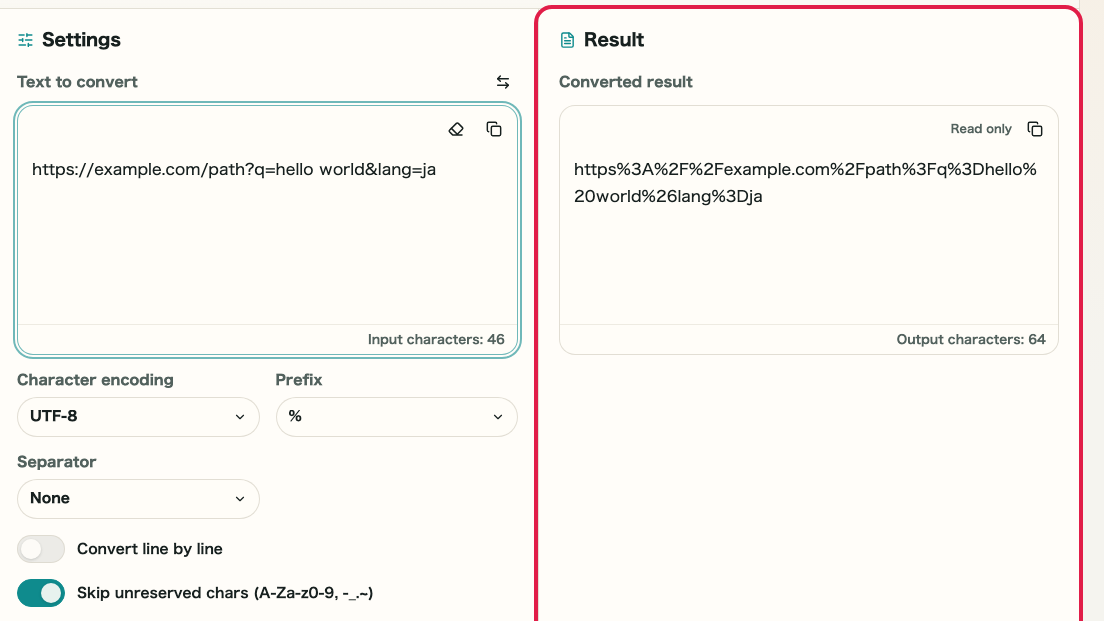
Use "URL encode" to create the converted output in the right pane. When you want to restore an already encoded string, swap the panes and use "URL decode." Copy the result once it looks correct.

A cropped image of URL Encode / Decode showing the input pane, result pane, and conversion actionsA cropped mobile image of URL Encode / Decode showing the input pane, result pane, and conversion actions

Checkpoints

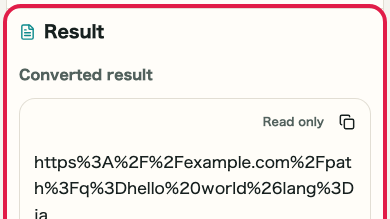
  • The right pane shows the encoded or decoded result
  • You can switch between encode and decode as needed
  • You can copy the result and swap the panes

Actions on this screen

01
URL encode

Convert spaces, multibyte characters, and symbols into a URL-safe format.

A cropped view of the URL encode buttonA cropped mobile view of the URL encode button
02
URL decode

Restore percent-encoded text back into a readable string.

A cropped view of the URL decode buttonA cropped mobile view of the URL decode button
03
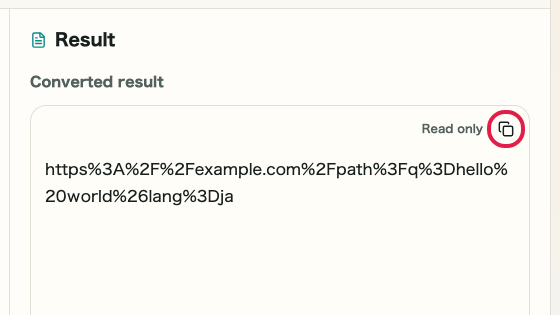
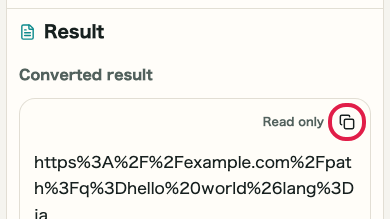
Copy and swap the result

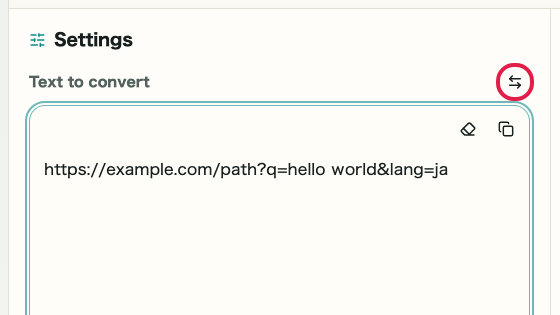
Copy the converted result and use the swap action when you want to check the reverse direction immediately.

A cropped view of the swap action and result copy icon in URL Encode / DecodeA cropped mobile view of the swap action and result copy icon in URL Encode / Decode

Notes

Notes

Important points are grouped with reasons so you can make decisions before using the tool.

Things to check

Decide which part of the URL you want to convert

The checkpoints change depending on whether you want to convert only a query parameter value or a larger part of the URL. Decide the target range before encoding.

Things to check

Match the prefix and separator to the destination

Use % with no separator for regular URL output. Switch to \x, 0x, spaces, or commas only when you need a display format for logs or documents.

Note

Encode only the value portion, not the entire URL

Encoding the entire URL will also encode the scheme (https://) and separator characters. Enter only the value you want to encode.

FAQ

Questions about URL Encode / Decode

Questions that make decisions easier before use are summarized first.

Can it process an entire URL?

It can, but it is mainly intended for plain text and query parameter values rather than full URL construction.

Can it decode invalid percent sequences?

No. Invalid URL-encoded text is shown as an error.

Are spaces encoded as %20 or +?

This page encodes spaces as %20. The + form (used in application/x-www-form-urlencoded) follows a different rule.

How are non-ASCII characters handled?

Text is encoded as UTF-8 bytes first, then converted to the %XX percent-encoding format.

Can I encode just part of a URL?

Yes. Enter only the part you want to encode. This tool is designed for encoding individual values rather than entire URLs.

Can I convert multiple parameters at once?

The tool has a single input field. Process each value one at a time.

Next guides

Related guides

Related guides are listed next so you can continue without getting lost.