
Category detail
Image Tools
A set of image tools for everyday work, including conversion, compression, and cropping. You can review the tools in this category and compare related functions.
Image Background Removal
Remove image backgrounds in the browser and save the result as a PNG / WebP.
Open tool page
Image Format Conversion
Convert PNG, JPEG, WebP, BMP, GIF, AVIF, HEIC, and SVG directly in the browser.
Open tool page
Image Compression
Compress JPEG, PNG, WebP, AVIF, SVG, GIF, and HEIC. Keep the format, or save as JPEG or WebP.
Open tool page
Image crop
Choose a crop visually, fine-tune coordinates and ratio, then save.
Open tool page
Batch image crop and resize
Crop up to 20 images to the same area and resize them to a set size in one go.
Open tool page
Image Mosaic
Apply mosaic, blur, or solid-color fill to specific areas of an image and download the result.
Open tool page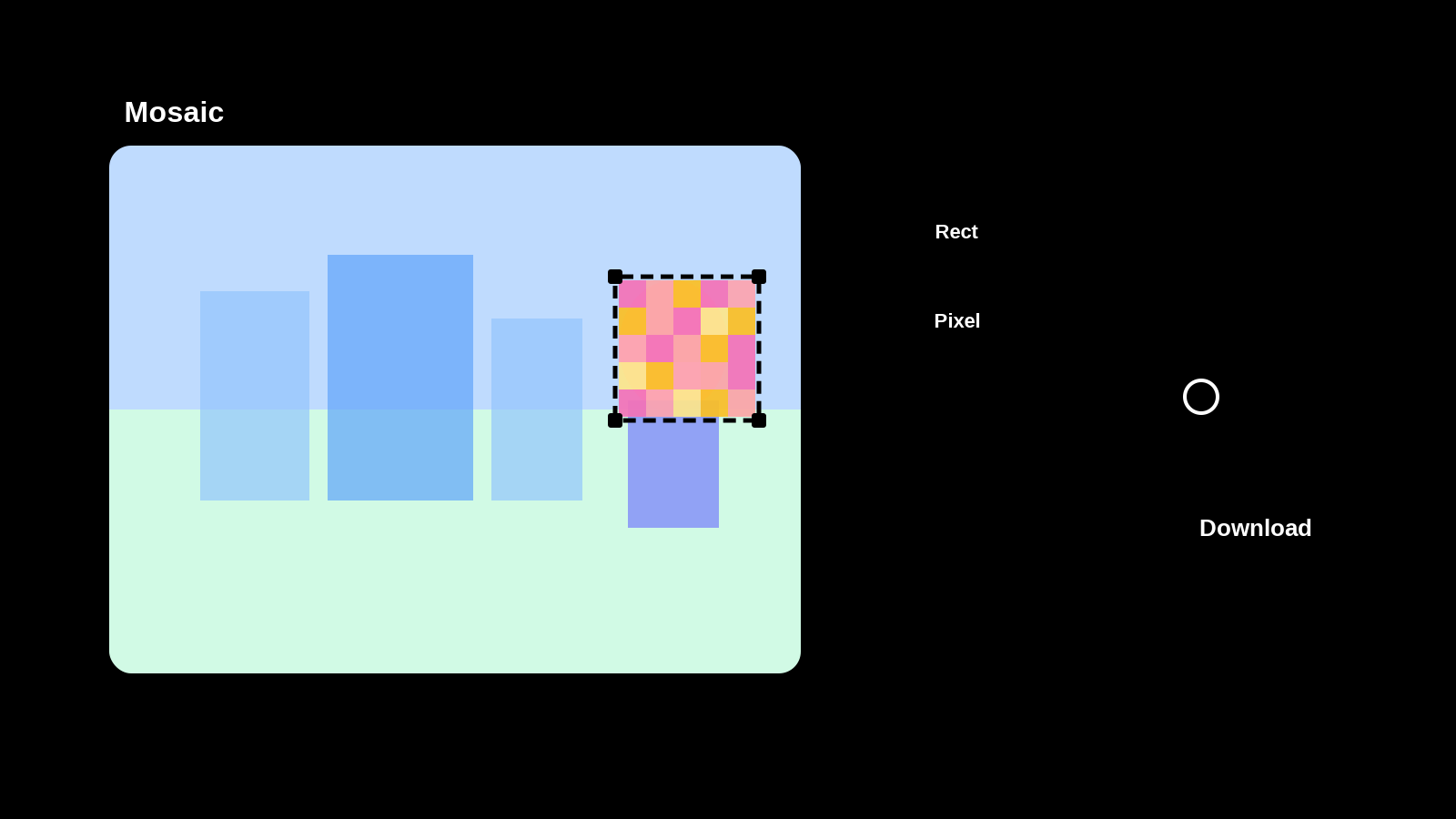
Image Editor
Edit images on a canvas and save the result for the intended use.
Open tool page
Common workflows
Use these tools one after another
Pass each result straight to the next tool. These common workflows use tools in this category.
Make photos meet upload requirements
Turn iPhone photos into JPEG, crop them to the required size, and keep them under the size limit.
Browse by goal
Guides that use tools in this category
Step-by-step guides by problem, with the results we checked.
Fix a photo for U.S. online passport renewal
Compress photos over 10 MB, convert other formats to JPEG and stay above 54 KB, tested on real files.
Read the guide
Upload documents to the IRS Document Upload Tool
Photograph each page, then compress and combine into one PDF under 15 MB, tested on real files.
Read the guide
Put a product photo on a white background
We removed the background from a photo on a wooden table and made a 1450 × 1450 JPEG with pure white corners.
Read the guide
Make an ID photo meet upload requirements
We turned an iPhone photo (3.17 MB) into a 1200 × 1200 JPEG of 229.4 KB, within a 240 KB limit.
Read the guide
Hide personal info before you share
We blacked out part of a photo that had a location in it and compressed it to 1.78 MB. The location was gone.
Read the guide
Convert iPhone photos to JPG
Renaming the file doesn't fix it. See the result of converting a real iPhone HEIC photo to JPG.
Read the guide