
01 HOWTO
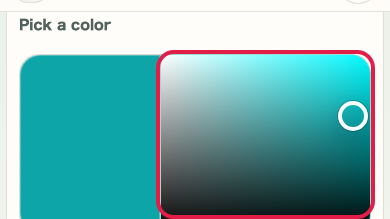
Pick a color with the 2D picker
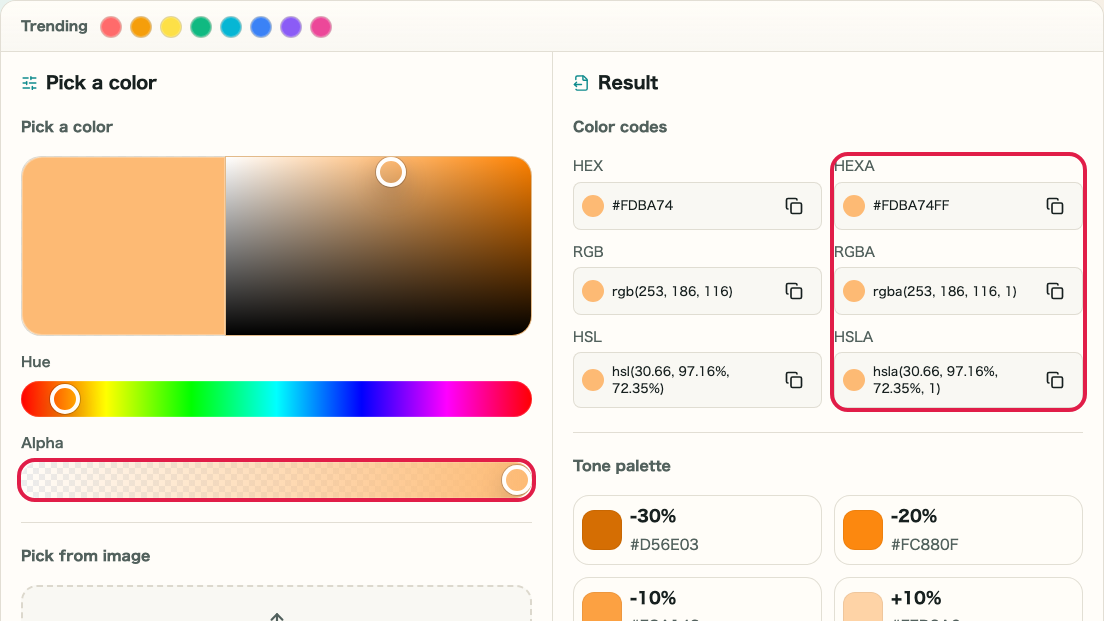
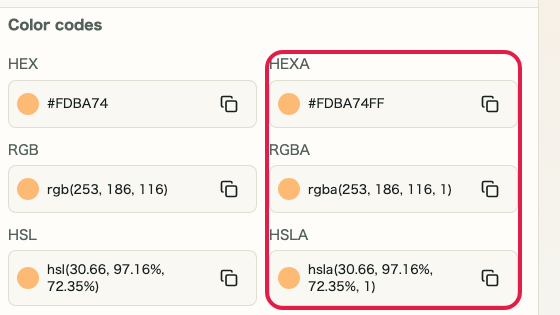
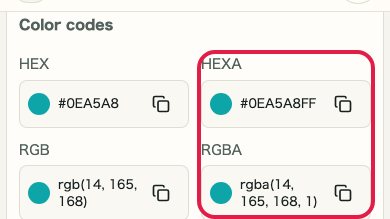
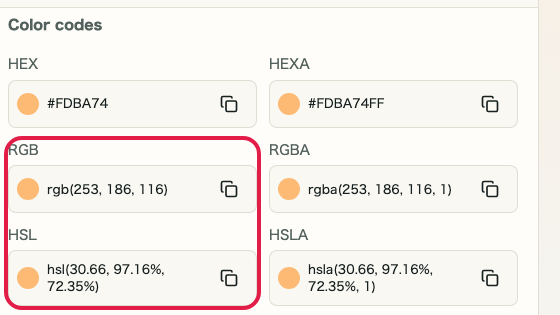
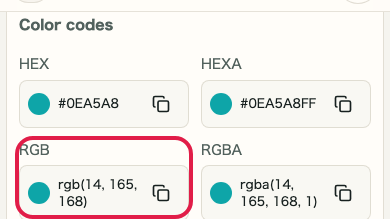
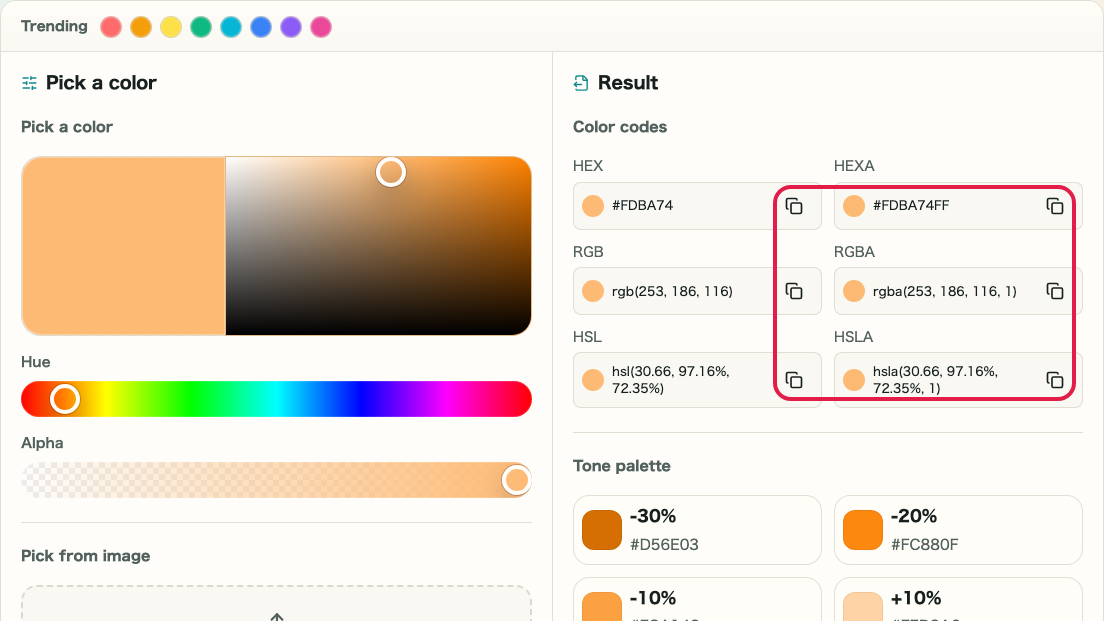
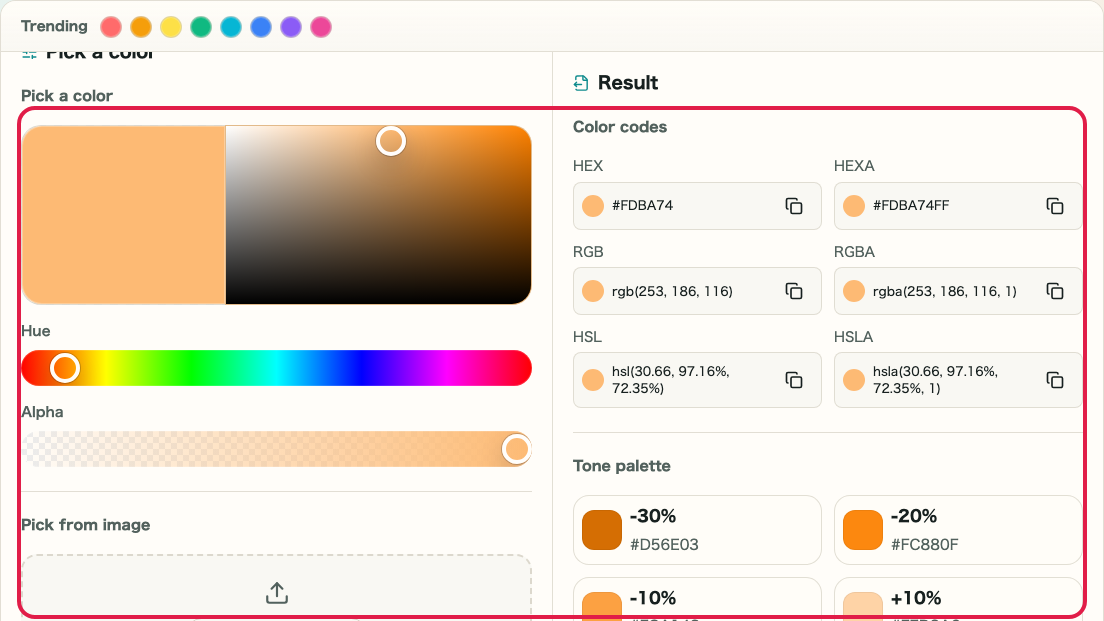
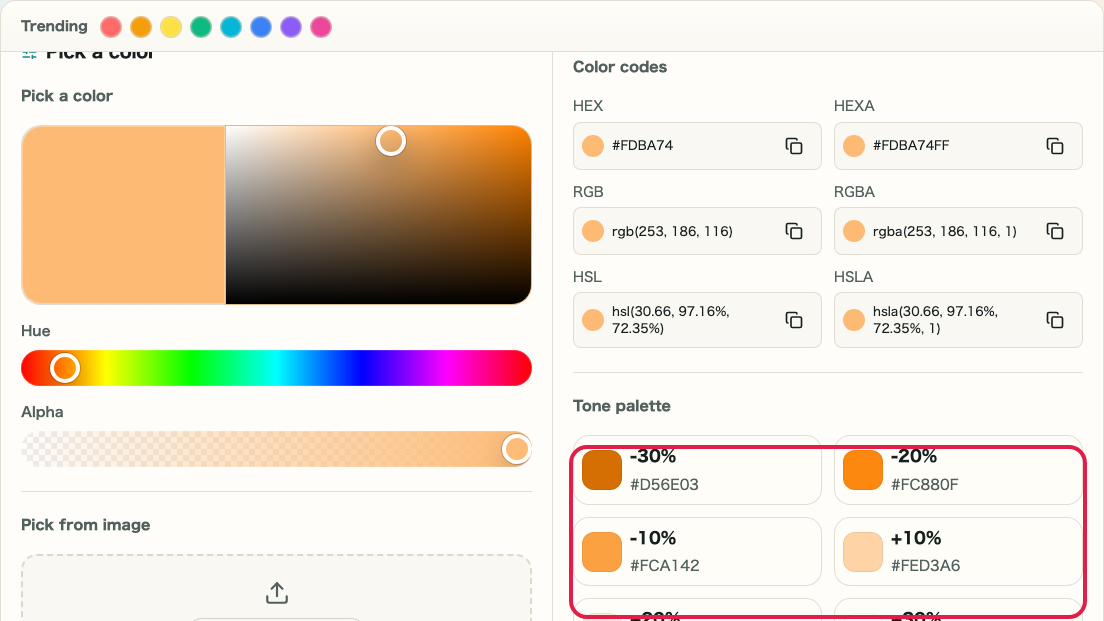
Drag in the 2D picker to choose a color and use the hue slider to change the hue. The color codes on the right update in real time.
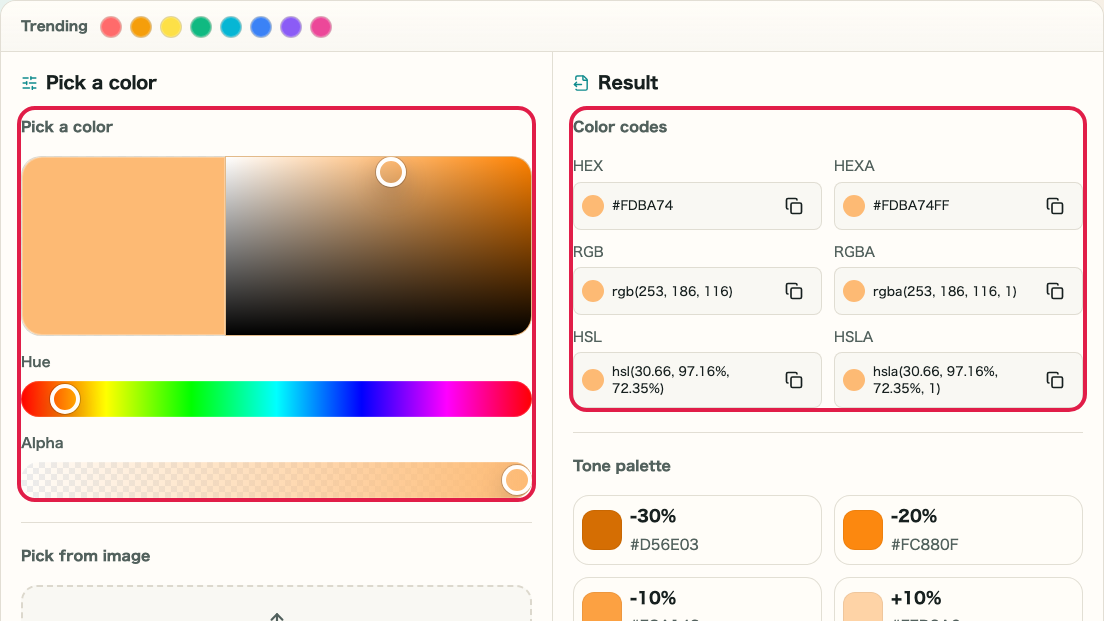
What this area does
- Adjust saturation and brightness with the 2D picker
- Switch the color family with the hue slider
Where to use it
01
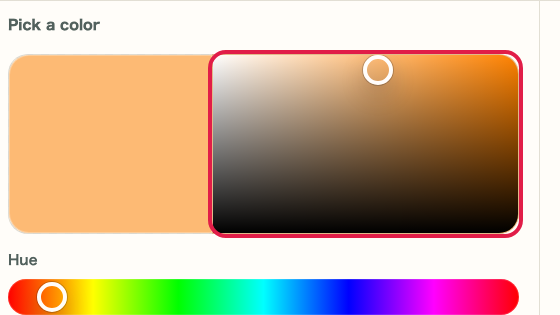
2D picker
Start with the 2D picker and hue slider to get close to the target color before fine-tuning.
02
Color saturation
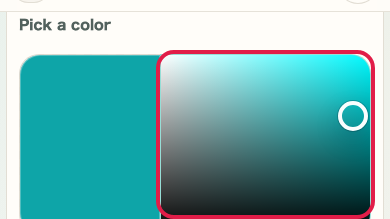
Move left or right inside the 2D picker to change how vivid the selected color is.
03
Color brightness
Move up or down inside the 2D picker to adjust brightness while keeping the same hue.