01 HOWTO
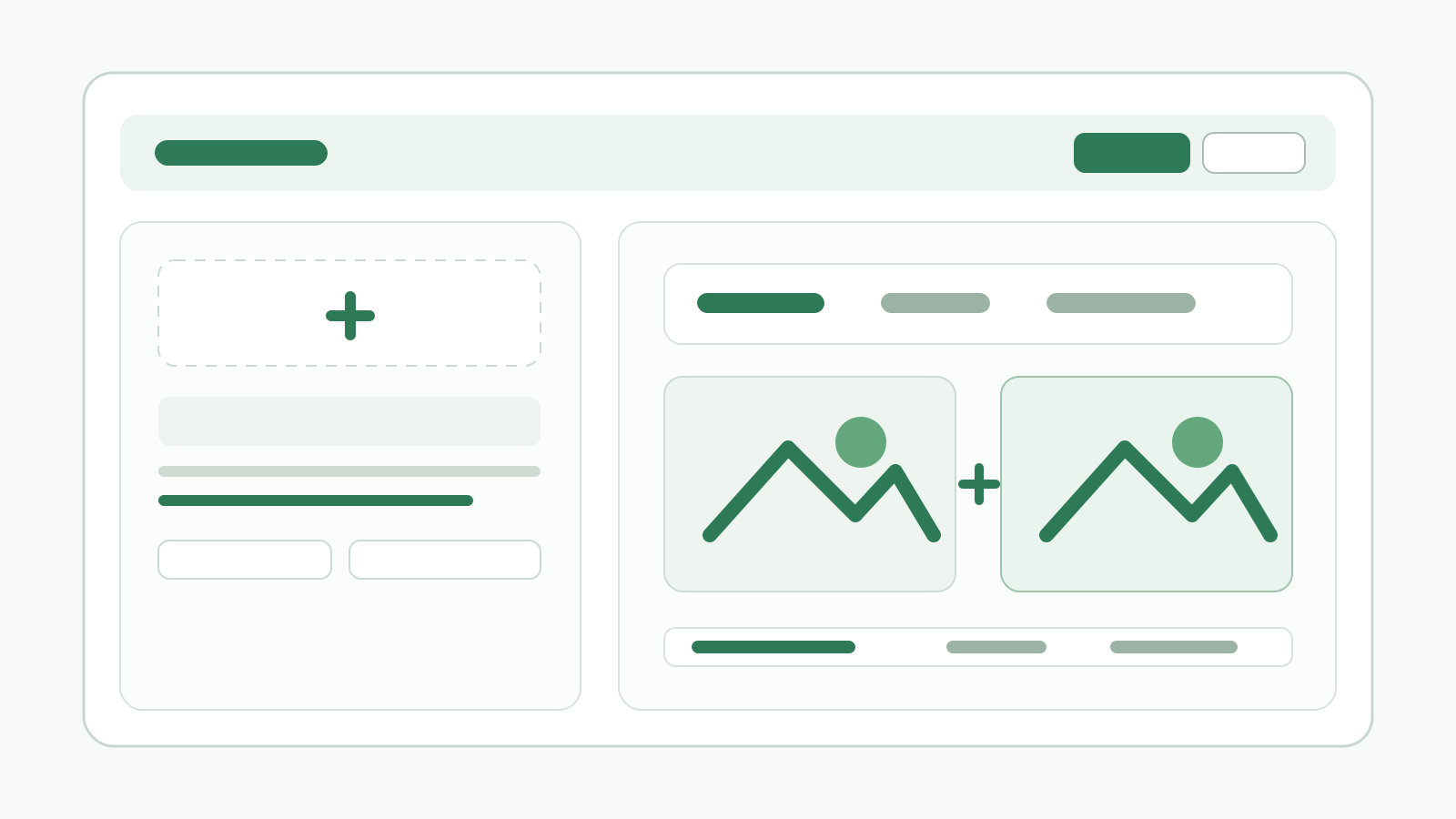
Preset and purpose area
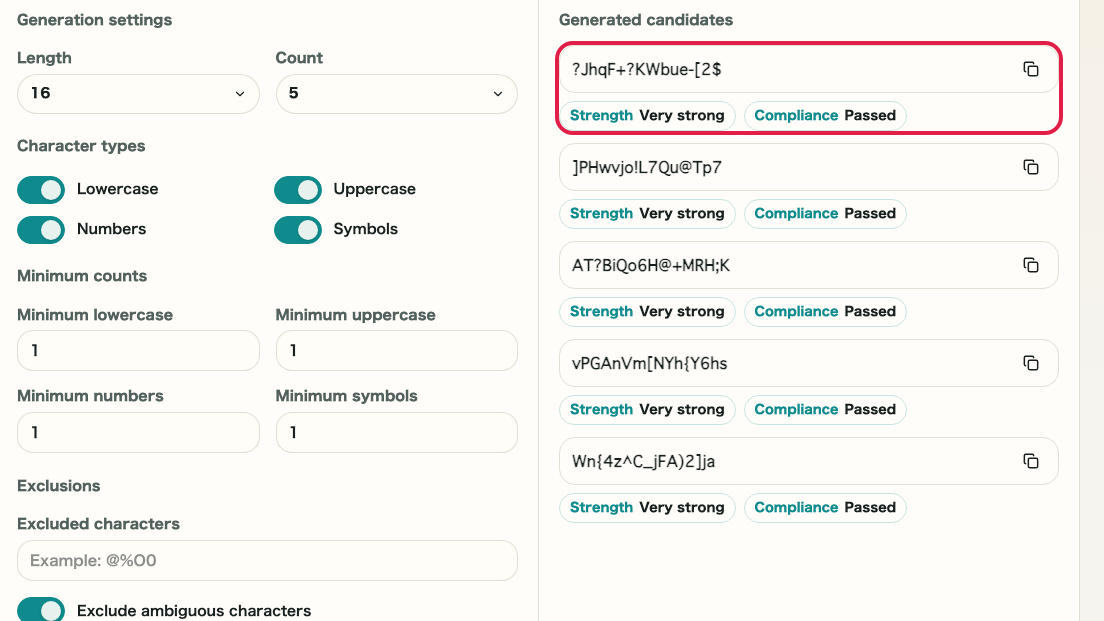
Detailed reference by screen area for presets, length, count, character rules, minimum counts, excluded characters, strength, compliance checks, and copying.
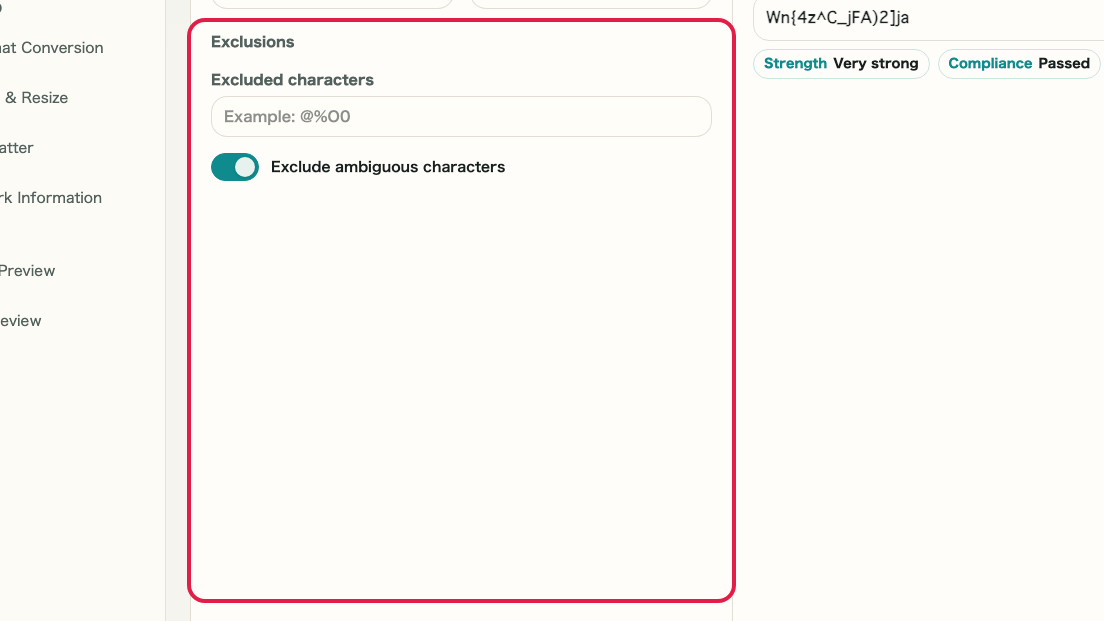
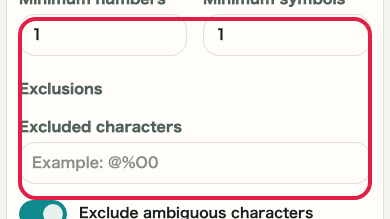
What this area does
- Choose or review the generation source in this area.
- Adjust the settings that affect the generated result.
- Review the preview, strength, or output information before saving.
- Save, copy, regenerate, or return to related settings.
Where to use it
01
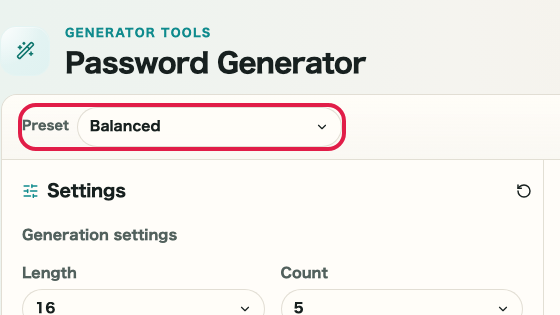
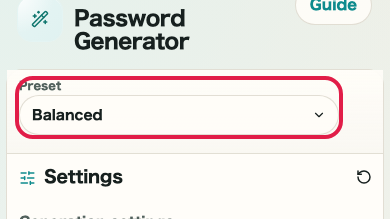
Preset
Choose or review this input before generating.
02
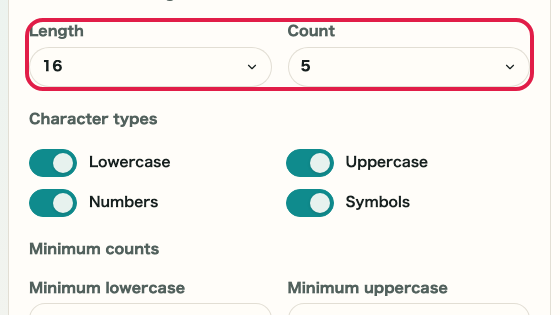
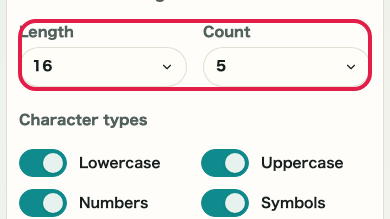
Length and count
Adjust this setting for the intended result.
03
Character rules
Use this preview or information to verify the result.
04
Go to strength review
Save, copy, regenerate, or return to the related area.