01 HOWTO
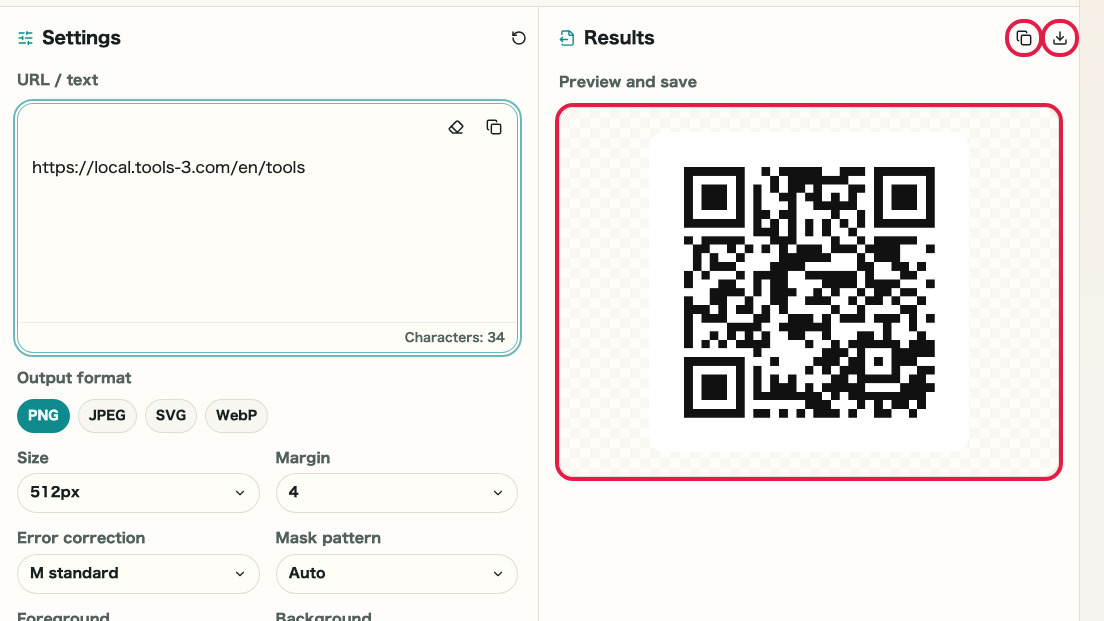
Content input area
Detailed reference by screen area for QR content input, size, margin, error correction, color, transparency, output information, and PNG/SVG saving.
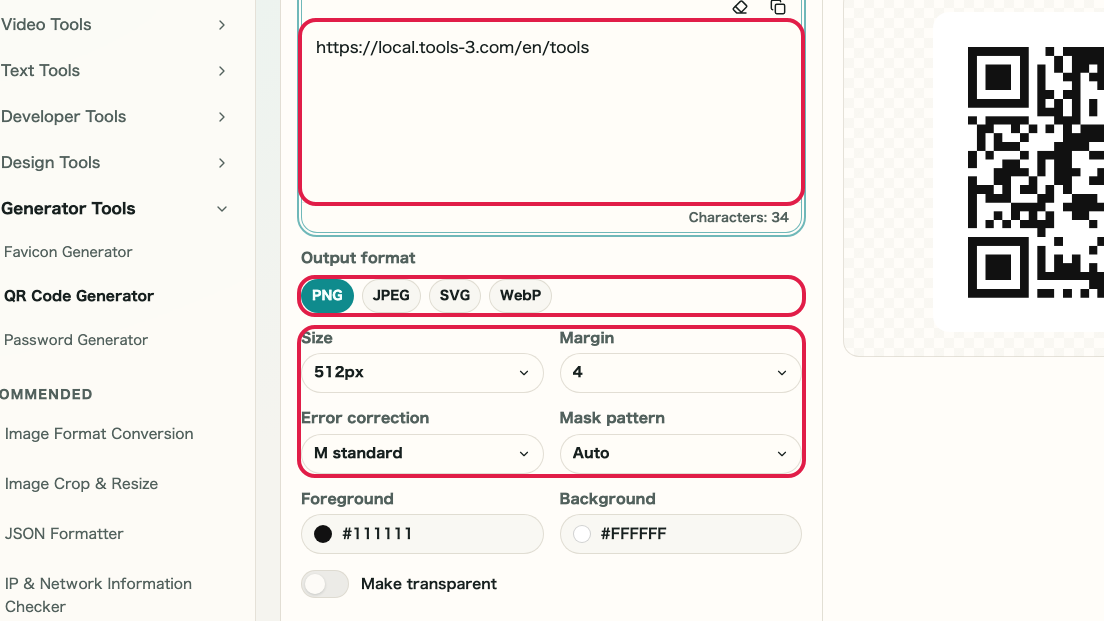
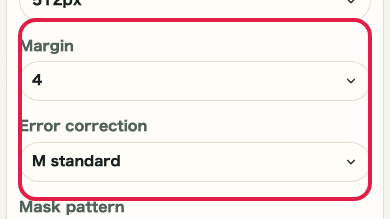
What this area does
- Choose or review the generation source in this area.
- Adjust the settings that affect the generated result.
- Review the preview, strength, or output information before saving.
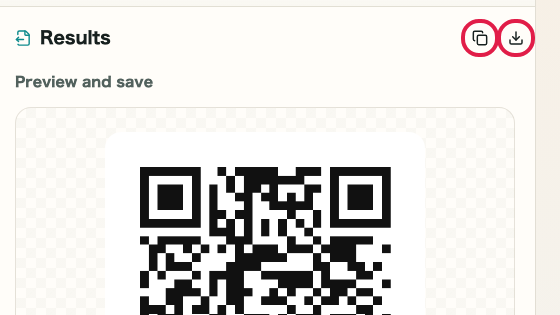
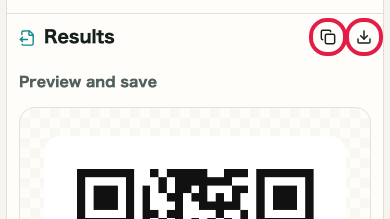
- Save, copy, regenerate, or return to related settings.
Where to use it
01
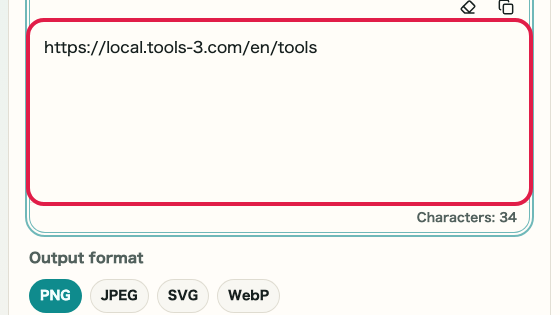
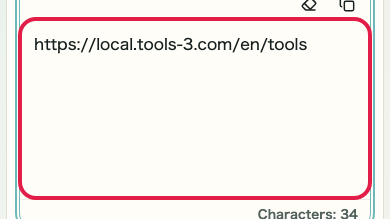
URL / text input
Choose or review this input before generating.
02
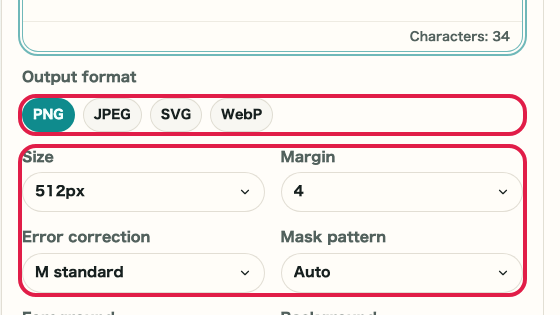
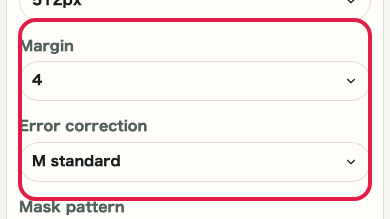
Go to reading settings
Adjust this setting for the intended result.
03
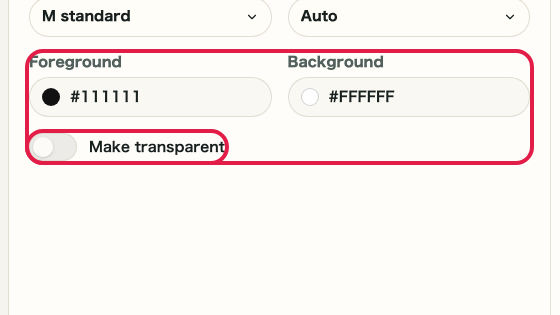
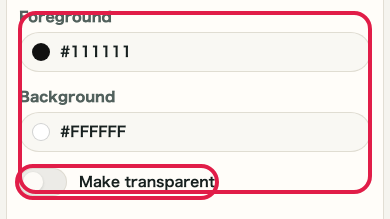
Go to color settings
Use this preview or information to verify the result.
04
Review preview
Save, copy, regenerate, or return to the related area.