How to use
Image Tools
How-to guides for tools in the Image Tools category.
How to Use Image Compression
Compress multiple images in their original format, compare size changes, and save the results.
View guide
How to use Image Format Conversion
Learn where to load multiple images, choose format and quality, review conversion results, download individually, download as ZIP, and convert again.
View guide
How to use Image Crop & Resize
Learn where to load an image, crop, resize, keep aspect ratio, choose format and quality, preview, copy, and download.
View guide
How to use Image Background Removal
Learn where to load multiple images, choose output format, select targets, remove backgrounds, review result cards, download individually, download as ZIP, and retry.
View guide
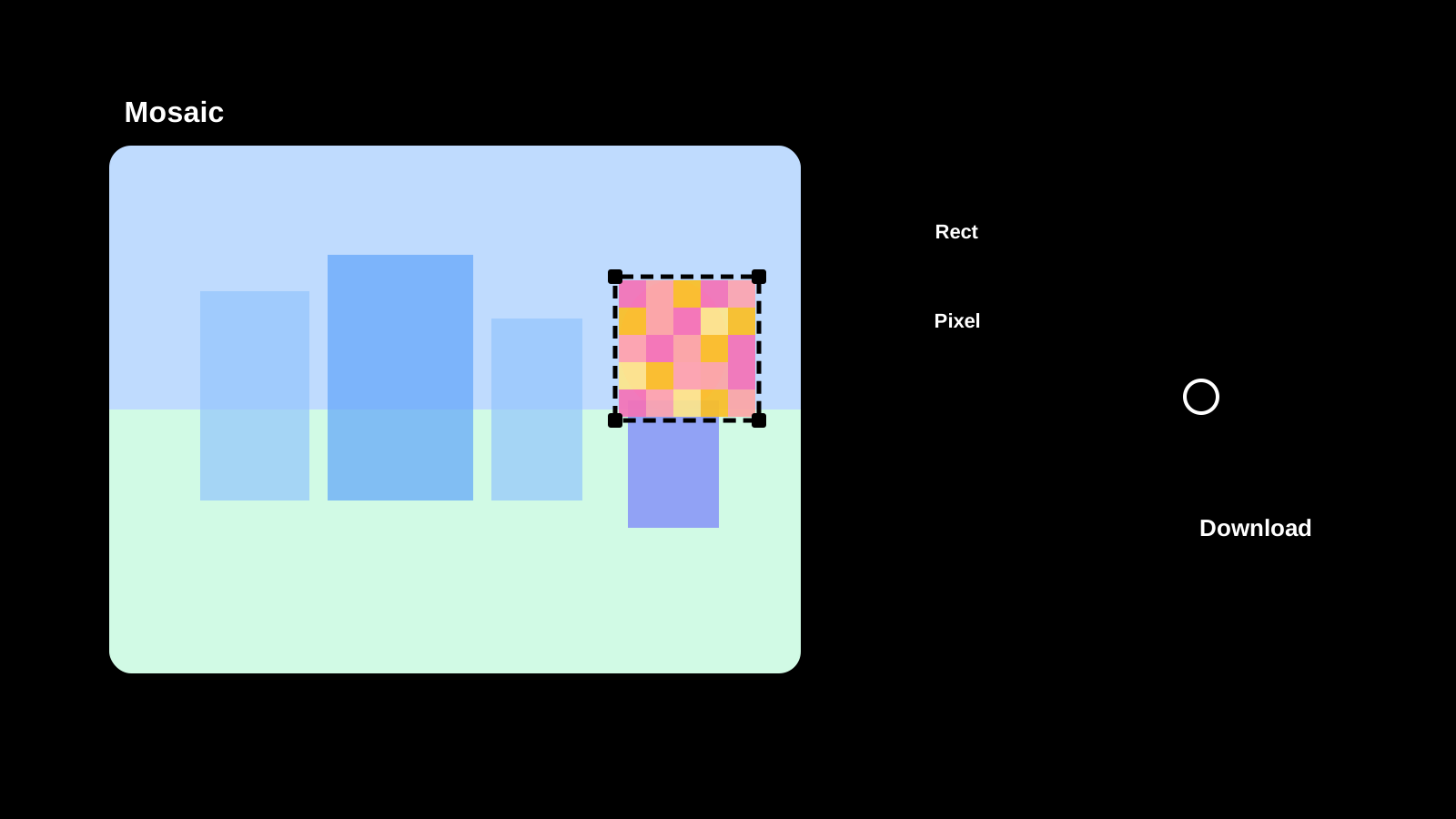
How to Use Image Mosaic
Steps for placing mosaic, blur, or fill areas over parts of an image and saving the result.
View guide