01 HOWTO
Choose the source images and final canvas size
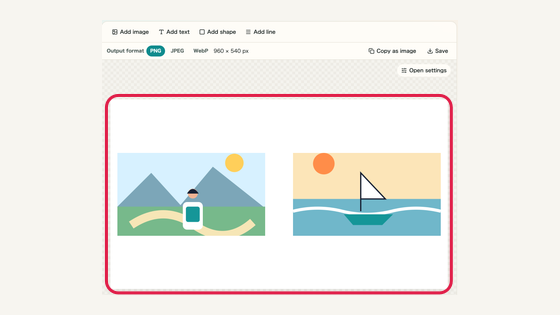
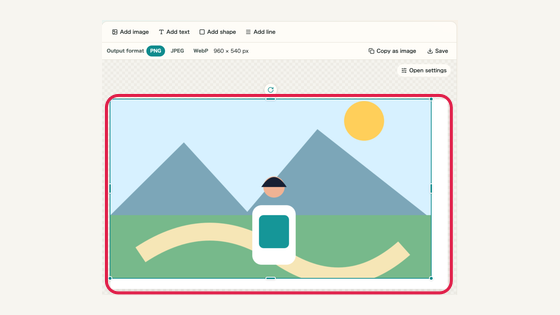
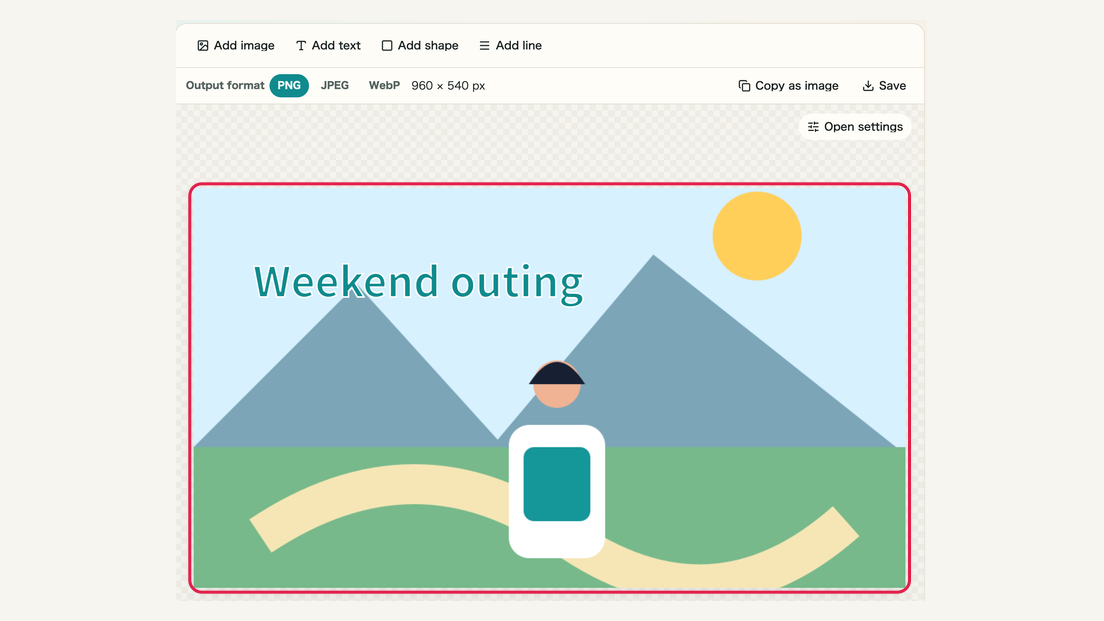
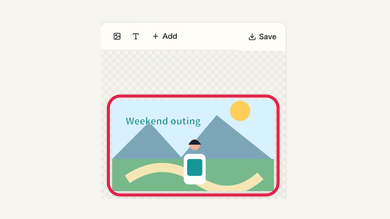
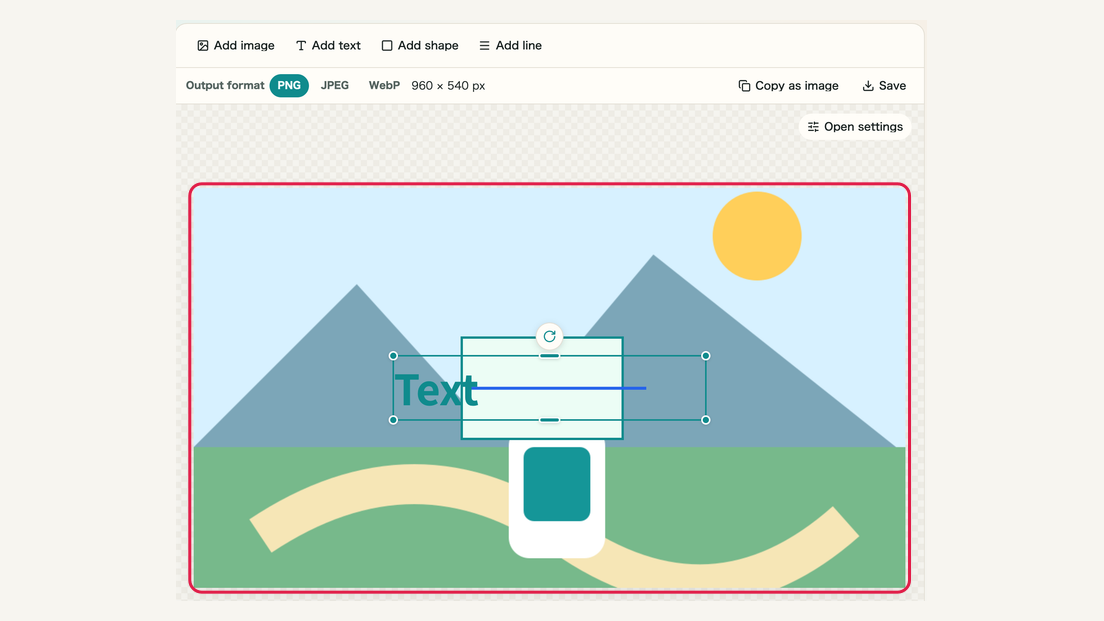
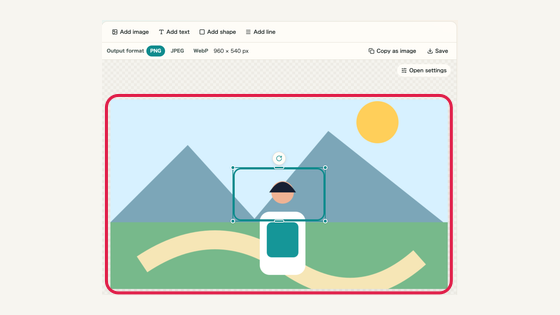
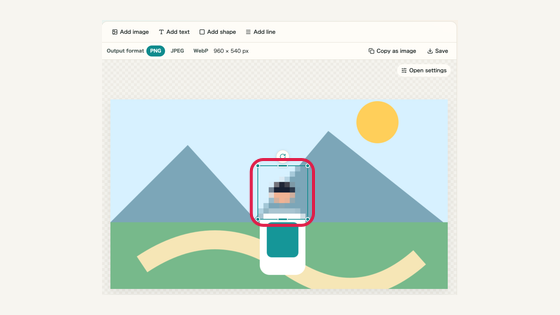
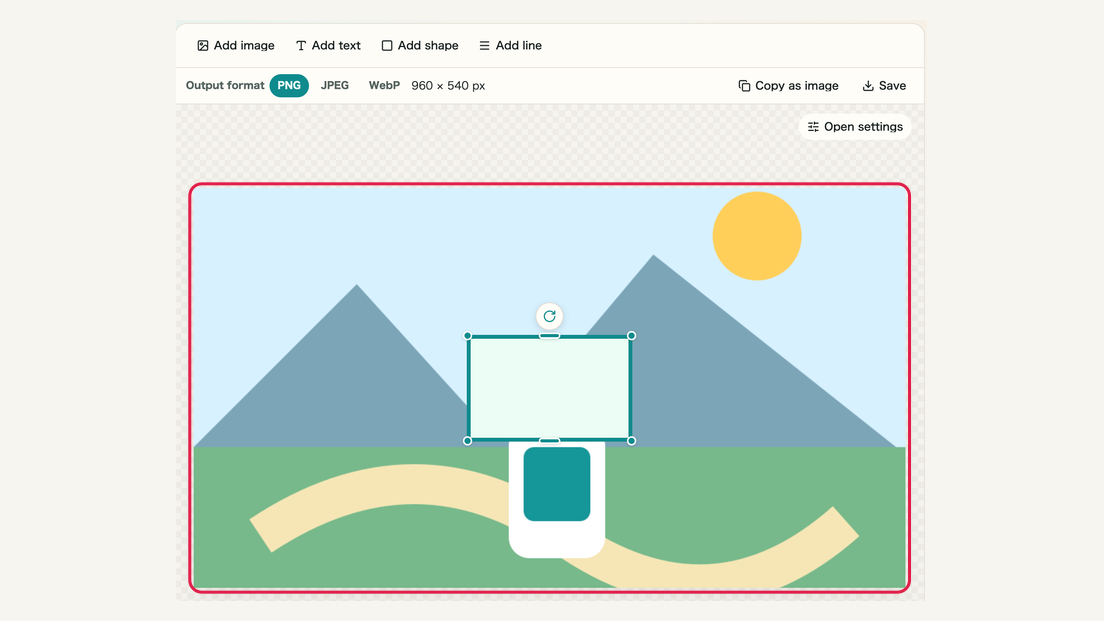
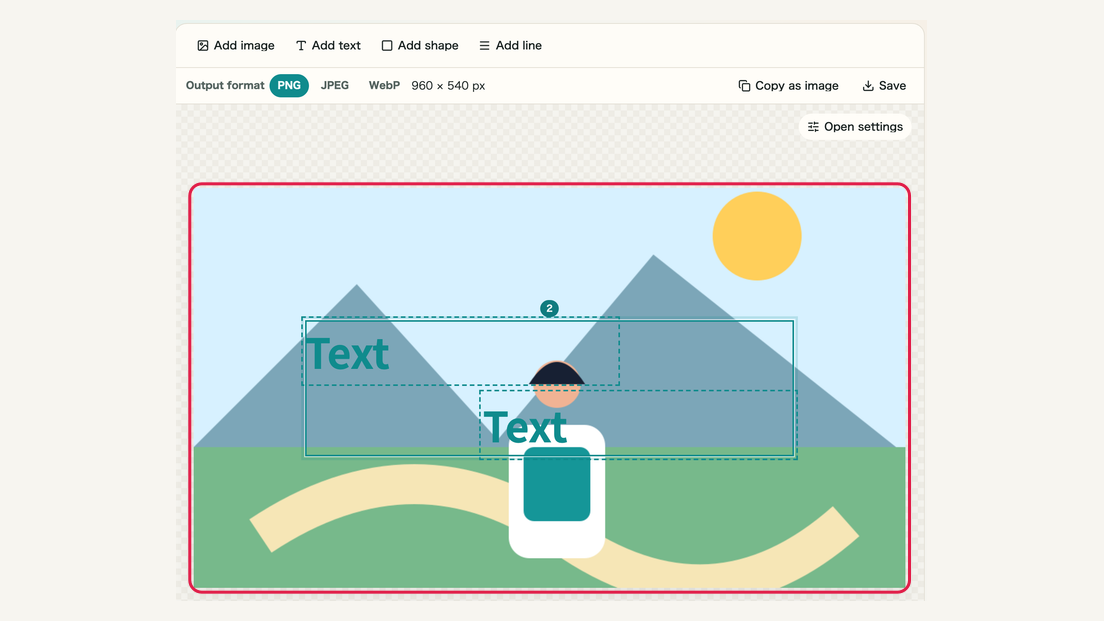
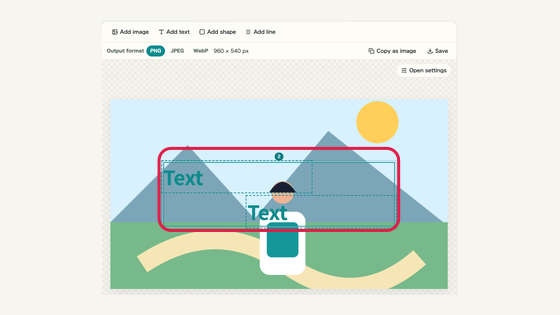
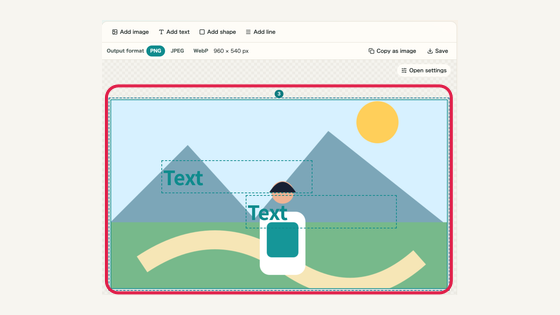
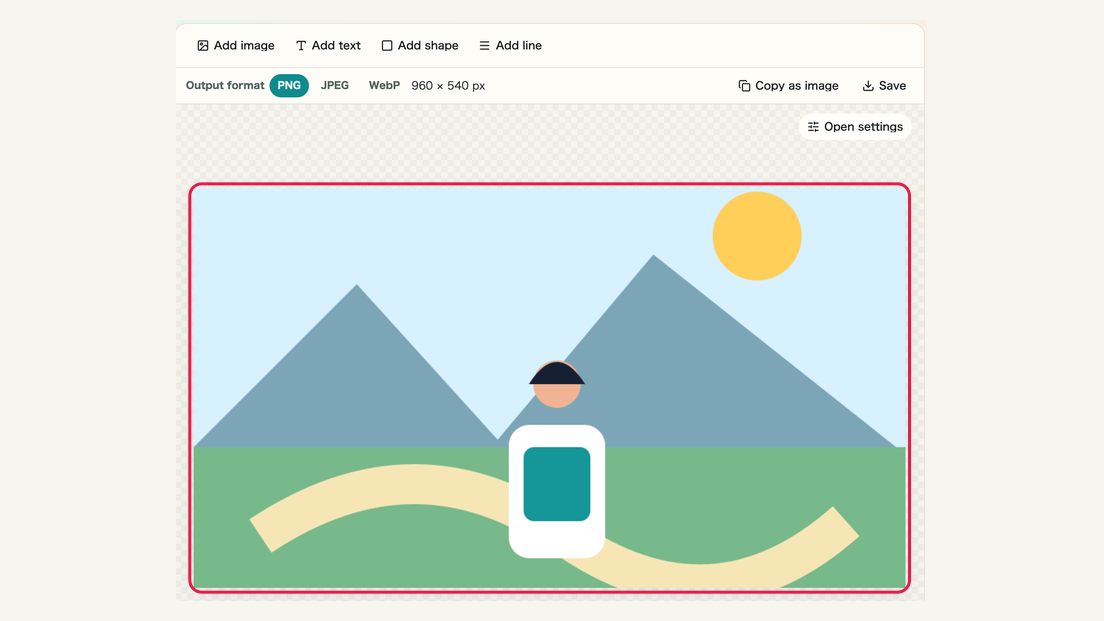
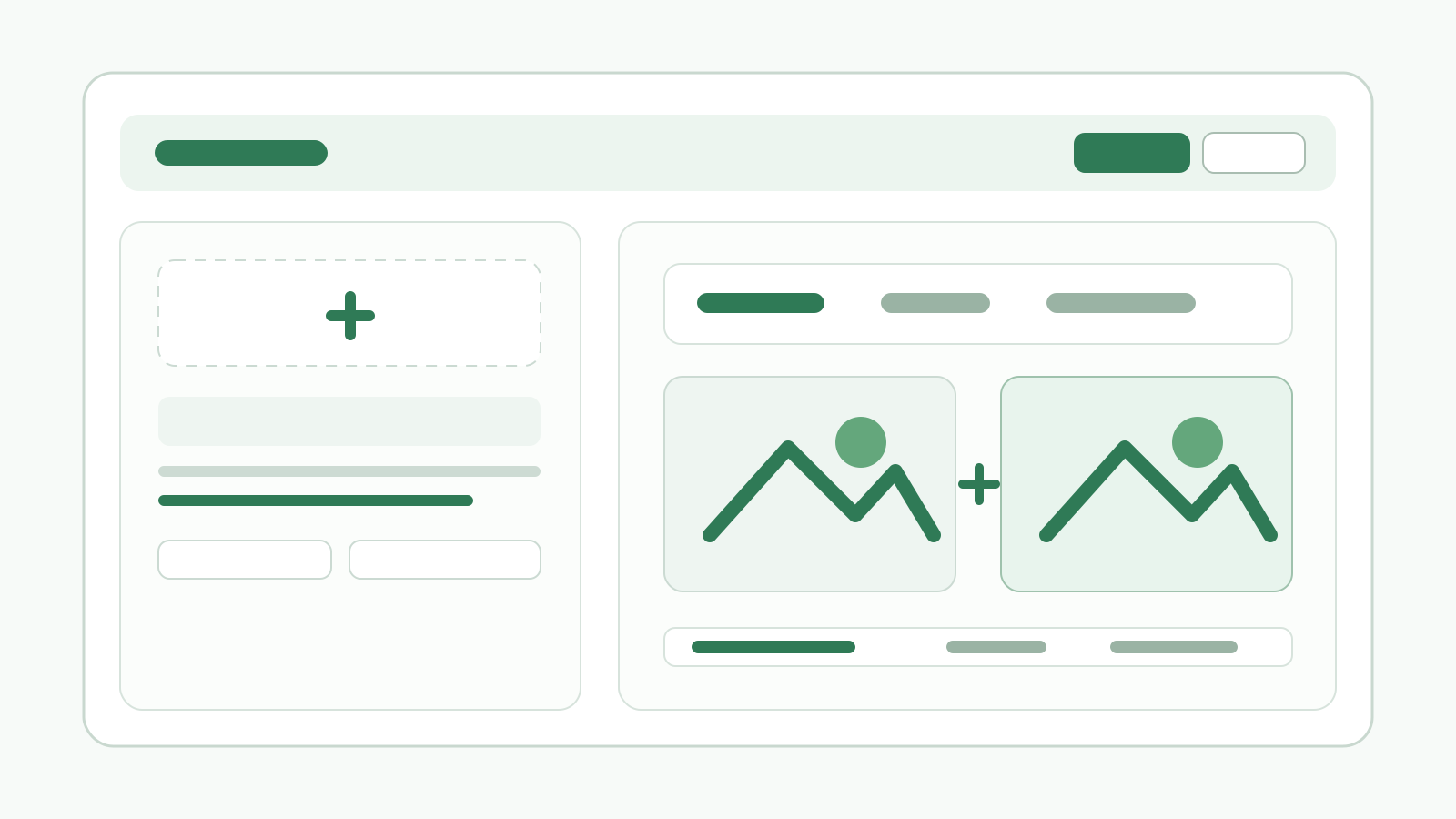
Add photos or screenshots, then choose a canvas size for the destination. Add more images for a collage, logo or overlay.
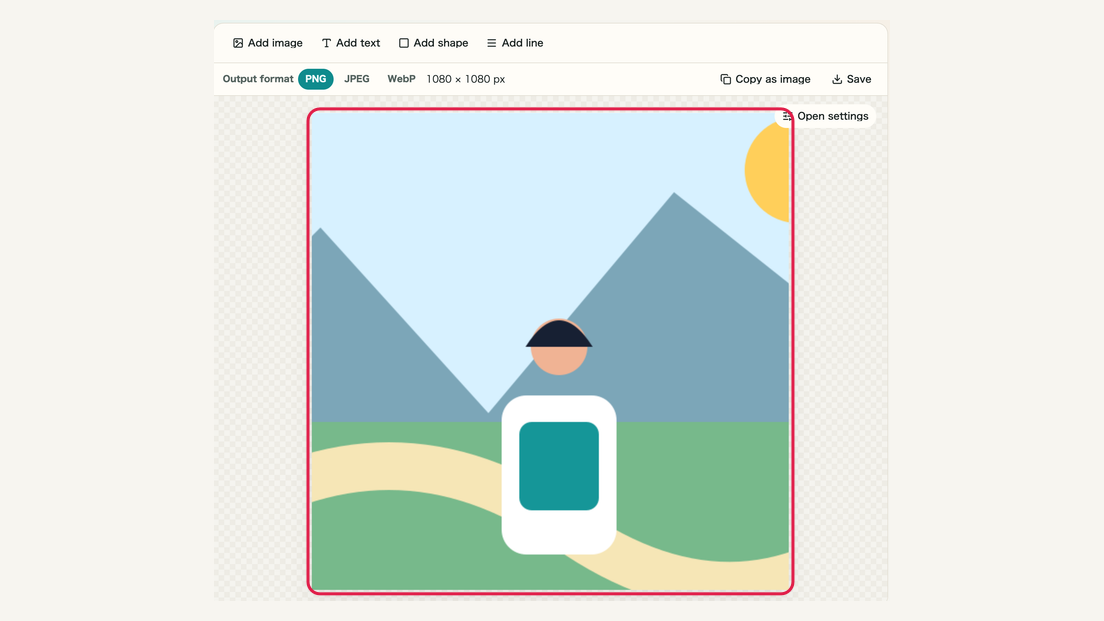
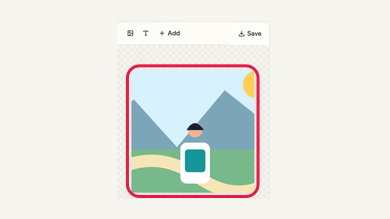
What this area does
- Every source image is on the canvas
- The canvas ratio and size match the destination
- An empty canvas can also be used
Where to use it
01
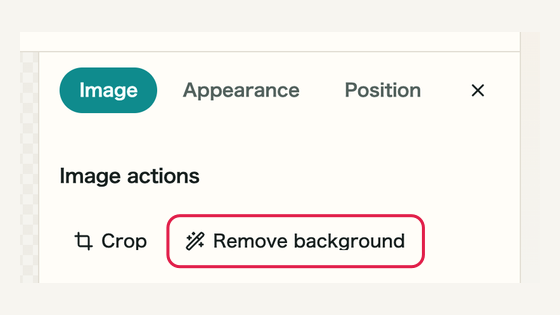
Add image
Choose JPEG, PNG, WebP, BMP or GIF, or drag files into the work area.
02
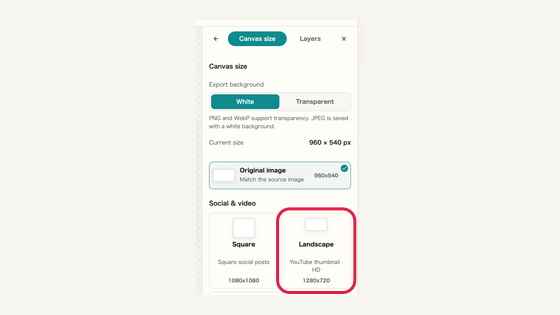
Canvas size
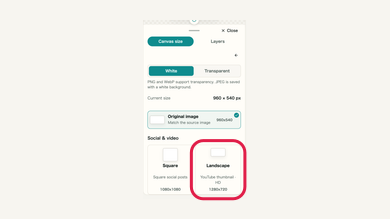
Open Canvas size at the top; on mobile open Canvas first. Presets are grouped by social/video, photos and print ratios. Landscape 1280×720 suits YouTube thumbnails. The current dimensions and check mark identify your selection.
03
Multiple images
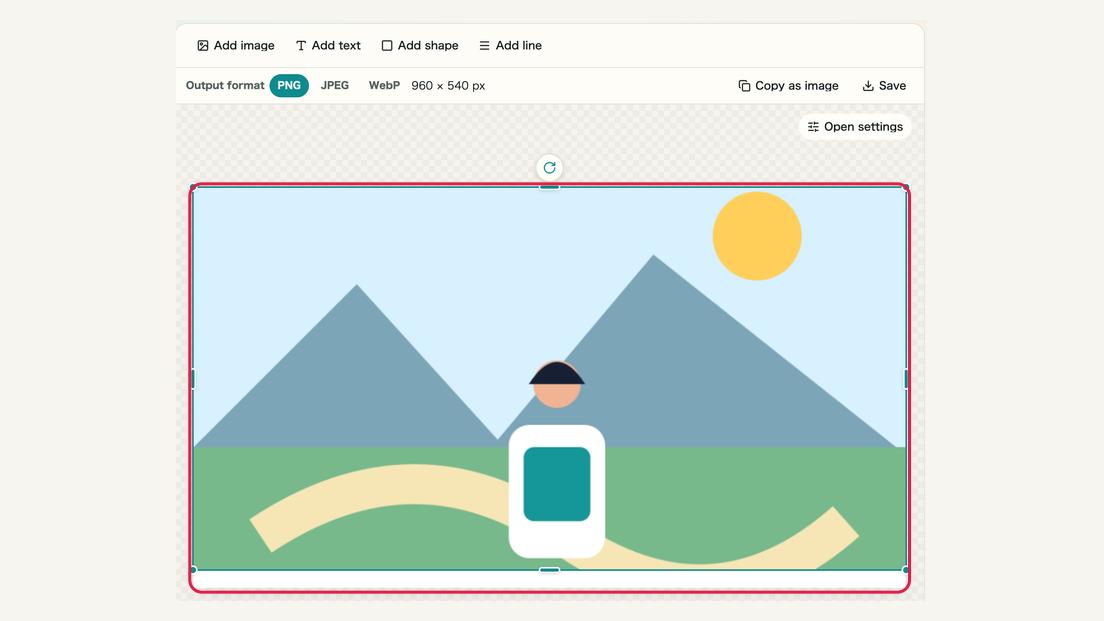
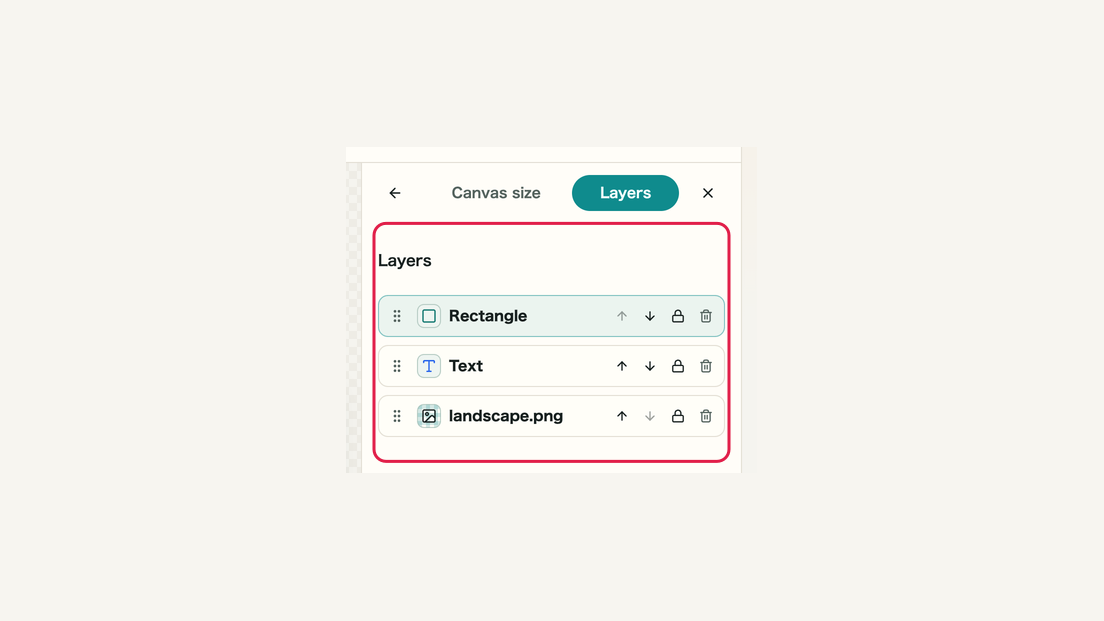
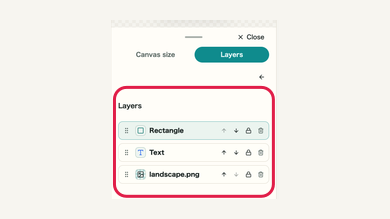
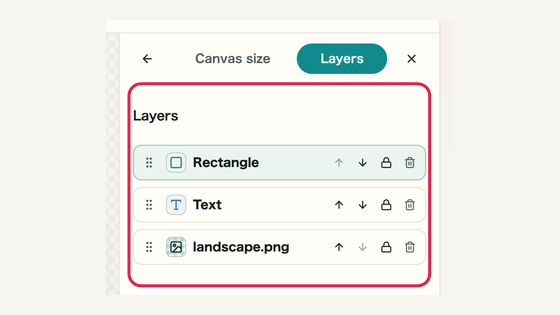
Each image becomes a separate object that can be positioned and stacked.