
STEP 1
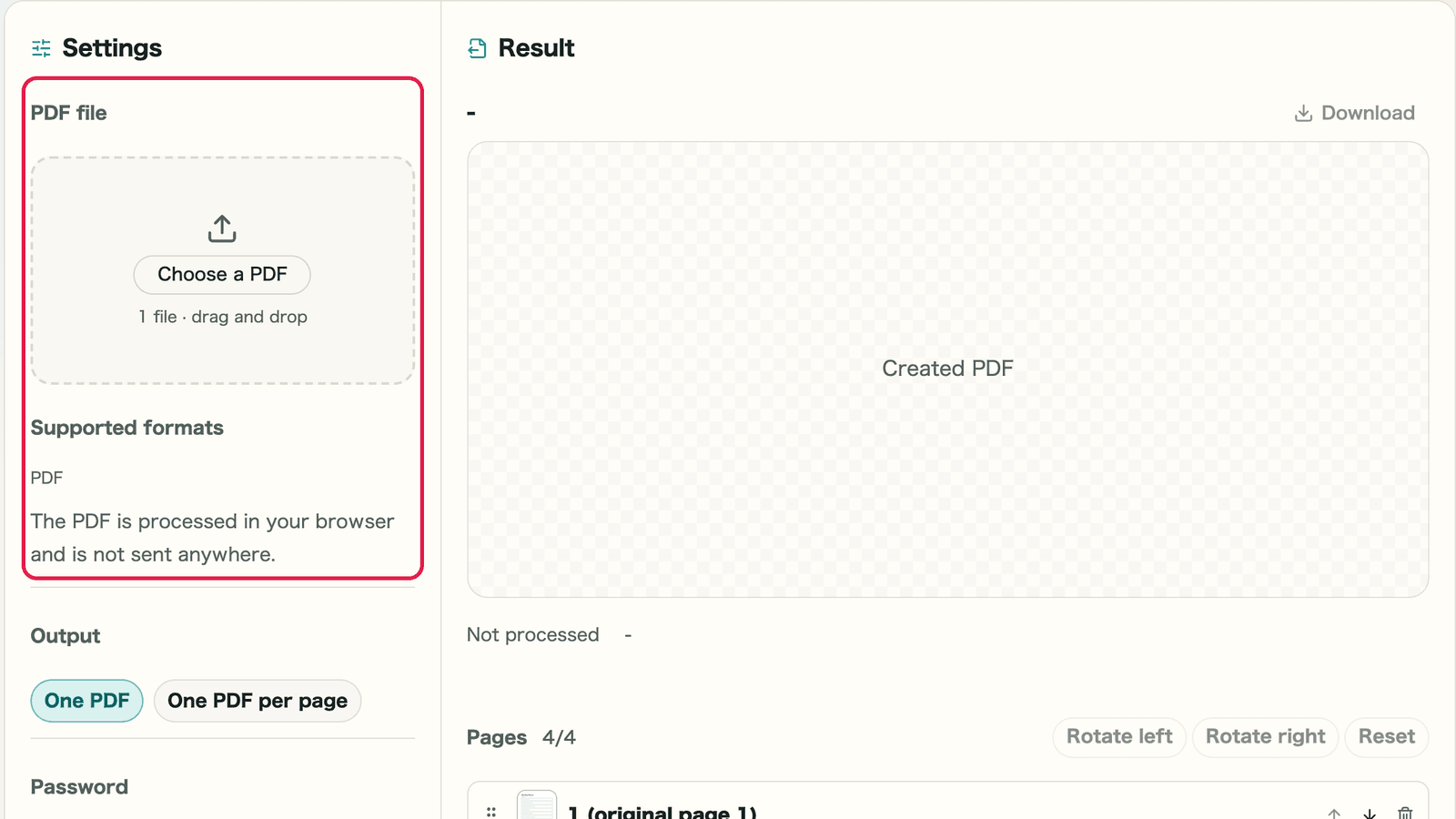
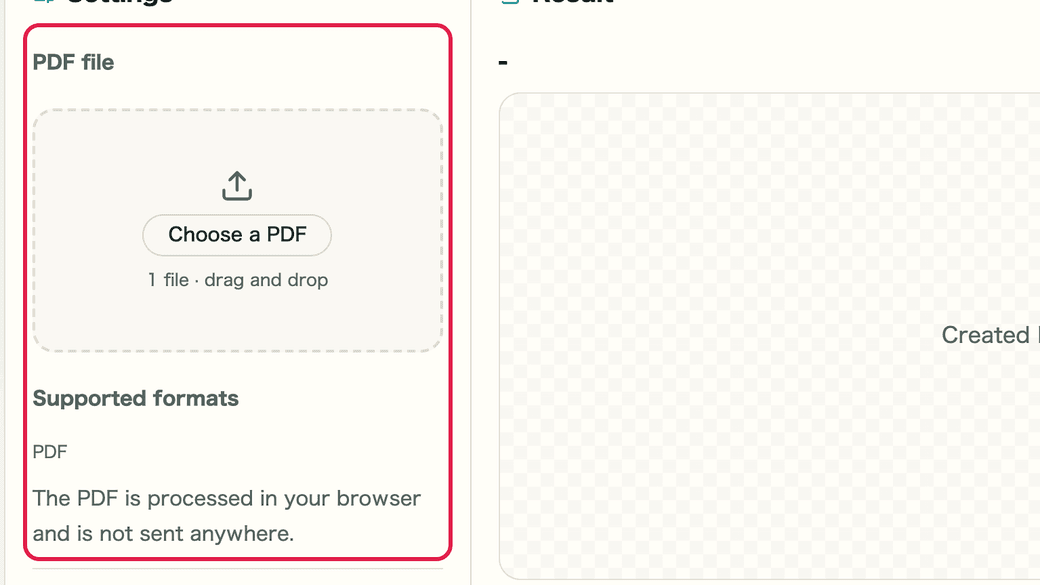
Choose a PDF
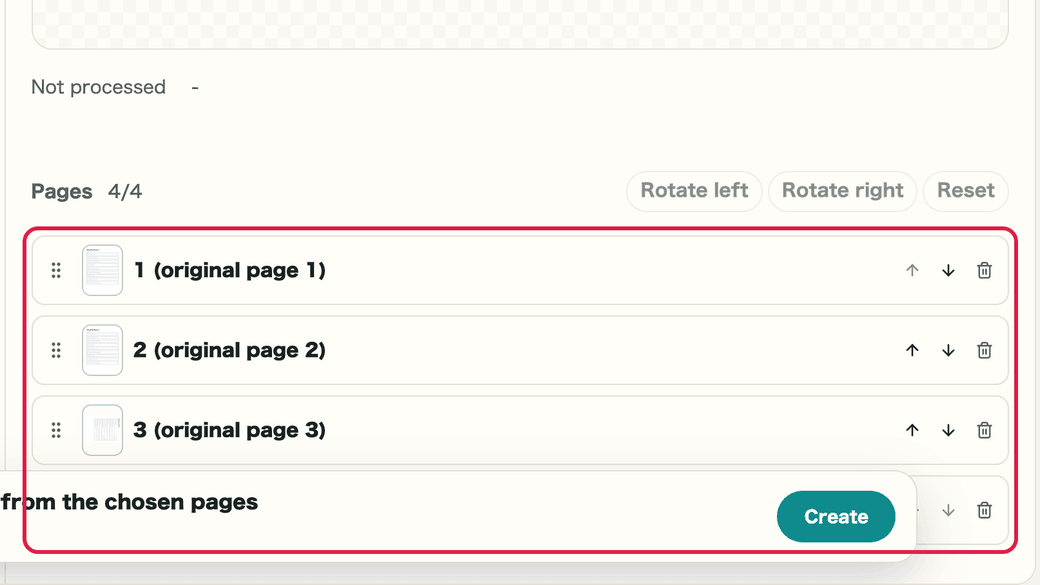
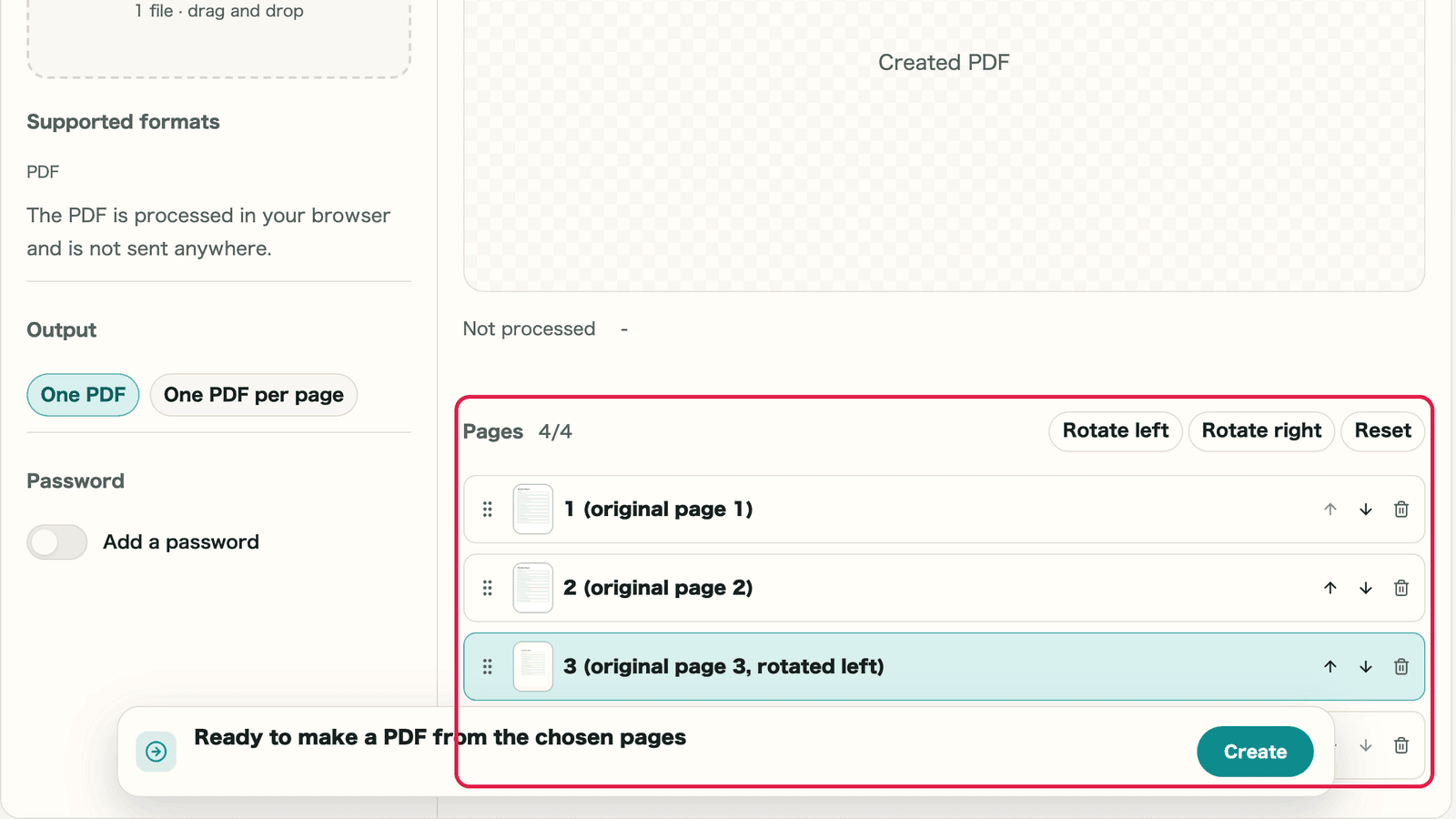
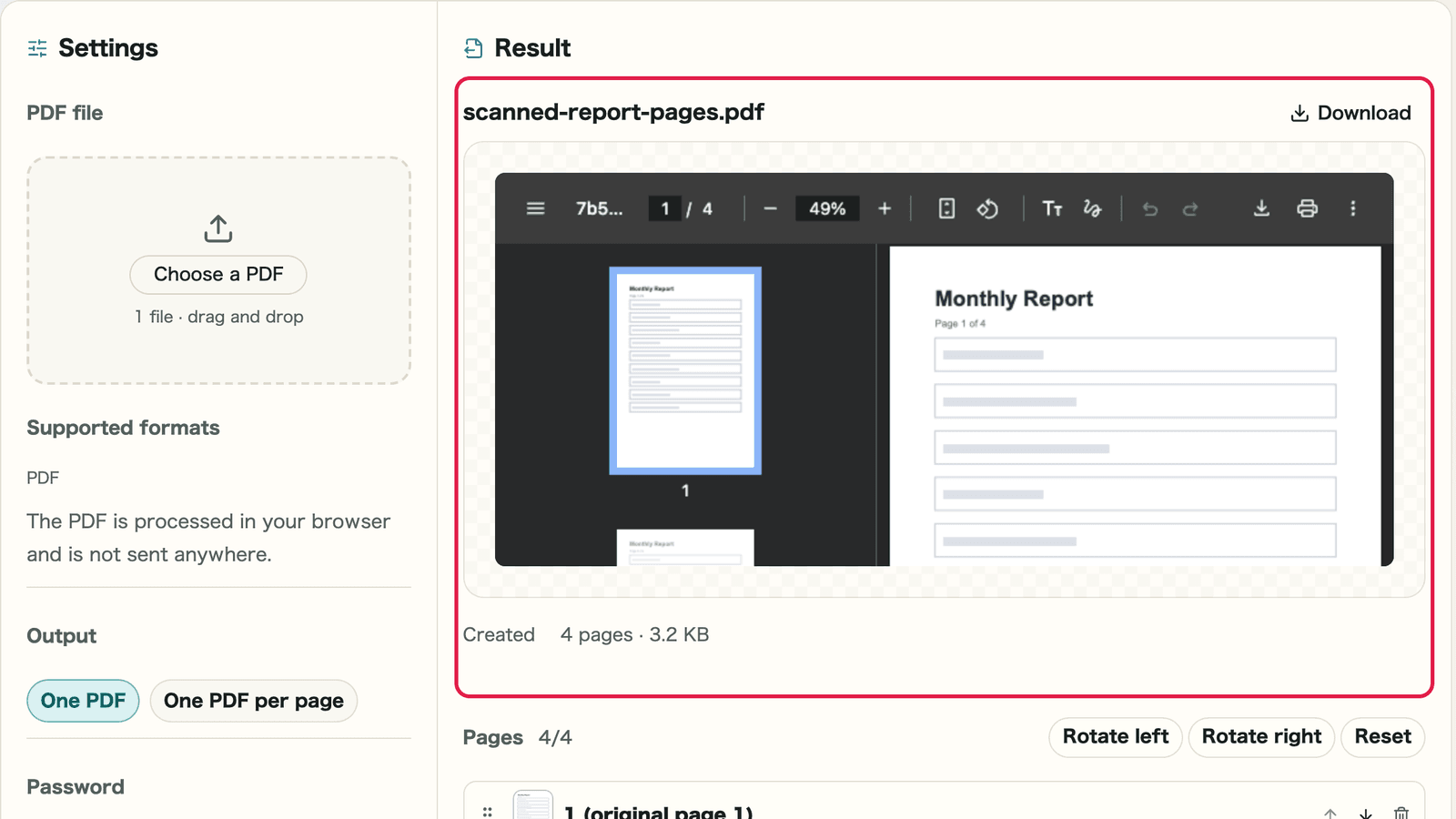
Press Choose a PDF or drag a PDF in. All of its pages appear under Pages with thumbnails.
Checkpoints
- Every page is listed
Where to look on screen
01
Choose a PDF
Press it to pick a file, or drag a PDF here. One PDF at a time.
02
Pages
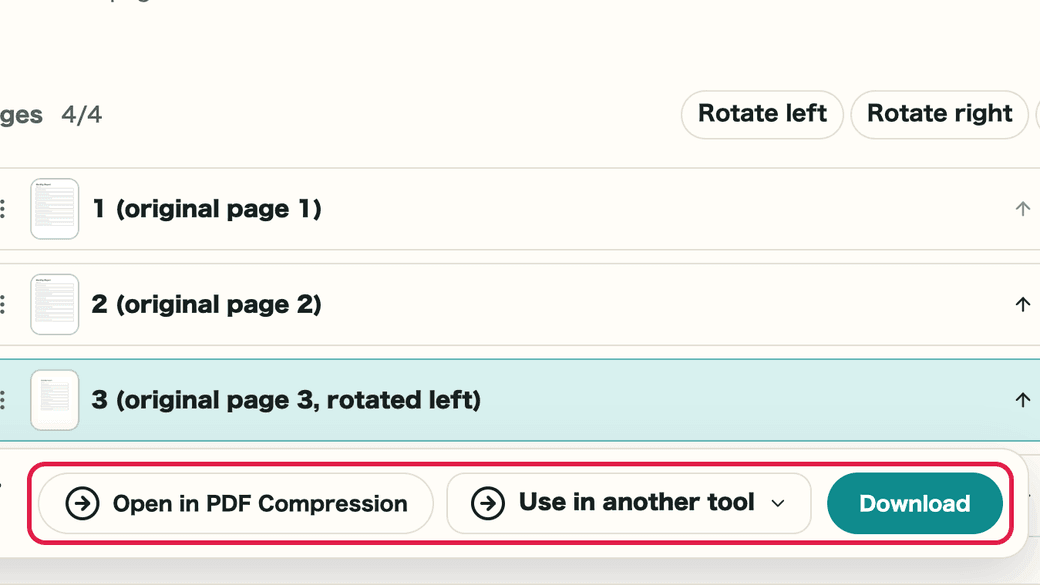
Check each page in its thumbnail. Drag the handle on the left or use the arrows to reorder. Use the trash icon to remove a page.