STEP 1
Choose a PDF
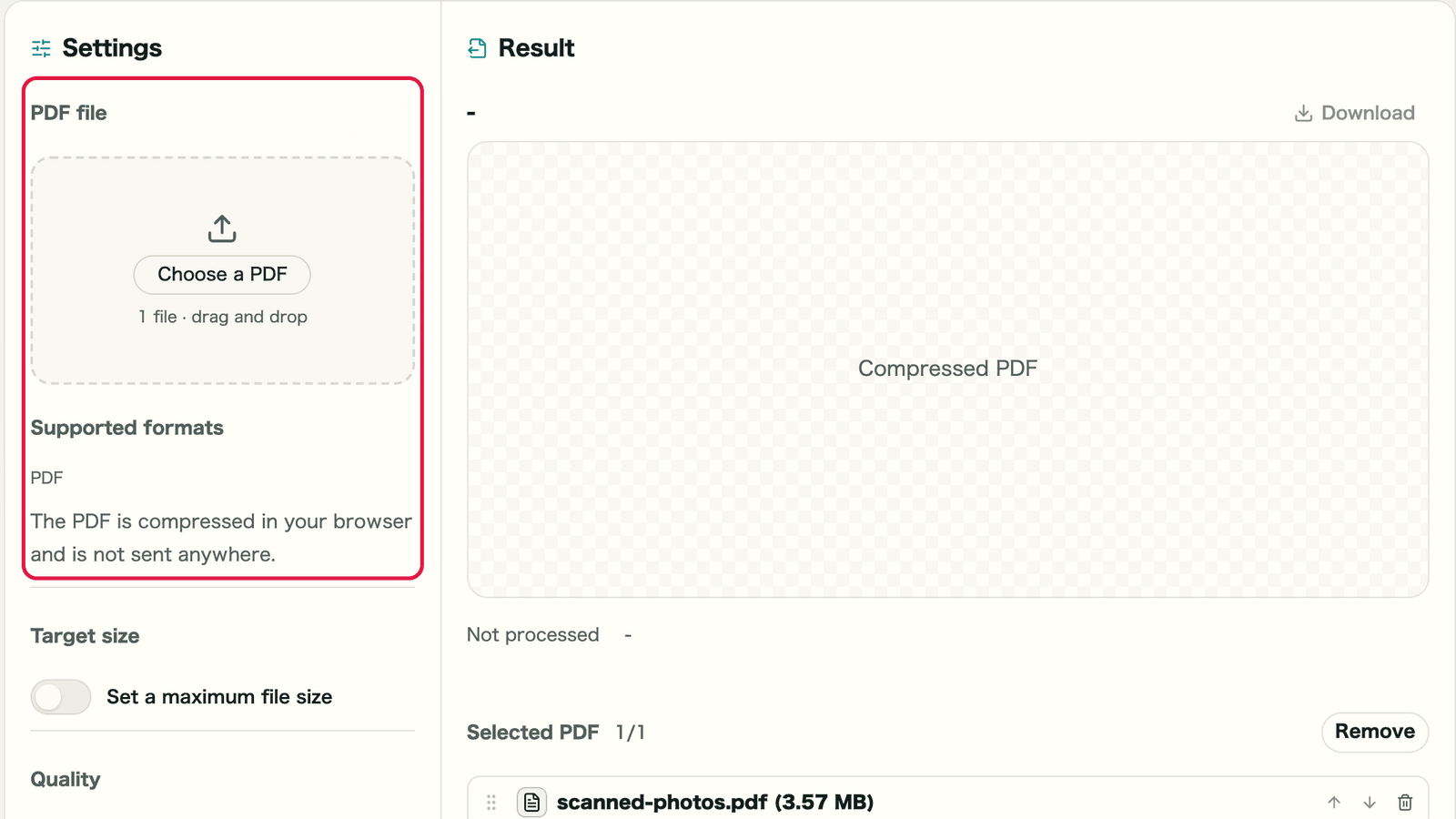
Press Choose a PDF or drag a PDF in. The original size appears at the bottom.
Checkpoints
- You chose the PDF you want to compress
Where to look on screen
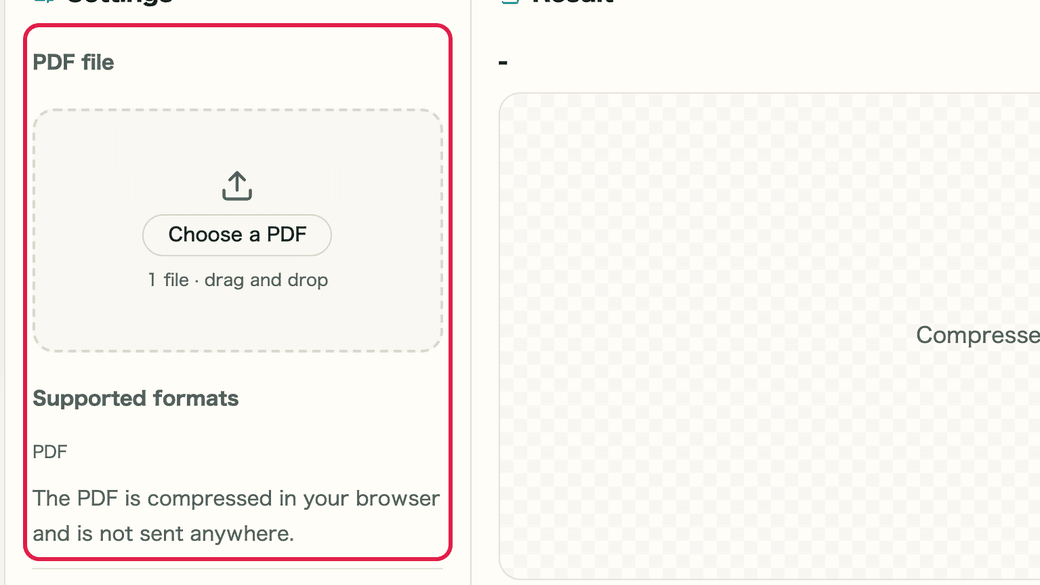
Choose a PDF
Press it to pick a file, or drag a PDF here. One PDF at a time.
How to
Shrink a scanned or photo PDF to fit an upload limit. Enter a maximum size and the highest quality that fits is chosen for you. The PDF is processed in your browser and is not sent anywhere.
Use Cases
Capabilities
Steps
The order of operations and checkpoints are listed so you can proceed while looking at the screen.
STEP 1
Press Choose a PDF or drag a PDF in. The original size appears at the bottom.

Press it to pick a file, or drag a PDF here. One PDF at a time.
STEP 2
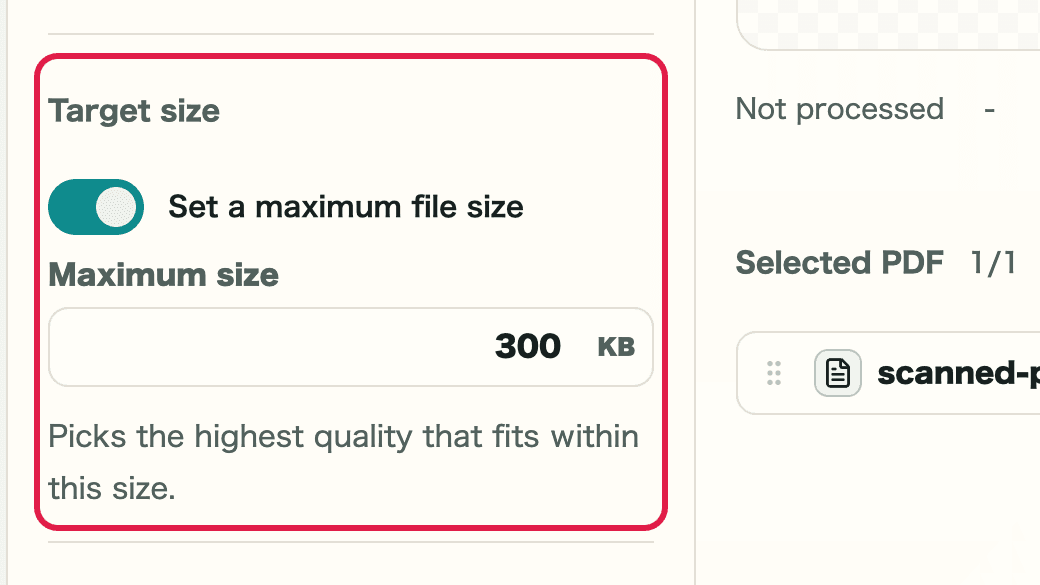
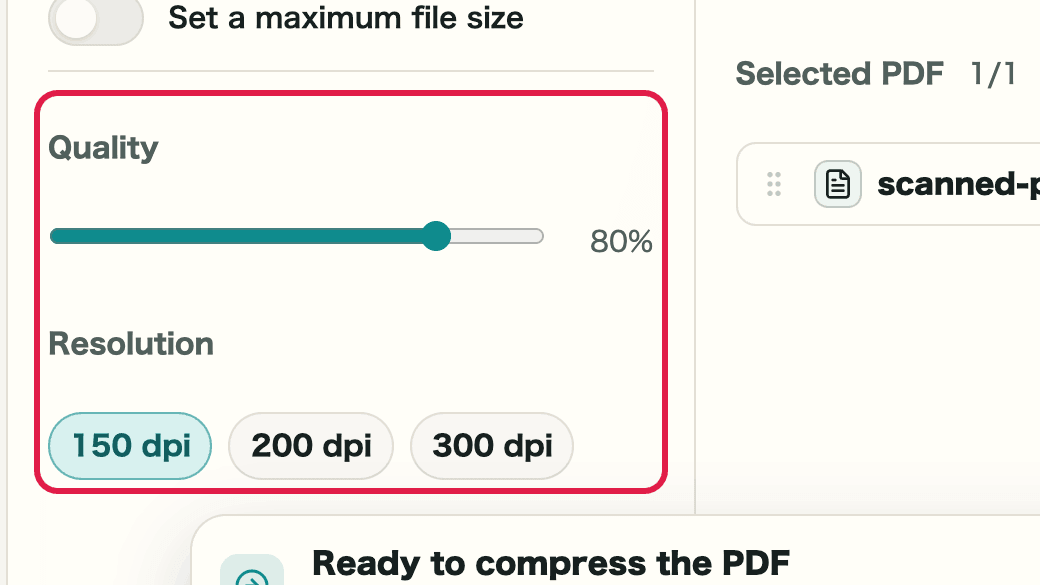
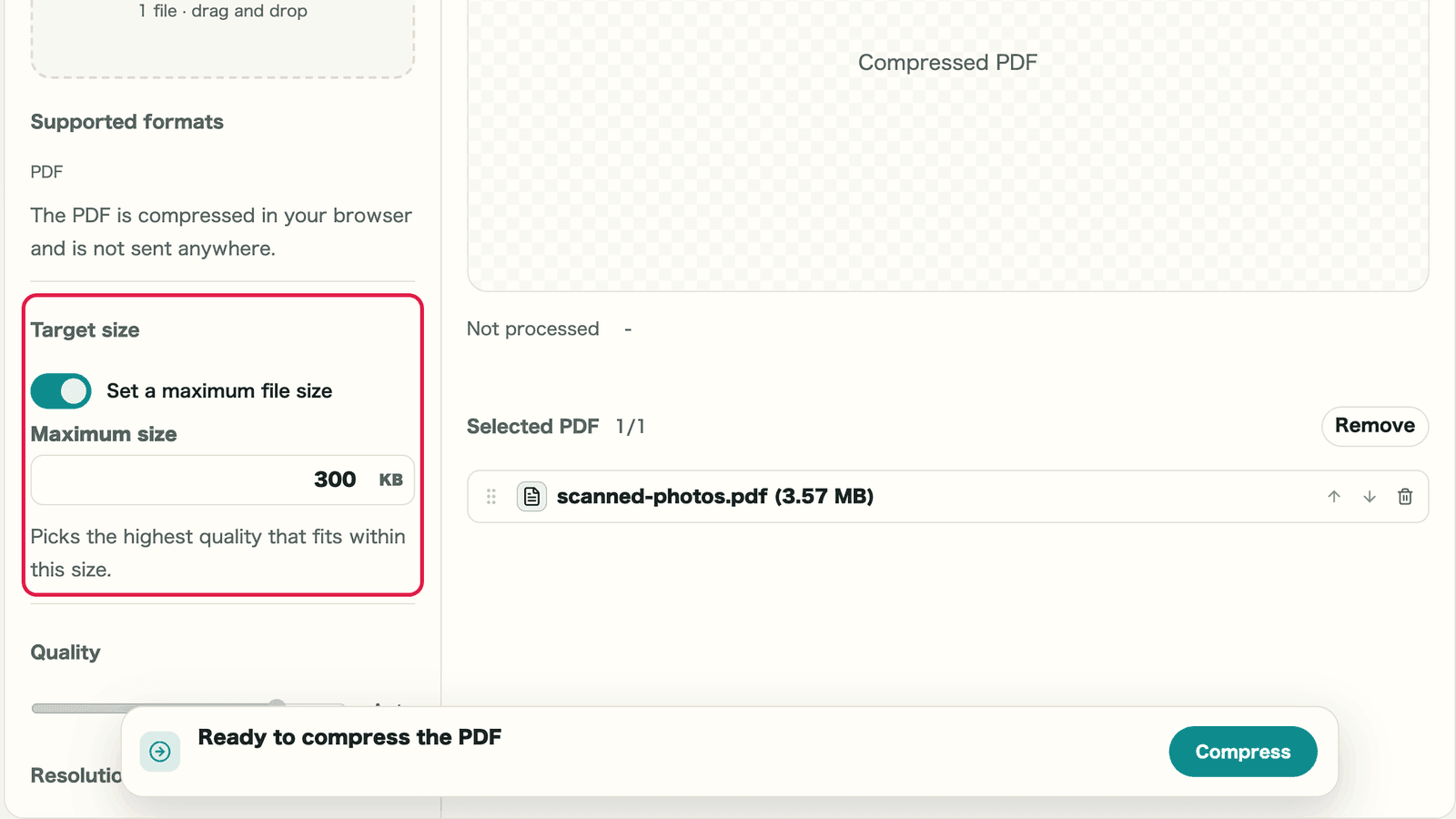
If the form says something like "up to 15 MB", turn on Set a maximum file size and enter it in KB. Otherwise, choose the quality and resolution.

Turn it on and enter a limit; the highest quality that fits is chosen automatically.

Without a limit, choose a quality from 1 to 100 and a resolution of 150, 200, or 300 dpi. Lower numbers make smaller files.

STEP 3
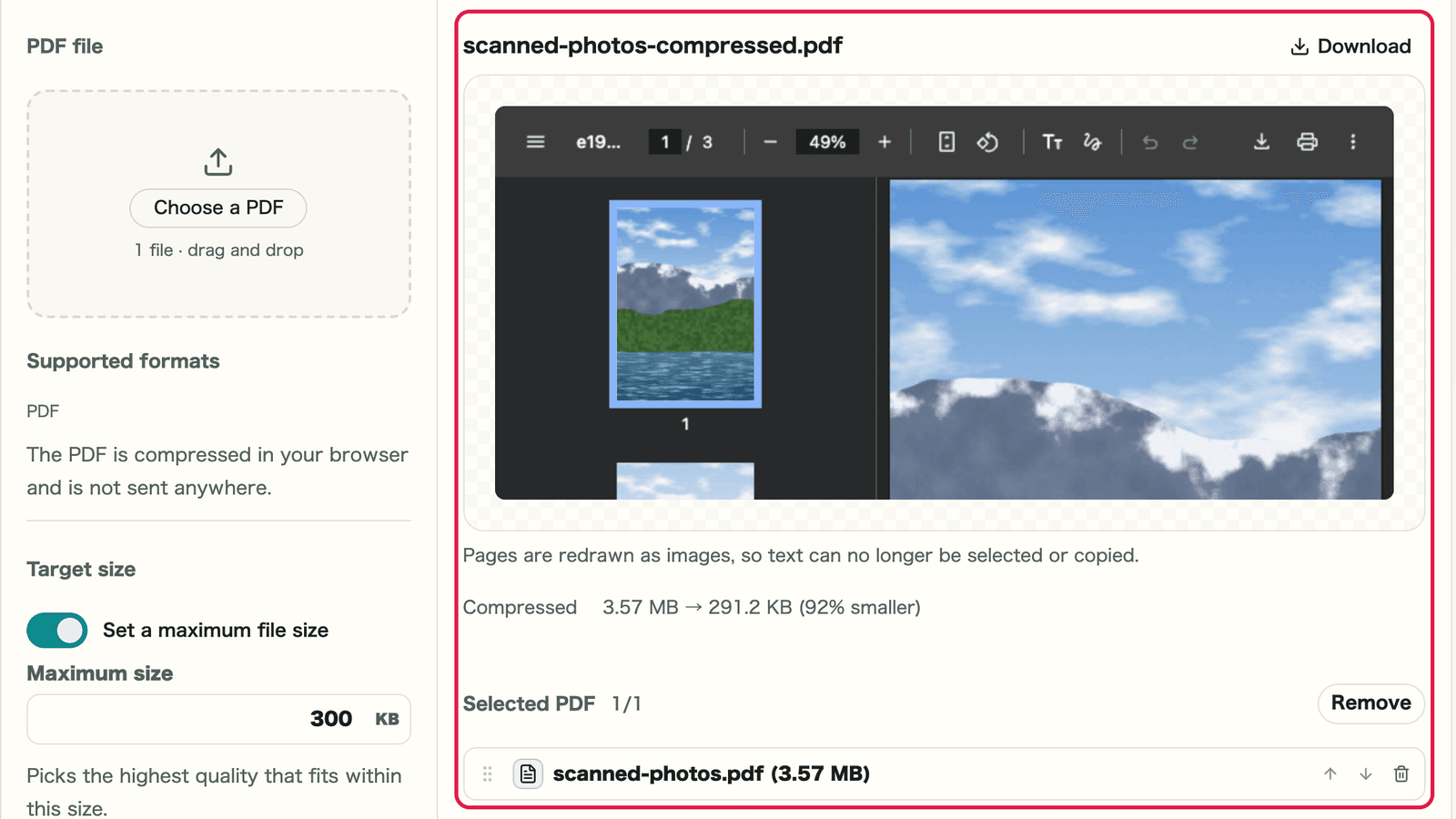
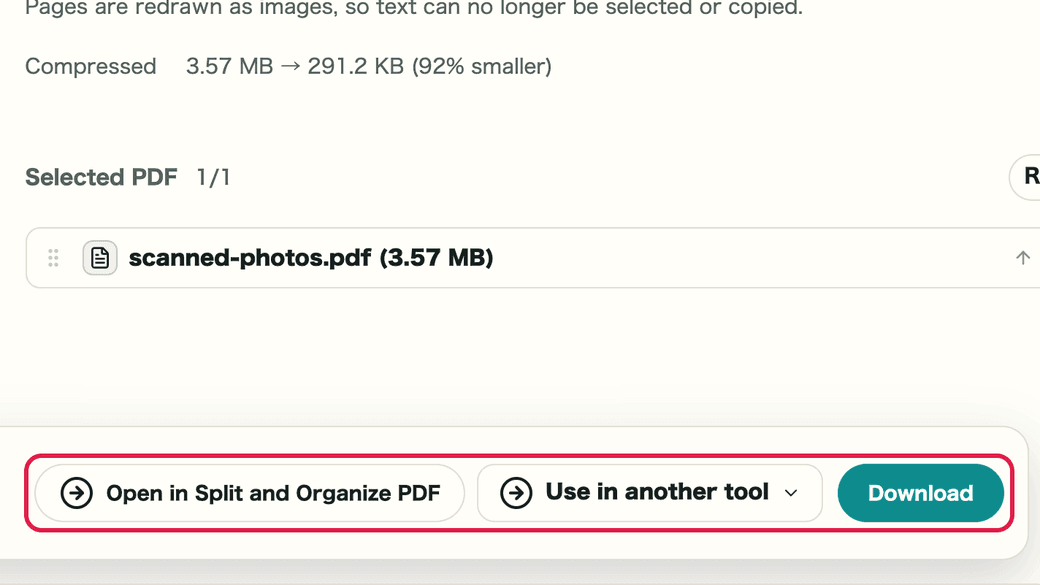
Press Compress to see the result on the right. Check that the text is readable before saving.

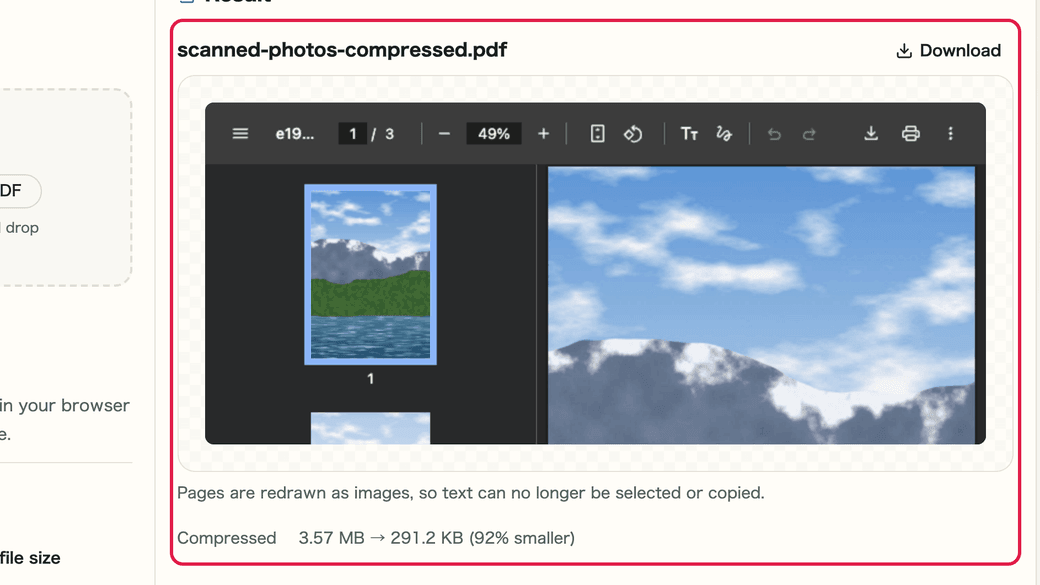
Page through the compressed PDF right there. The original size, new size, and reduction appear below.

Save with Download. Press “Open in Split and Organize PDF” to pass it straight to splitting. Tools such as PDF Password are in “Use in another tool”.

We tested a 3.57 MB PDF with 3 photo pages (like a scanned document, each page is one large image).
| Setting | Compressed size |
|---|---|
| 150 dpi, quality 80 (default) | 464.9 KB |
| 150 dpi, quality 50 | 246.9 KB |
| 200 dpi, quality 80 | 773.6 KB |
| 300 dpi, quality 80 | 1.69 MB |
| Maximum size 300 KB | 291.9 KB |
Lower resolution or quality makes the file smaller. If small text is hard to read in the compressed PDF, raise the resolution to 200 dpi.
A 2-page, 1.9 KB PDF made only of text did not get smaller, so the original PDF was kept.
Notes
Important points are grouped with reasons so you can make decisions before using the tool.
Text
Pages are redrawn as images, so text cannot be selected, copied, or searched. It still looks the same.
Original
Some PDFs, such as text-only ones, get larger when redrawn, so the original file is kept as it is.
Password
For a password-protected PDF, remove the password with PDF Password before choosing it.
FAQ
Questions that make decisions easier before use are summarized first.
No. The PDF is compressed in your browser and is not sent anywhere.
Pages are redrawn as images, so text can no longer be selected or copied. It still looks the same.
PDFs of photos and scanned documents shrink the most. A PDF with only text may not get smaller; then the original PDF is kept.
No. Remove the password with PDF Password first, then choose the PDF.
Find by task
Step-by-step articles for specific problems, with results from running the tool ourselves.
5 screenshots became a 5-page, 1.33 MB PDF, and the text stayed as sharp as in the original images.
Read the guideMerging a 2-page and a 5-page PDF gave a 7-page, 1.33 MB PDF. The size stays close to the total.
Read the guideTaking 2 pages out of a 6-page, 6.10 MB scan gave a 2.04 MB PDF. Each page stays about 1 MB.
Read the guideNext tools
Pass the result straight on, without choosing the file again.
Reorder, rotate, and remove PDF pages, then save one PDF, one PDF per page, or 2 pages per sheet.
Open tool pageArrange several PDFs in the order you want and combine them into one PDF.
Open tool pageTurn each PDF page into a PNG, JPEG, or WebP image.
Open tool pageAdd a password to a PDF, or remove a password you know.
Open tool pageNext guides
Related guides are listed next so you can continue without getting lost.
Steps for arranging several PDFs in the order you want, combining them into one, adding a password when saving, and checking the merged PDF.
View guideSplit a PDF into one file per page, or keep only the pages you need in a new PDF. You can also reorder and rotate pages, free and in your browser.
View guideTurn each PDF page into an image. See how the format and resolution change the file size, with numbers from our own tests.
View guide