
News
News
Three Image Tools Are Now Available

We added three tools to the image category. You can remove backgrounds, convert formats, and adjust sizes — all without leaving the browser.
All image data is processed locally and never sent to an external server. Try Image Background Removal, Image Format Conversion, and Image Crop & Resize right now.
Tool overview
- Image Background Removal: automatically removes backgrounds and saves as transparent PNG
- Image Format Conversion: converts between PNG, JPEG, WebP, AVIF, HEIC, and more
- Image Crop & Resize: adjusts crop area and image size, then saves directly
More news
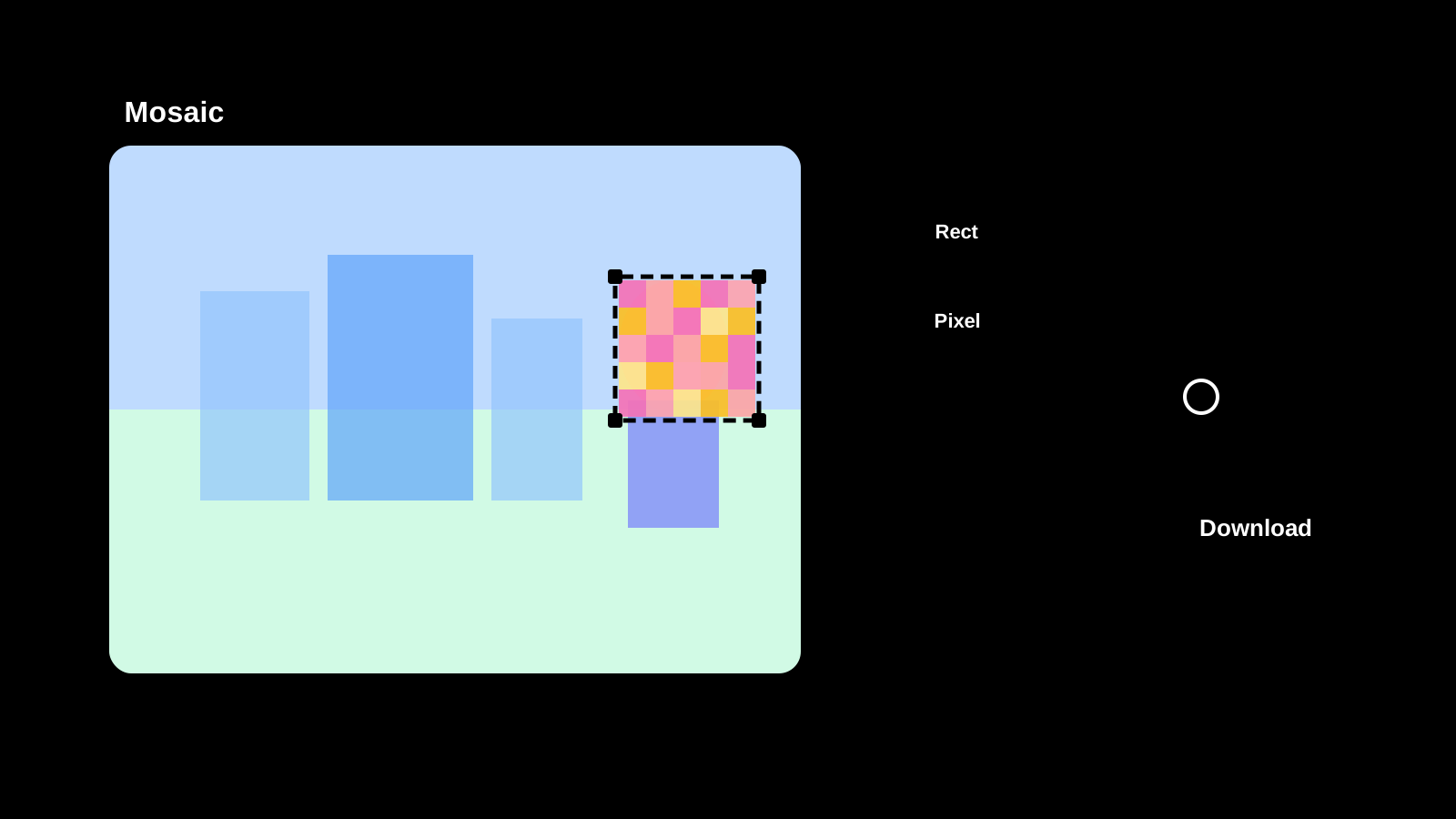
Image Mosaic is now available
Apply mosaic effects to any part of an image directly in your browser. Drag to select areas, choose pixel, blur, or fill styles, and save as PNG, JPEG, or WebP.
Text Diff Checker is now available
Compare two texts side by side and highlight differences. Supports character, word, and line comparison to quickly spot additions, deletions, and changes.

Image Compression is now available
Compress JPEG, PNG, WebP, AVIF, SVG, and GIF in the original format, compare size changes, and save the results.
Password Generator is now available
Create strong password candidates for account signup or temporary access while configuring length, character groups, minimum counts, and excluded characters.