News
News
Text Diff Checker is now available

We added Text Diff Checker for comparing two pieces of text directly in the browser — useful for code reviews, config file changes, document edits, and more.
Paste text into the left and right editors to instantly highlight additions, deletions, and modifications in color. Open the tool or review the how-to page to try it right away.
Common uses
- Quickly check what changed before a code review
- Compare config file versions to understand modifications
- Review edits in documents, emails, or text drafts
More news
PDF tools are now available
We released three PDF tools: PDF Merge, Image to PDF, and PDF Password. All of them process files in your browser without sending them anywhere.

Image Editor is now available
Add text and shapes to a photo to call out details, or fine-tune brightness and color, with our new Image Editor. It also supports background removal and layer management, and there's nothing to install — just open it in your browser.
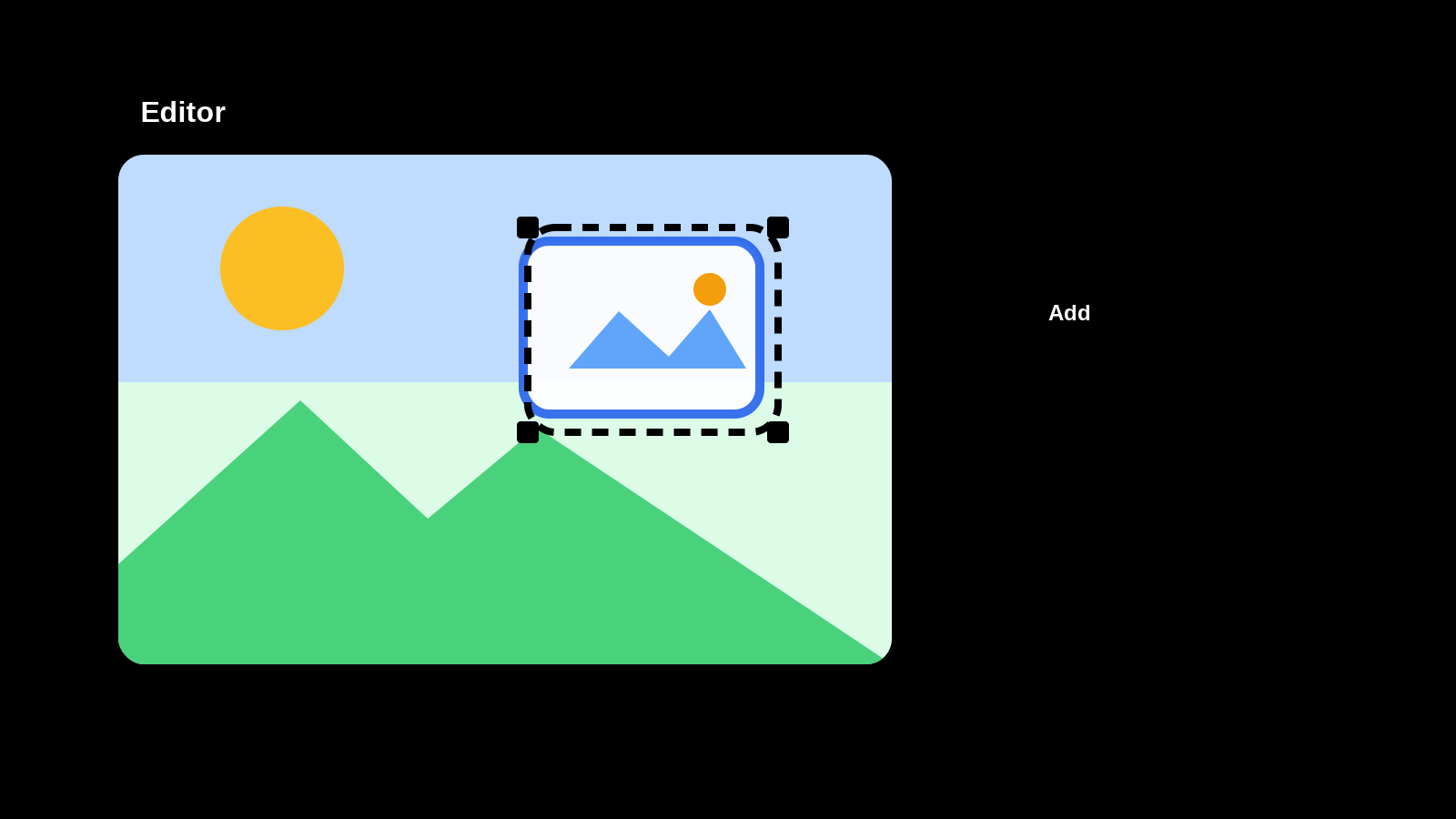
Image Mosaic is now available
Apply mosaic effects to any part of an image directly in your browser. Drag to select areas, choose pixel, blur, or fill styles, and save as PNG, JPEG, or WebP.
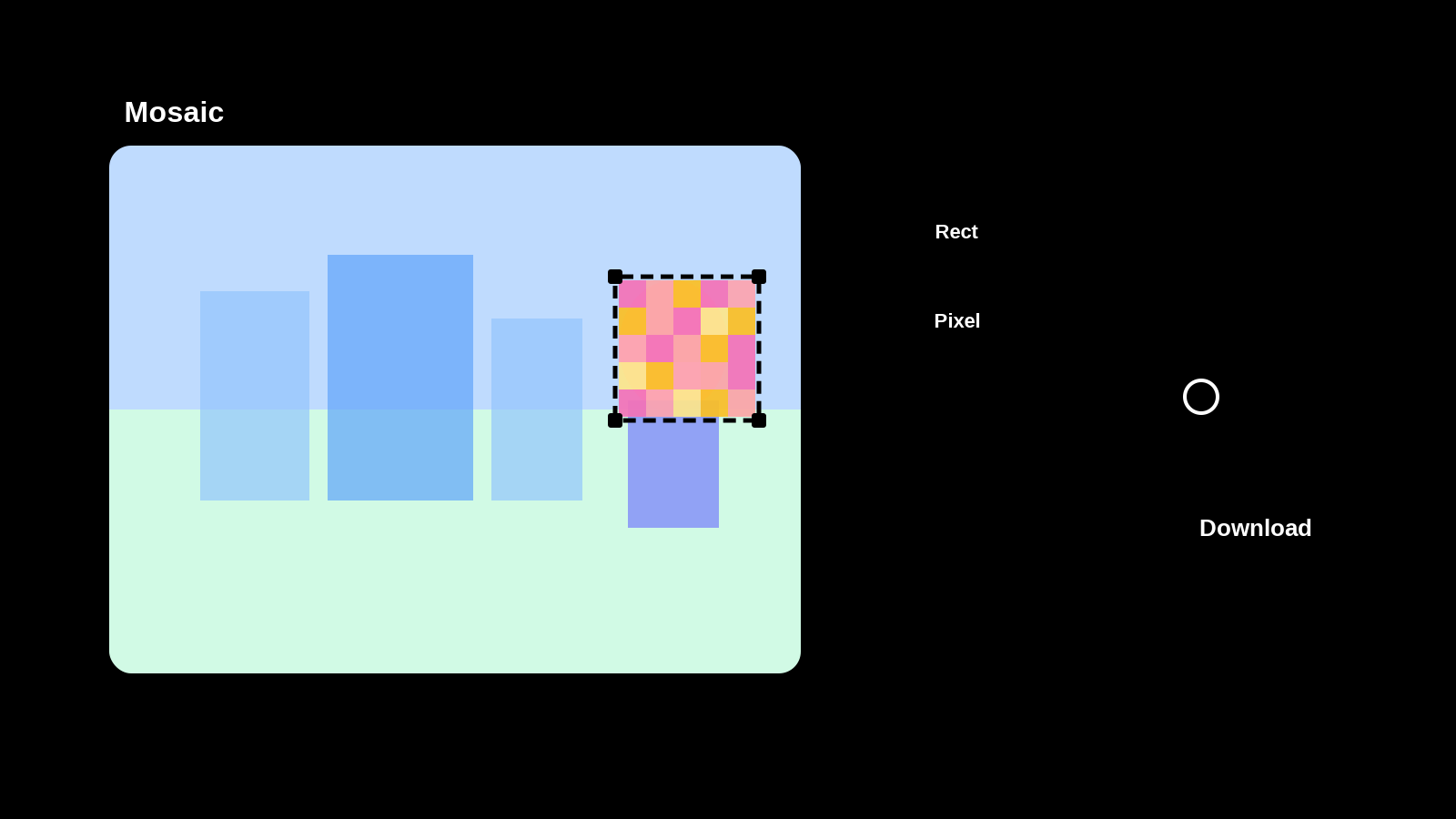
Image Compression is now available
Compress JPEG, PNG, WebP, AVIF, SVG, and GIF in the original format, compare size changes, and save the results.