
News
News
PDF tools are now available

We added PDF tools for tasks such as sending application documents together, turning photos of documents into one PDF, and adding a password before sending.
Try PDF Merge, Image to PDF, and PDF Password.
What you can do
- Arrange several PDFs in the order you want and combine them into one
- Turn photos and screenshots into a PDF with one image per page. iPhone HEIC photos work as they are
- Add an AES-256 password to a PDF, or remove a password you know
Tools now work together
Results from tools such as Image Compression can be passed to the next tool from Use in next tool in the toolbar, without choosing the files again. For example, you can compress photos, turn them into a PDF, merge it with other documents, and add a password in one flow. Passed files stay only on your device for a short time and are deleted once received.
More news
Image Editor is now available
Add text and shapes to a photo to call out details, or fine-tune brightness and color, with our new Image Editor. It also supports background removal and layer management, and there's nothing to install — just open it in your browser.
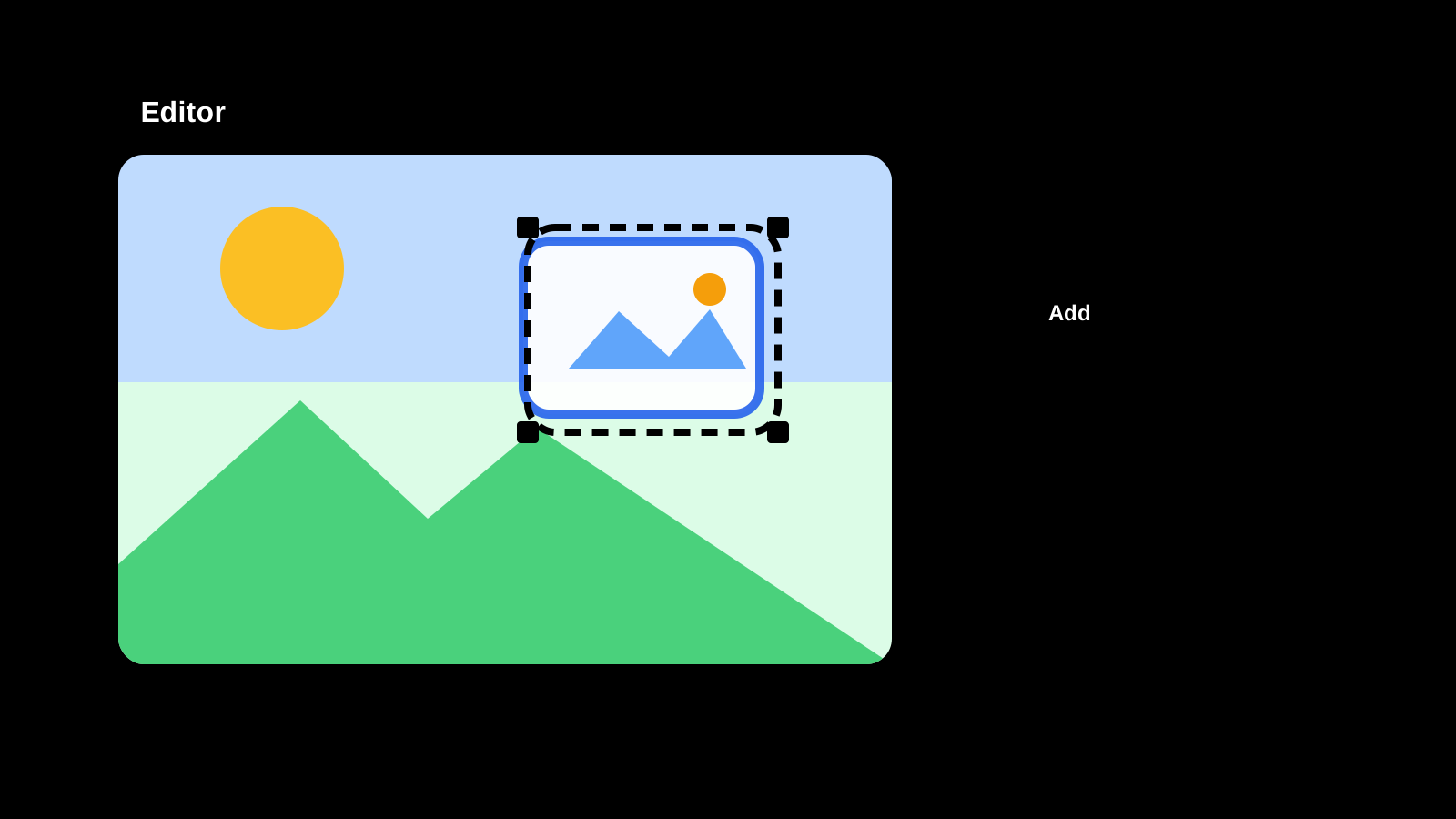
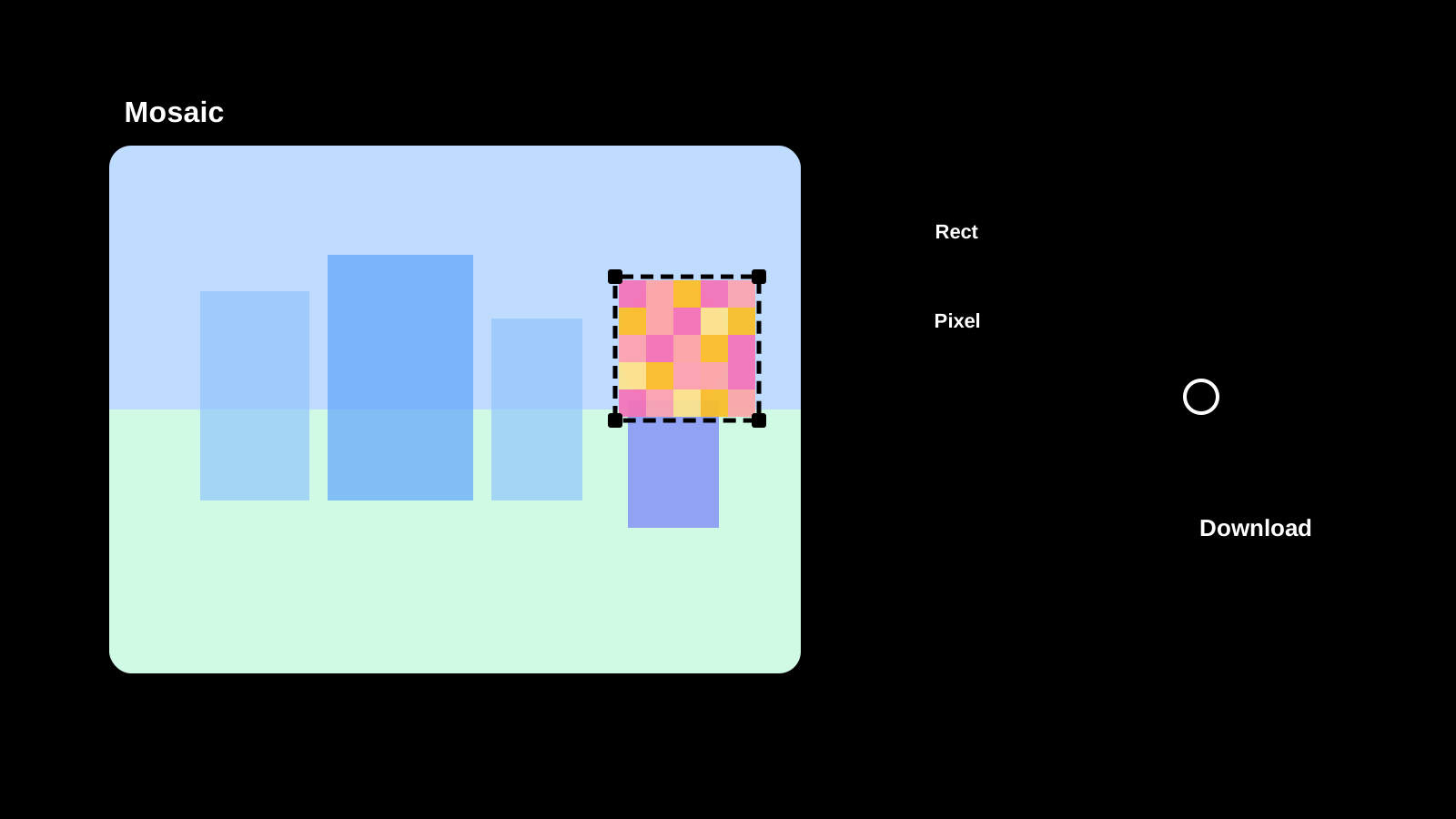
Image Mosaic is now available
Apply mosaic effects to any part of an image directly in your browser. Drag to select areas, choose pixel, blur, or fill styles, and save as PNG, JPEG, or WebP.
Text Diff Checker is now available
Compare two texts side by side and highlight differences. Supports character, word, and line comparison to quickly spot additions, deletions, and changes.

Image Compression is now available
Compress JPEG, PNG, WebP, AVIF, SVG, and GIF in the original format, compare size changes, and save the results.