
News
News
Image Editor is now available
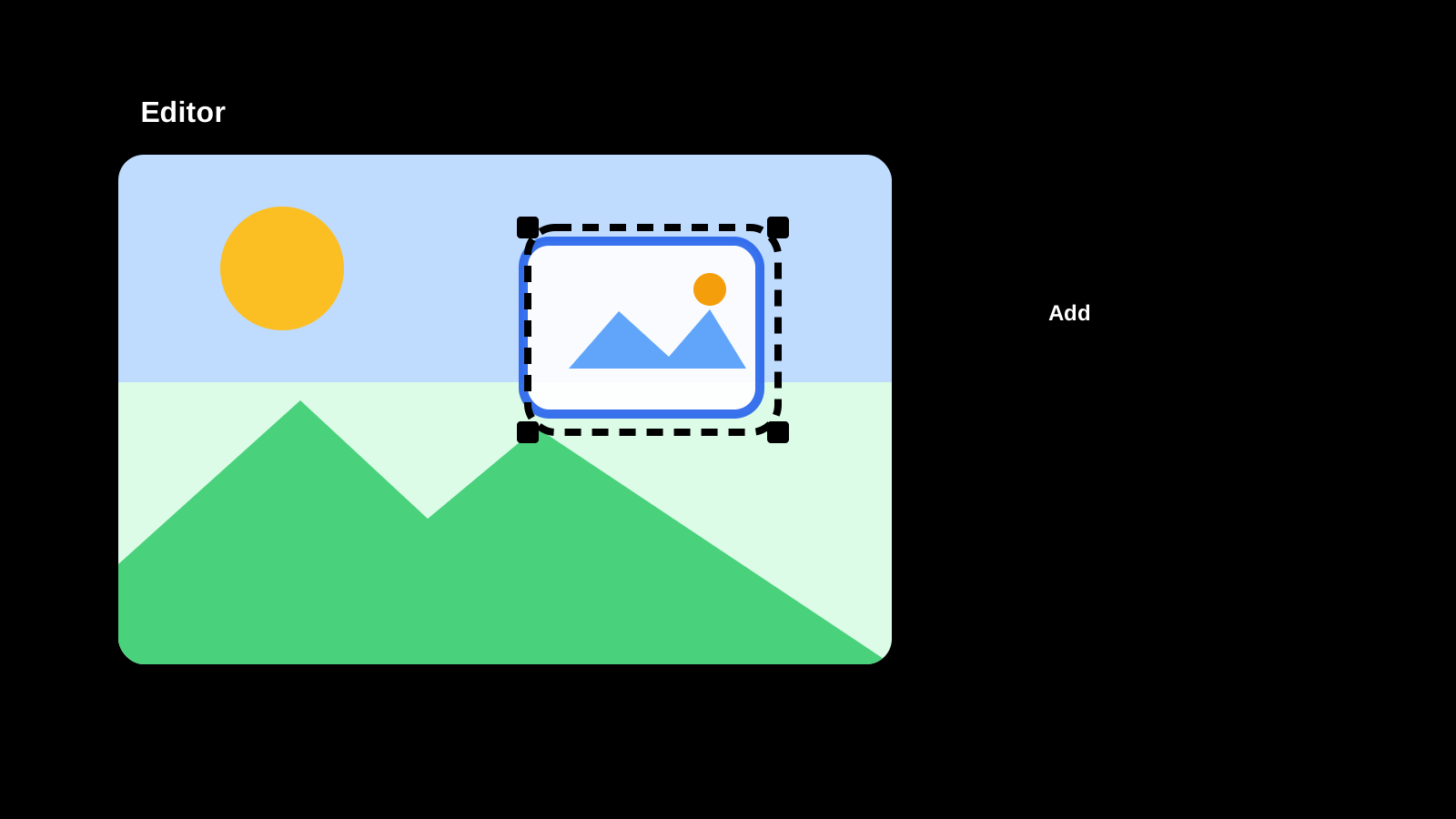
We added an Image Editor so you can add text and shapes to a photo to call out details, or fine-tune brightness and color to finish the look. There's no install or sign-up required — just open it in your browser. With simple drag-and-click controls, you can adjust placement and styling right on the canvas and see the result as you go.
Pick a heading, body, or caption text preset to add consistent-looking text in seconds. Add callout, arrow, or label shapes to point out exactly what you want people to notice. Fill, border, shadow, and glow styling, brightness/color/sharpness adjustments, background removal, aligning multiple selected elements, and reordering layers — it's all in one screen. Open the Image Editor tool or view the how-to page to get started.
What you can do
- Add readable text to a photo by picking a heading or body preset
- Point out what matters with callout, arrow, or label shapes
- Give text and shapes a consistent look with fill, border, shadow, and glow
- Fine-tune the photo itself with brightness, color, and sharpness adjustments, plus background removal
- Manage stacking order with layers, and lock finished elements to avoid accidental changes
- Export as PNG, JPEG, or WebP depending on how you'll use the image
Common uses
- Add text or shapes to a photo without opening image editing software
- Polish a photo for social media or a document
- Remove a photo's background to use it as a product asset
- Add arrows or captions to a screenshot to explain a step
More news
Image Mosaic is now available
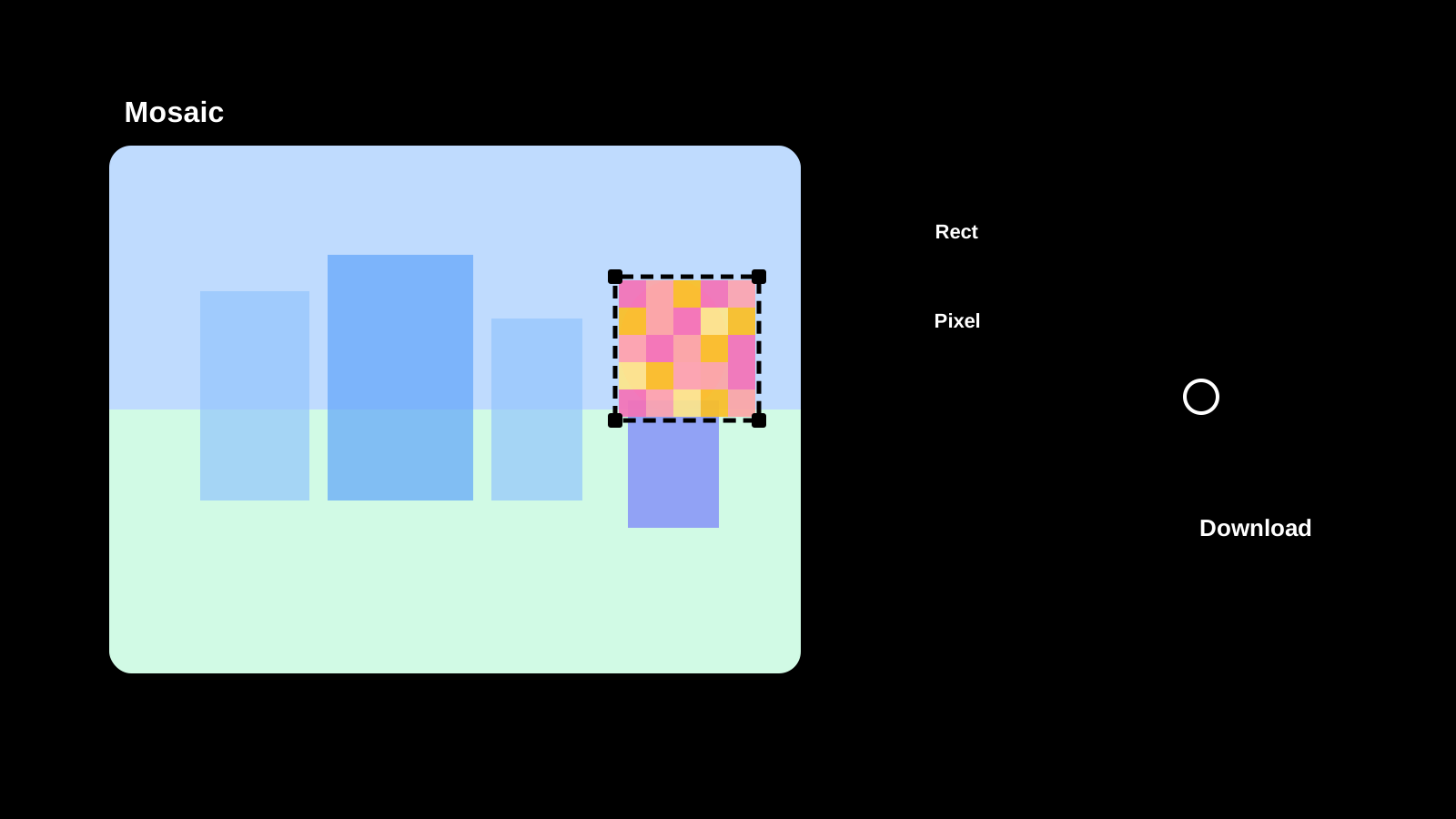
Apply mosaic effects to any part of an image directly in your browser. Drag to select areas, choose pixel, blur, or fill styles, and save as PNG, JPEG, or WebP.
Text Diff Checker is now available
Compare two texts side by side and highlight differences. Supports character, word, and line comparison to quickly spot additions, deletions, and changes.

Image Compression is now available
Compress JPEG, PNG, WebP, AVIF, SVG, and GIF in the original format, compare size changes, and save the results.
Password Generator is now available
Create strong password candidates for account signup or temporary access while configuring length, character groups, minimum counts, and excluded characters.