
News
News
Password Generator is now available
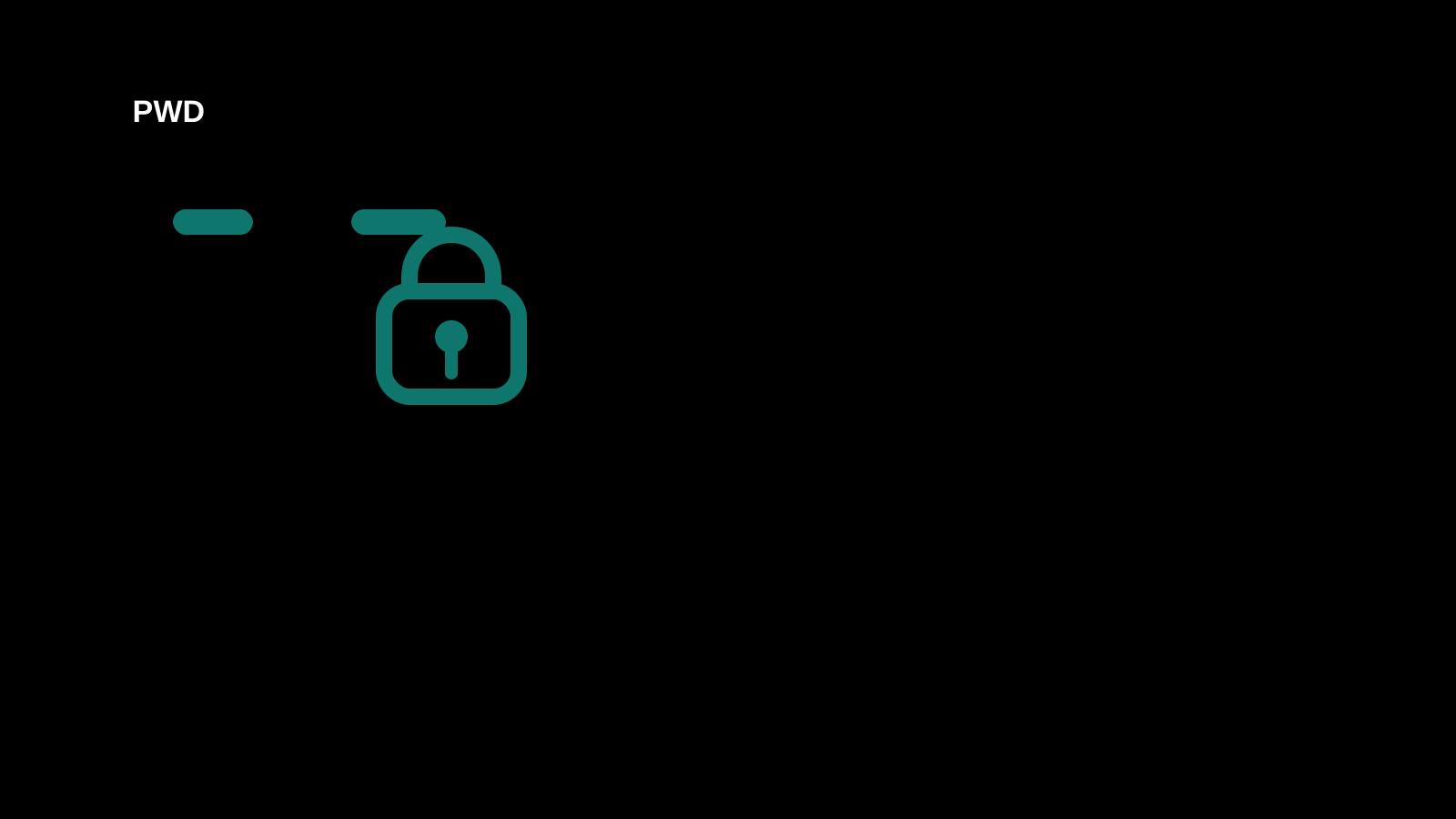
We added a Password Generator so you can quickly create strong, non-reused candidates for account signup and temporary password preparation.
You can adjust presets, length, count, lowercase, uppercase, numbers, symbols, ambiguous character exclusion, and custom excluded characters while reviewing strength and rule compliance for each candidate. Open the Password Generator or view the how-to page to start from the step-by-step guide.
Common uses
- Create a strong password during account signup
- Prepare several temporary passwords at once
- Avoid confusing characters or unsupported symbols
More news
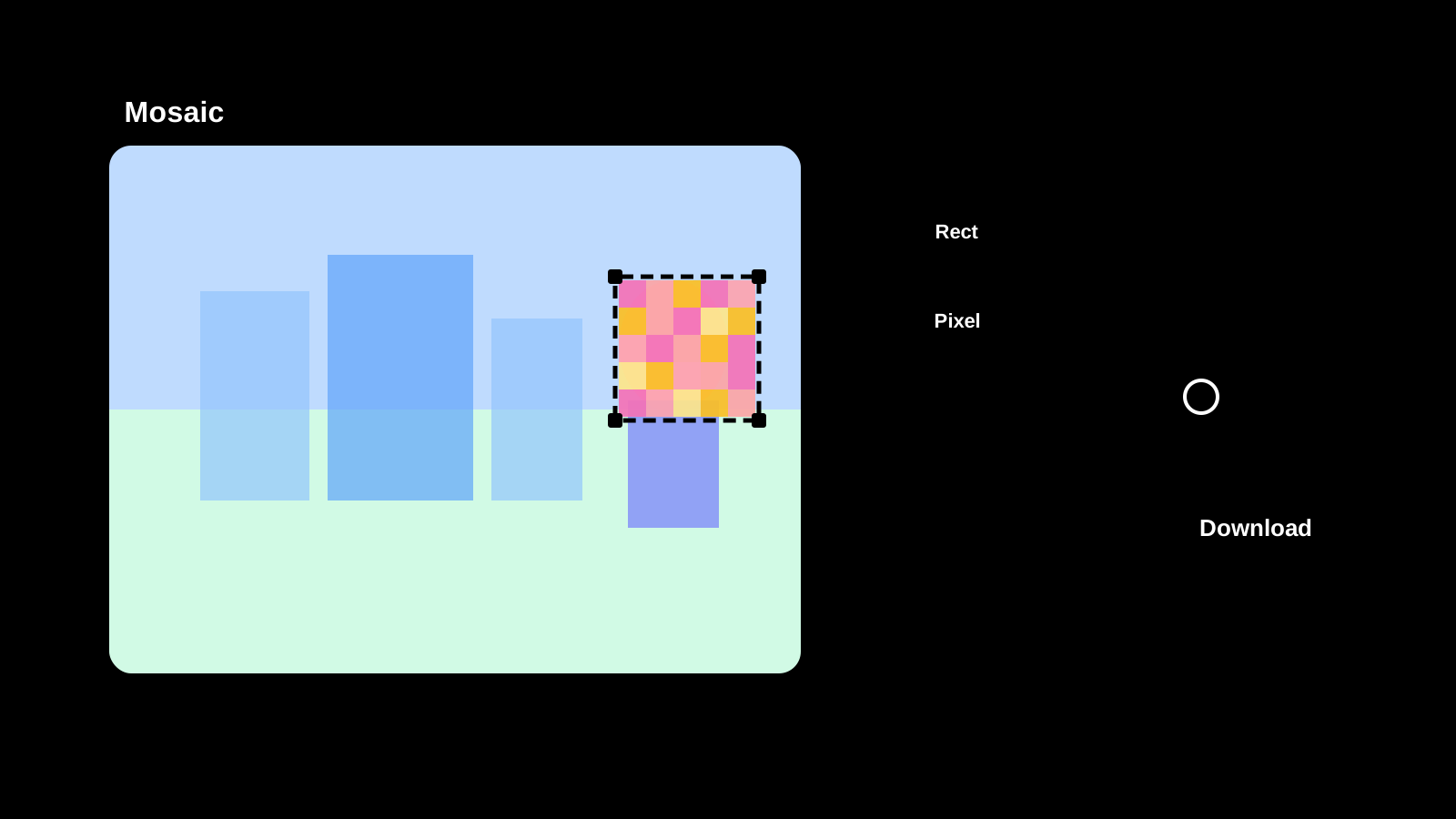
Image Mosaic is now available
Apply mosaic effects to any part of an image directly in your browser. Drag to select areas, choose pixel, blur, or fill styles, and save as PNG, JPEG, or WebP.
Text Diff Checker is now available
Compare two texts side by side and highlight differences. Supports character, word, and line comparison to quickly spot additions, deletions, and changes.

Image Compression is now available
Compress JPEG, PNG, WebP, AVIF, SVG, and GIF in the original format, compare size changes, and save the results.
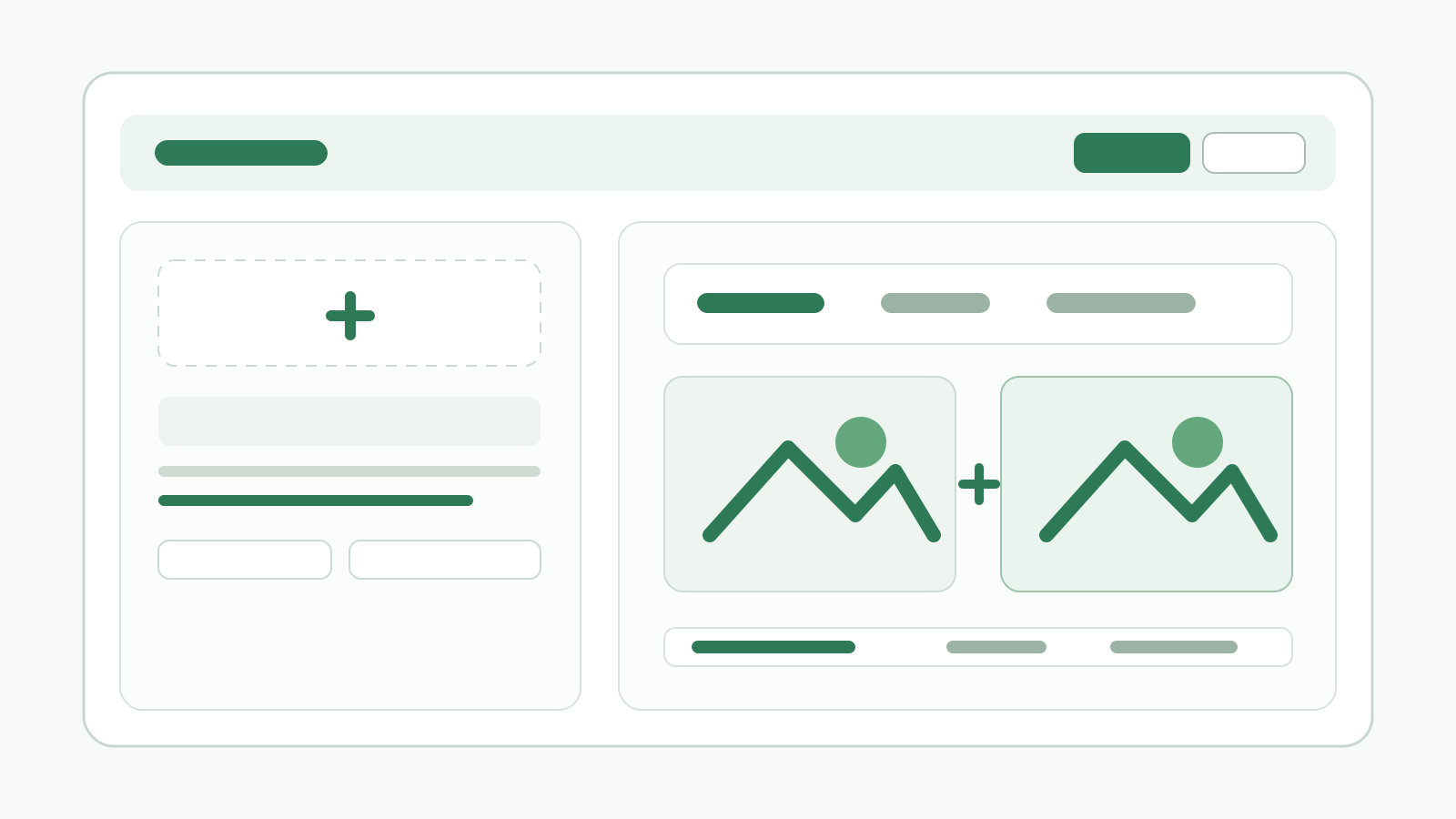
QR Code Generator Is Now Available
We released a QR code generator that creates QR codes from URLs or text, lets you adjust size, margins, colors, and transparency, and saves the result as PNG or SVG.