
News
News
Color Picker, Image, and Transparency Support Is Now Available

We added 'Color Picker, Image, and Transparency Support' to the design tools category.
In addition to choosing colors and checking HEX, RGB, and HSL values, you can adjust transparency and pick colors directly from an uploaded image. See the tool page and the how-to page to get started. Use it when you want to prepare site icons quickly before launch.
Main use cases
- Quickly checking similar colors for UI and design work
- Sampling a color directly from an uploaded image
- Copying alpha-enabled color codes for CSS or design specifications
More news
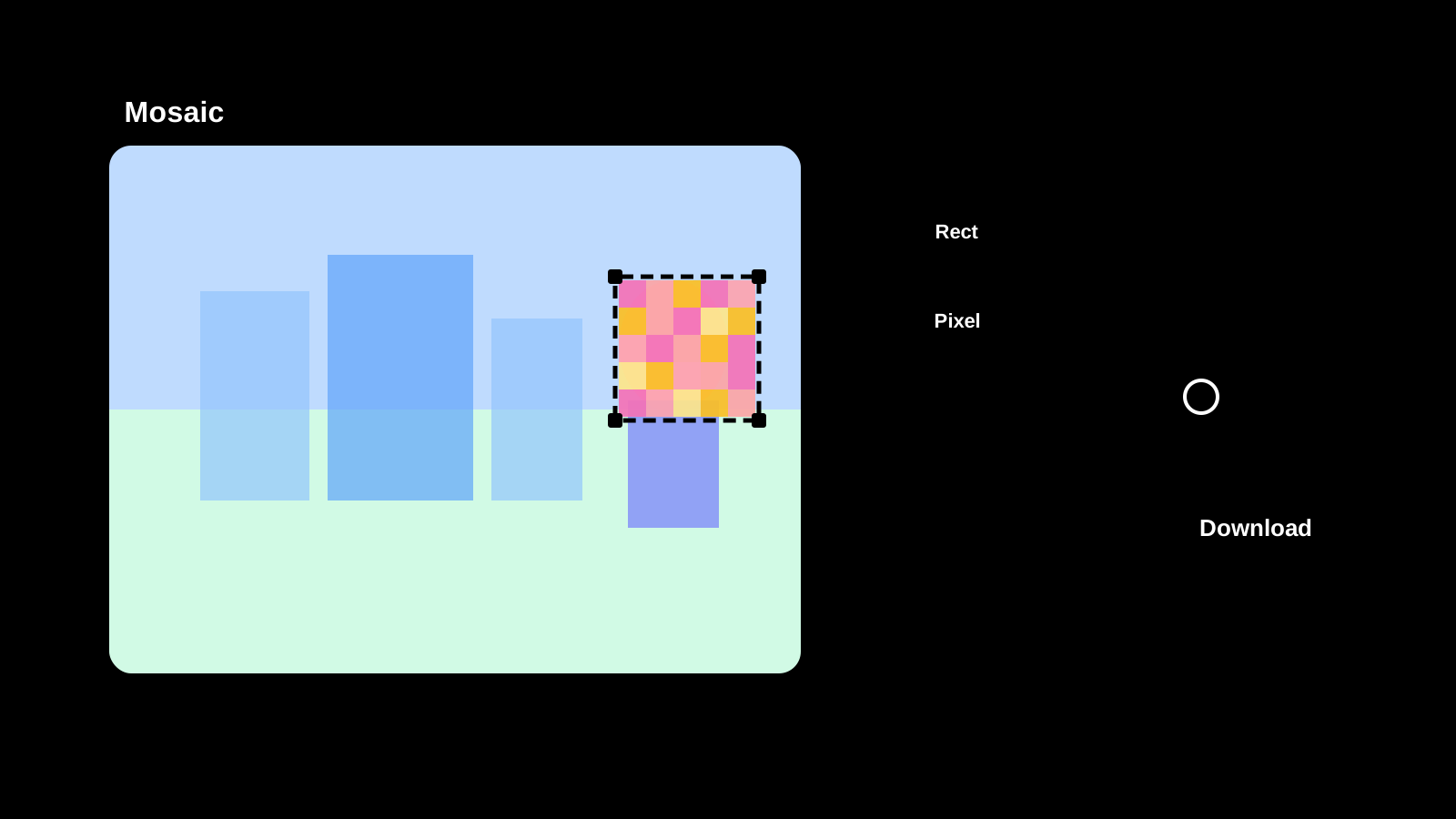
Image Mosaic is now available
Apply mosaic effects to any part of an image directly in your browser. Drag to select areas, choose pixel, blur, or fill styles, and save as PNG, JPEG, or WebP.
Text Diff Checker is now available
Compare two texts side by side and highlight differences. Supports character, word, and line comparison to quickly spot additions, deletions, and changes.

Image Compression is now available
Compress JPEG, PNG, WebP, AVIF, SVG, and GIF in the original format, compare size changes, and save the results.
Password Generator is now available
Create strong password candidates for account signup or temporary access while configuring length, character groups, minimum counts, and excluded characters.