
News
News
Six Developer Tools Are Now Available

We added six tools to the developer tools category, covering code formatting, diagram generation, and environment inspection — all running in the browser.
No installation required. Pick any tool and start using it immediately.
Published tools
- JSON Formatter: format, minify, and validate JSON
- HTML/CSS/JS Formatter: format and minify HTML, CSS, and JavaScript
- Markdown Preview: preview Markdown in real time
- Mermaid Preview: generate flowcharts and diagrams from Mermaid notation
- PlantUML Preview: generate UML diagrams from PlantUML notation
- Network Information Checker: display IP address, connection info, and device details
More news
PDF tools are now available
We released three PDF tools: PDF Merge, Image to PDF, and PDF Password. All of them process files in your browser without sending them anywhere.
Image Editor is now available
Add text and shapes to a photo to call out details, or fine-tune brightness and color, with our new Image Editor. It also supports background removal and layer management, and there's nothing to install — just open it in your browser.
Image Mosaic is now available
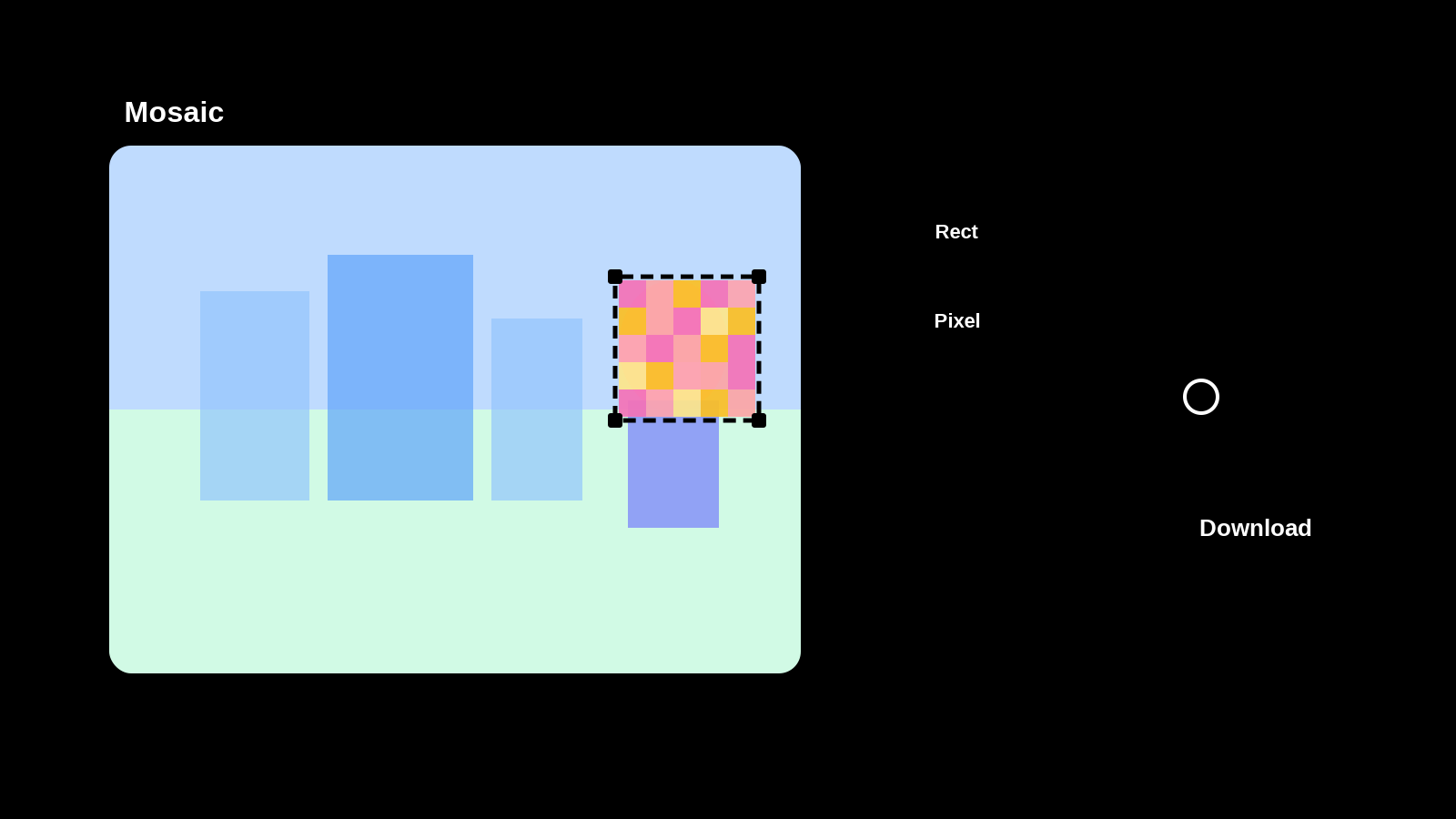
Apply mosaic effects to any part of an image directly in your browser. Drag to select areas, choose pixel, blur, or fill styles, and save as PNG, JPEG, or WebP.
Text Diff Checker is now available
Compare two texts side by side and highlight differences. Supports character, word, and line comparison to quickly spot additions, deletions, and changes.