
News
News
Base64 Encode / Decode and URL Encode / Decode Are Now Available

We have released two text conversion tools that help you handle Base64 checks and URL parameter adjustments quickly, right in the browser.
Both tools let you enter text, convert it, restore it, swap input and output, and copy the result in the same workspace, so you can check a value and move straight into the next step without extra friction. Try the Base64 Encode / Decode tool, the URL Encode / Decode tool today. If you want step-by-step guidance, see the Base64 how-to page and URL how-to page as well.
Main use cases
- Converting text to Base64 before passing it to an API or another tool
- Restoring a Base64 string to readable text to inspect the original content
- Encoding or decoding URL parameter values and copying the result directly
More news
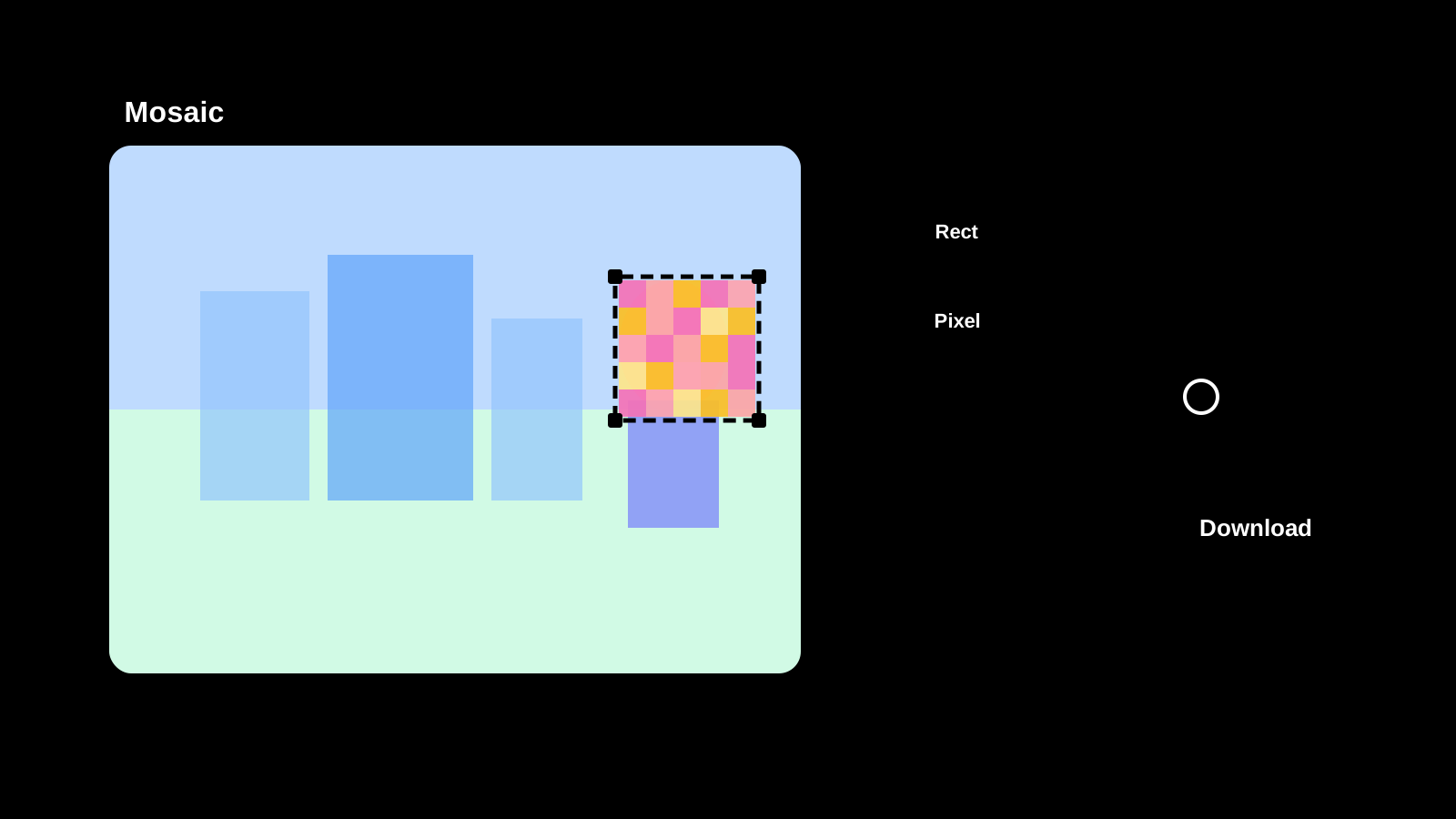
Image Mosaic is now available
Apply mosaic effects to any part of an image directly in your browser. Drag to select areas, choose pixel, blur, or fill styles, and save as PNG, JPEG, or WebP.
Text Diff Checker is now available
Compare two texts side by side and highlight differences. Supports character, word, and line comparison to quickly spot additions, deletions, and changes.

Image Compression is now available
Compress JPEG, PNG, WebP, AVIF, SVG, and GIF in the original format, compare size changes, and save the results.

Password Generator is now available
Create strong password candidates for account signup or temporary access while configuring length, character groups, minimum counts, and excluded characters.