

¿Por qué página debo empezar?
Empiece desde la página de inicio o la lista de herramientas para encontrar la que más se acerque a lo que necesita. Si ya conoce la categoría, la lista de categorías también es un buen punto de partida.
Cómo usar
Encuentre guías de uso según lo que quiere hacer o explore todas las herramientas por categoría.
Casos de uso
Vaya directamente a la guía que se ajusta a su objetivo.
Úsalo cuando quieras convertir imágenes a PNG, JPEG, WebP, AVIF u otros formatos.
Ver guía
Úsalo cuando quieras recortar una persona u objeto y dejar el fondo transparente.
Ver guía
Úsalo cuando quieras recortar un área específica o cambiar las dimensiones de la imagen.
Ver guía
Úsalo cuando quieras convertir un vídeo a MP4, WebM, GIF u otro formato.
Ver guía
Úsalo cuando quieras hacer más legibles respuestas de API o valores de configuración.
Ver guía
Úsalo cuando quieras escribir documentos o notas en Markdown y ver el resultado en tiempo real.
Ver guía
Úsalo cuando quieras generar un código QR a partir de una URL o texto.
Ver guía
Úsalo cuando quieras crear una contraseña aleatoria con tipos de caracteres y longitud específicos.
Ver guía
Categories
Un conjunto de herramientas de imagen para el trabajo diario, como conversión, compresión y recorte.
Comprime varias imágenes sin cambiar su formato, compara el tamaño y guarda los resultados.
Ver guía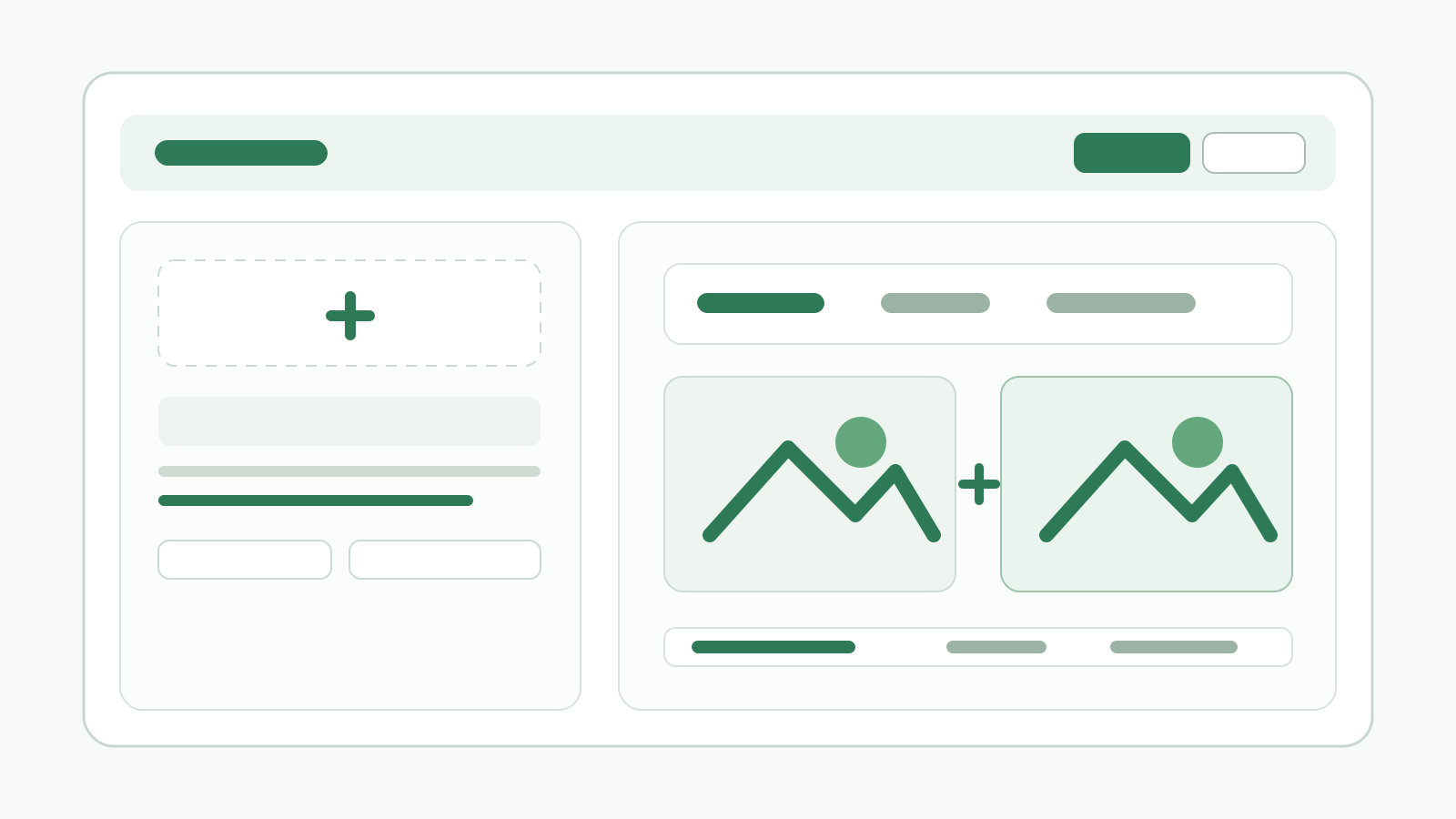
Explica dónde cargar varias imágenes, elegir formato y calidad, revisar resultados, descargar individualmente, descargar como ZIP y convertir de nuevo.
Ver guíaExplica dónde cargar una imagen, recortar, redimensionar, mantener proporción, elegir formato y calidad, previsualizar, copiar y descargar.
Ver guíaExplica dónde cargar varias imágenes, elegir formato de salida, seleccionar objetivos, quitar el fondo, revisar tarjetas de resultado, descargar individualmente, descargar como ZIP y repetir.
Ver guíaPasos para colocar mosaico, desenfoque o relleno sobre partes de una imagen y guardar el resultado.
Ver guía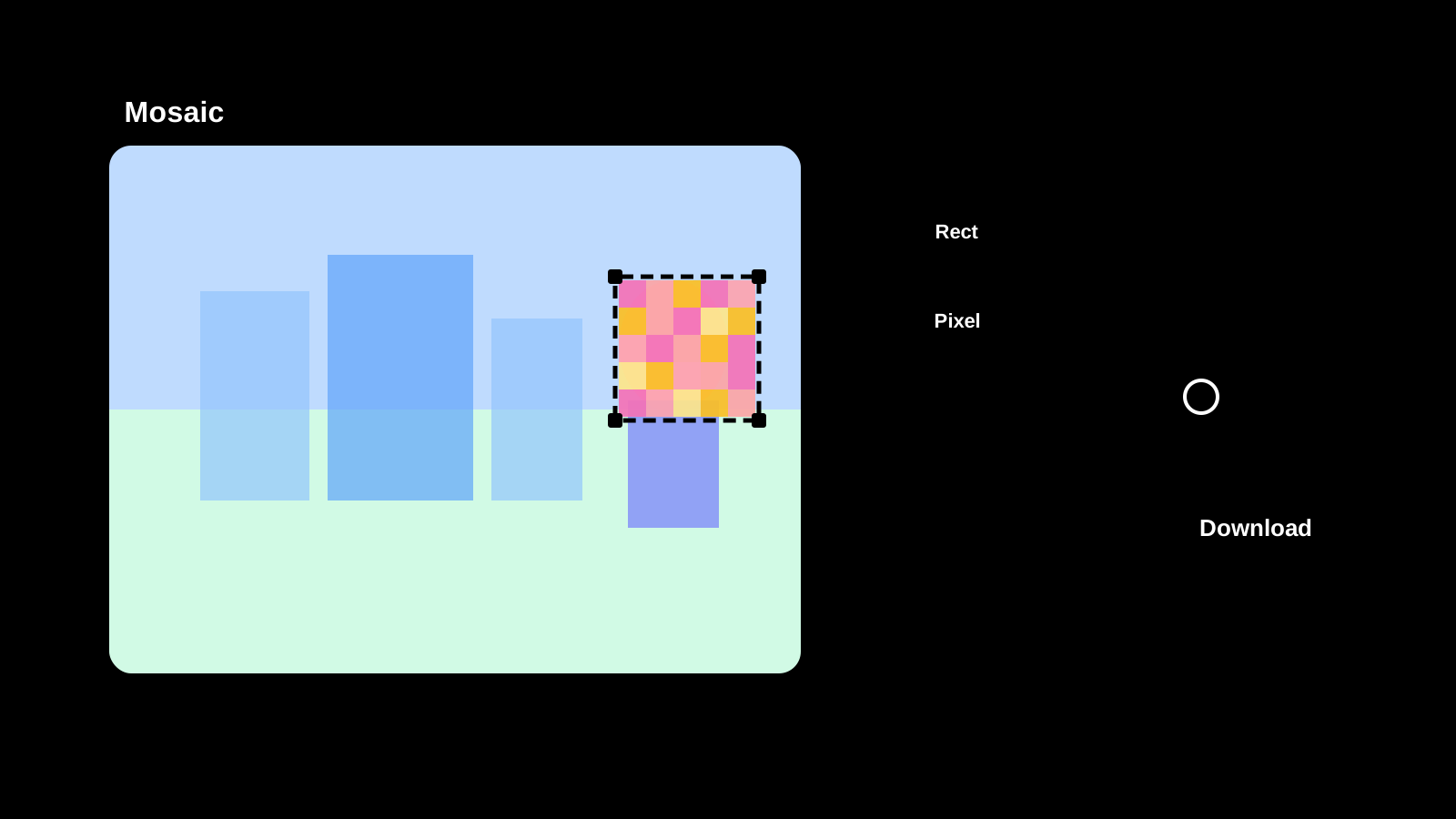
Un conjunto de herramientas de video para tareas compatibles con el navegador, como conversión de formato y ajustes ligeros.
Herramientas en el navegador para notas, Markdown y transformaciones habituales de codificación o texto.
Referencia actual por zonas para entrada Markdown, barra de formato, vista previa, temas, cambios de vista, salida HTML, ayudas de bloques de código, copia y descarga.
Ver guíaGuía por zonas de pantalla para introducir el texto anterior y posterior, elegir idioma y unidad de comparación, ignorar espacios, sincronizar desplazamiento, revisar resaltados, copiar y limpiar.
Ver guía
Utilidades para flujos de trabajo frecuentes de desarrollo, como JSON, Mermaid y manejo de Base64.
Referencia detallada por zonas para entrada JSON, formato, compresión, validación, revisión de resultado y copia.
Ver guíaReferencia detallada por zonas para entrada Mermaid, acciones de edición, vista previa, temas, salida y errores.
Ver guía
Referencia detallada por zonas para entrada PlantUML, acciones de edición, vista previa, temas, salida y errores.
Ver guía
Guía por zonas de la pantalla para IP, conexión, datos observados por el servidor, navegador, dispositivo, permisos y JSON compartible.
Ver guía
Referencia detallada por zonas para entrada HTML, formato, compresión, revisión, copia y reintento.
Ver guía
Referencia detallada por zonas para entrada CSS, formato, compresión, revisión, copia y reintento.
Ver guía
Referencia detallada por zonas para codificación de caracteres, entrada, conversión Base64, restauración, copia e intercambio.
Ver guía
Referencia detallada por zonas para prefijos URL, separadores, entrada, codificación/decodificación, copia y reutilización.
Ver guía
Utilidades para trabajos de diseño como selección de color, conversión de formatos de color y revisión rápida de paletas.
Genere entregables como códigos QR y favicons directamente en el navegador.
Referencia detallada por zonas para elegir el material del favicon, ajustar un logo de texto, revisar vistas cuadradas y tamaños, y guardar ICO, PNG, SVG, manifest y ejemplos HTML.
Ver guía
Referencia detallada por zonas para entrada de QR, tamaño, margen, corrección de errores, color, transparencia, información de salida y guardado PNG/SVG.
Ver guíaReferencia detallada por zonas para preajustes, longitud, cantidad, reglas de caracteres, mínimos, exclusiones, fuerza, comprobación y copia.
Ver guíaFAQ
Respuestas breves a los puntos que suelen pasarse por alto al usarlo por primera vez.
Empiece desde la página de inicio o la lista de herramientas para encontrar la que más se acerque a lo que necesita. Si ya conoce la categoría, la lista de categorías también es un buen punto de partida.
Cada herramienta tiene su propia página de uso con pasos y capturas de pantalla. Seleccione la herramienta que necesita en la lista completa al final de esta página.
Primero compruebe el formato de entrada y las indicaciones que aparecen en la pantalla. Si sigue sin funcionar, pruebe con otro formato o navegador.